
A freelance graphic designer sits at her desk in February, staring at 11 months of scattered business expenses. She needs to file her taxes but can't remember which client invoices she downloaded, which are still sitting in Gmail, and which she never grabbed from Stripe or Figma's billing portal. Her accountant charges $150 per hour and needs everything organized in a spreadsheet. She's looking at 20+ hours of work hunting through emails, logging into dozens of platforms, downloading PDFs one by one, and manually categorizing each expense.
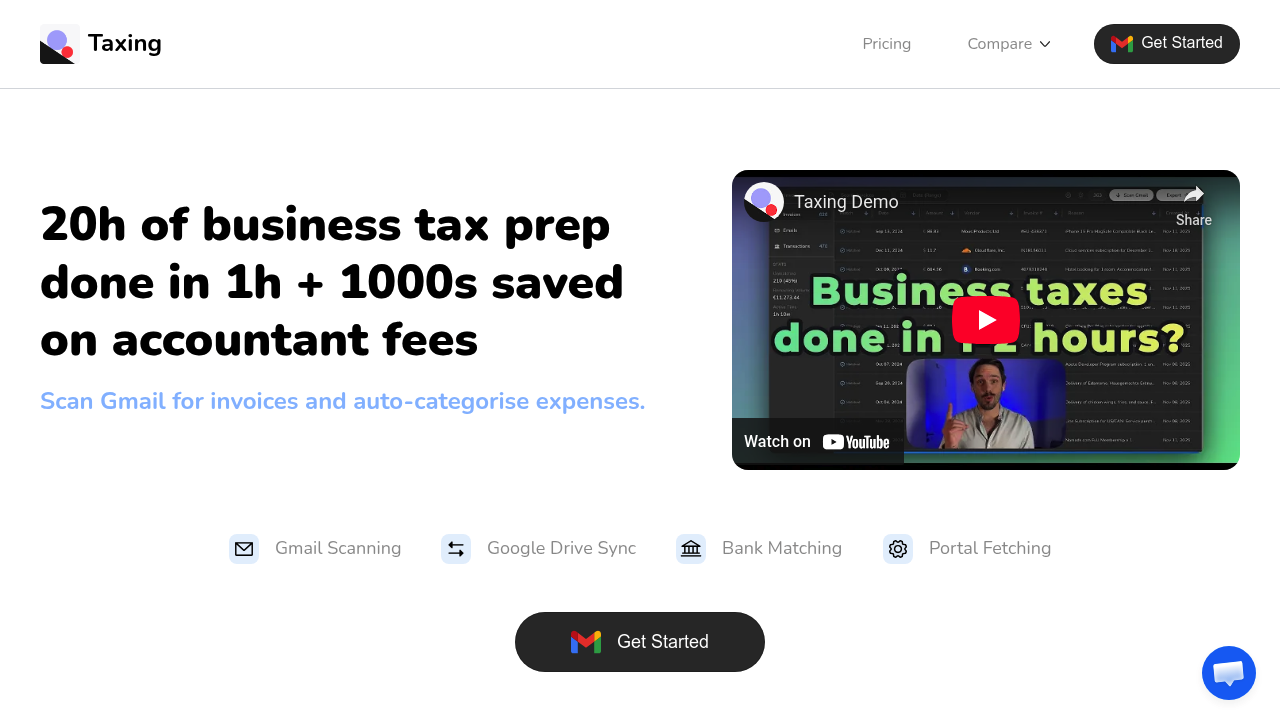
Taxing automates this entire process by connecting directly to Gmail and scanning for invoices automatically. It identifies invoice emails from over 80 platforms including Stripe, Amazon, Google Cloud, Meta Ads, and Canva, then extracts the PDFs without the designer touching anything. A browser extension intercepts PDF downloads from web portals, cutting 90% of the clicks normally required to grab invoices from billing dashboards. Physical receipts get captured through Telegram or email. Everything lands in the user's own Google Drive, organized and ready.
The auto-categorization feature sorts expenses into tax-relevant buckets without manual tagging. Bank transaction matching connects downloaded invoices to actual charges, catching duplicates and identifying missing documentation. The system exports to Google Sheets in a format accountants can work with immediately, turning what normally takes 20 hours into about one hour of work.
A small e-commerce business owner running ads across TikTok, Reddit, and Meta while managing inventory through multiple suppliers faces similar chaos. Invoices arrive via email from some vendors, while others require logging into portals like DHL, Hetzner, or Mailgun. Taxing's portal fetching pulls documents from 30+ platforms automatically. The browser extension watches for invoice PDFs across all websites, grabbing them the moment they're accessed. One user found 500 invoices in 10 minutes after connecting their Gmail.
Taxing only accesses about 5% of emails through targeted Gmail API requests, specifically looking for billing-related messages. It has read-only access to Gmail and write access only to folders it creates in Google Drive. Invoice metadata lives in Firestore with sensitive credentials encrypted using AES-256-GCM. Users keep complete ownership of their files since everything exports to their personal Google Drive account.
This works brilliantly for straightforward invoice collection and basic categorization. It breaks down when businesses need direct integration with accounting software right now. SevDesk, Xero, TurboTax, and QuickBooks integrations aren't available yet, though some are marked as coming very soon. Companies already embedded in those platforms can't push data directly from Taxing into their accounting system without the Google Sheets intermediary step. Teams needing API access or workflow automation through N8N or Zapier will hit the same wall since those integrations are also in development.
The free plan includes 50 invoices with full access to Gmail scanning, Google Drive and Sheets export, bank transaction matching, and portal scanning. Credits never expire. Paid tiers run $50 for 400 invoices, $100 for 1,000 invoices, $180 for 2,000 invoices, or $250 for lifetime unlimited access. The credits don't expire, so businesses with seasonal invoice volume can buy once and use gradually.
Skip this if your accounting workflow depends on real-time sync with Xero or QuickBooks. Skip it if you need team collaboration features or multi-user access. Taxing targets individual business owners, freelancers, and small businesses handling their own tax prep or preparing documents for external accountants. It's positioned as a 10x cheaper alternative to GetMyInvoices for anyone drowning in receipt collection but comfortable working through Google's ecosystem.