Slides Wizard logo
AI Presentation Generator FREEMIUM from $3/mo

Slides Wizard

Presentations usually eat up hours of your time

Slides Wizard slashes that to seconds. AI builds your deck automatically. Pick a topic. It structures the outline. Adds relevant images. Creates speaker notes. Zero manual work required. Slides Wizard handles…

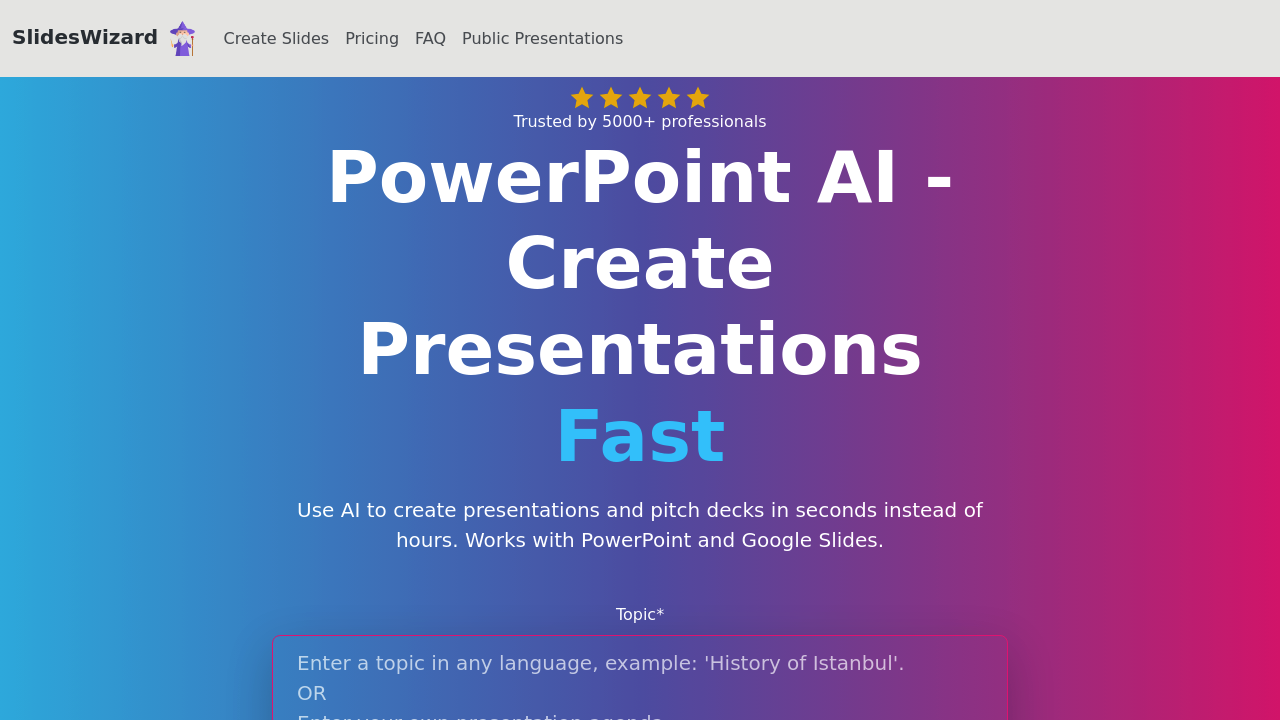
Slides Wizard screenshot

Presentations usually eat up hours of your time. Slides Wizard slashes that to seconds. AI builds your deck automatically.

Pick a topic. It structures the outline. Adds relevant images. Creates speaker notes. Zero manual work required.

Slides Wizard handles bulletpoints. Timelines. Venn diagrams. Pie charts. Content-aware image selection means no random stock photos that make zero sense with your content. Everything exports straight to PowerPoint and Google Slides — but you'll need to upgrade first.

Picture this: marketing manager needs a client pitch for tomorrow. Campaign strategy presentation? Done in under a minute. Slides Wizard structures the key points, finds matching visuals, adds speaker notes to guide presentation flow.

Free users can create and share presentations online but can't export to PowerPoint or Google Slides. The watermark sticks around unless you pay $2.50 per presentation for the pay-per-use plan. That removes watermarks plus gives you PDF downloads.

Over 5000 professionals use Slides Wizard for quick deck creation. Sales teams building pitch decks make up much of the user base. Consultants preparing client presentations too. Speed draws people in — you'll have a working presentation before most people finish opening PowerPoint.

Export options cover PowerPoint and Google Slides integration. You'll need to upgrade for anything beyond online viewing though.


Slides Wizard alternatives

See all →

Frequently asked

6 questions
Can I export my Slides Wizard presentations to PowerPoint without paying?
Nope, you can't export to PowerPoint or Google Slides on the free plan. Free users can only create and share presentations online. You'll need to upgrade to the pay-per-use plan -- that's $2.50 per presentation -- to unlock PowerPoint and Google Slides exports plus PDF downloads.
How does Slides Wizard choose images for my presentations?
Slides Wizard uses content-aware image selection that matches visuals to your actual content. You won't get random stock photos that don't make sense with your topic. The AI analyzes your presentation content and picks relevant images automatically.
What types of charts and diagrams can Slides Wizard create?
The tool handles multiple visual elements -- bulletpoints, timelines, Venn diagrams, and pie charts. It automatically decides which format works best for your content. Then it builds these elements right into your presentation structure.
Does Slides Wizard add speaker notes automatically?
Yes, it creates speaker notes to guide your presentation flow. These notes are generated based on your content and help you deliver the presentation smoothly. No need to write your own talking points.
How much does it cost to remove the watermark from Slides Wizard presentations?
The pay-per-use plan costs $2.50 per presentation and removes watermarks completely. This same upgrade also gives you access to PowerPoint exports, Google Slides exports, and PDF downloads.
Who typically uses Slides Wizard for their presentations?
Over 5000 professionals use the tool. Sales teams building pitch decks make up a large portion of users. Consultants preparing client presentations are also common users -- they need quick turnaround times for different clients.

Traffic

Estimated monthly website visits · last 10 months

843 visits/mo
Monthly visits
843
↑ 58.8% MoM
Global rank
#7,607,061
Category rank
#76
AI Presentation Generator
7.2K 5.6K 3.9K 2.2K 531 Nov 2025: 702 visits Nov 2025 Dec 2025: 2.2K visits Dec 2025 Jan 2026: 1.5K visits Jan 2026 Feb 2026: 1.8K visits Feb 2026 Mar 2026: 2K visits Mar 2026 Apr 2026: 7.2K visits Apr 2026 May 2026: 3.5K visits May 2026 Jun 2026: 2.7K visits Jun 2026 Jul 2026: 531 visits Jul 2026 Aug 2026: 843 visits Aug 2026

Reviews (0)

Write review

No reviews yet. Be the first to share your experience.