
Slides Orator logo

Slides Orator

Upload a PDF deck

Wait three minutes. Slides Orator converts your existing slides into an AI-powered presentation with a 3D avatar narrator. This isn't a slide builder—it's an animation system. A digital avatar narrates your content and…

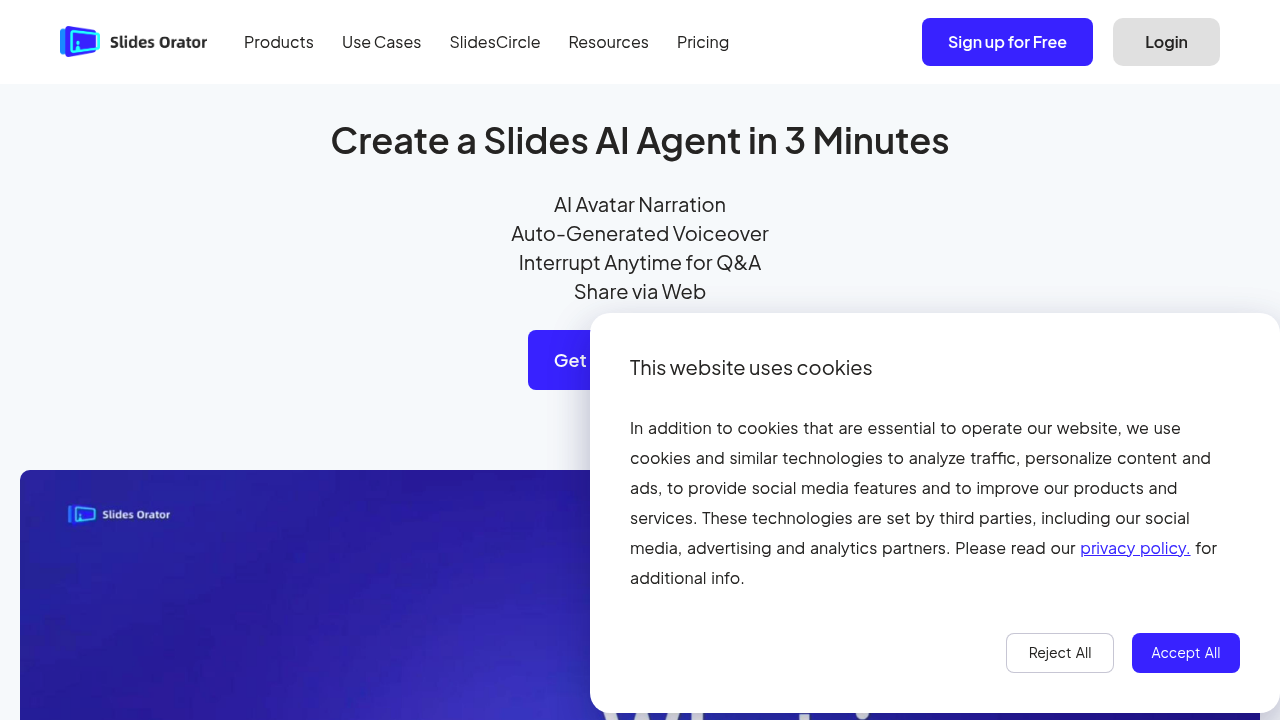
Slides Orator screenshot

Upload a PDF deck. Wait three minutes. Slides Orator converts your existing slides into an AI-powered presentation with a 3D avatar narrator.

This isn't a slide builder—it's an animation system. A digital avatar narrates your content and fields audience questions live. You can interrupt anytime to ask about specific points. The AI responds without losing momentum. Teachers who upload lecture slides let the avatar explain concepts while students ask clarifying questions on the fly.

Your comfort with surrendering control determines the learning curve. You won't click through slides anymore (the avatar handles that). You're also trusting AI to manage unexpected audience questions. Some find this liberating. Others find it nerve-wracking.

Setup moves fast though. Upload your PDF. Let the system generate voiceover. Share a link. No self-recording required. No video editing involved.

Slides Orator collects viewer questions and analyzes them anonymously—showing you what confused people or sparked their interest. It supports multiple languages and includes mini quizzes plus document summaries. Corporate trainers running identical onboarding sessions across different countries benefit from built-in translation features.

A free plan exists after signup. This works best when you've already got polished slides (since it won't help you create them). You're essentially outsourcing presentation delivery to AI rather than recording yourself or presenting live.

Think of it as hiring a digital presenter who never gets tired, speaks multiple languages, and answers questions without preparation time.


Slides Orator alternatives

See all →

Frequently asked

7 questions
Does Slides Orator create presentations for me?
Nope, it doesn't build slides from scratch. You upload your existing PDF deck and Slides Orator adds the AI avatar narrator and interactive features. Think of it as animation software for presentations you've already made, not a slide creator.
How long does it take to turn my slides into an AI presentation?
About three minutes after you upload your PDF. The system generates the voiceover and sets up the 3D avatar automatically. Then you just share a link—no recording or editing on your end.
Can the AI avatar answer questions during the presentation?
Yes, viewers can interrupt anytime to ask questions and the AI responds in real-time. The avatar keeps presenting afterward without losing its place. It's designed for live Q&A while the presentation runs.
Is Slides Orator free to use?
There's a free plan available once you sign up. The details of what's included aren't specified, but you can start using it without paying upfront.
What languages does Slides Orator support?
It offers multi-language translation support, which is helpful if you're presenting to international audiences. Corporate trainers especially like this for running the same training across different countries without re-recording.
Can I still control the presentation or does the AI do everything?
The AI avatar handles the narration and slide progression, so you're not clicking through anymore. You're basically trusting it to run the show and manage audience questions. Some people love the hands-off approach, others find it uncomfortable at first.
What happens to the questions people ask during my presentation?
Slides Orator collects all viewer questions and analyzes them anonymously. You get reports showing what confused people or what they found interesting, which helps you improve future presentations.

Traffic

Estimated monthly website visits · last 0 months

Not enough historical data for a chart yet.

Reviews (0)

Write review

No reviews yet. Be the first to share your experience.