ScreenJournal AI logo

ScreenJournal AI

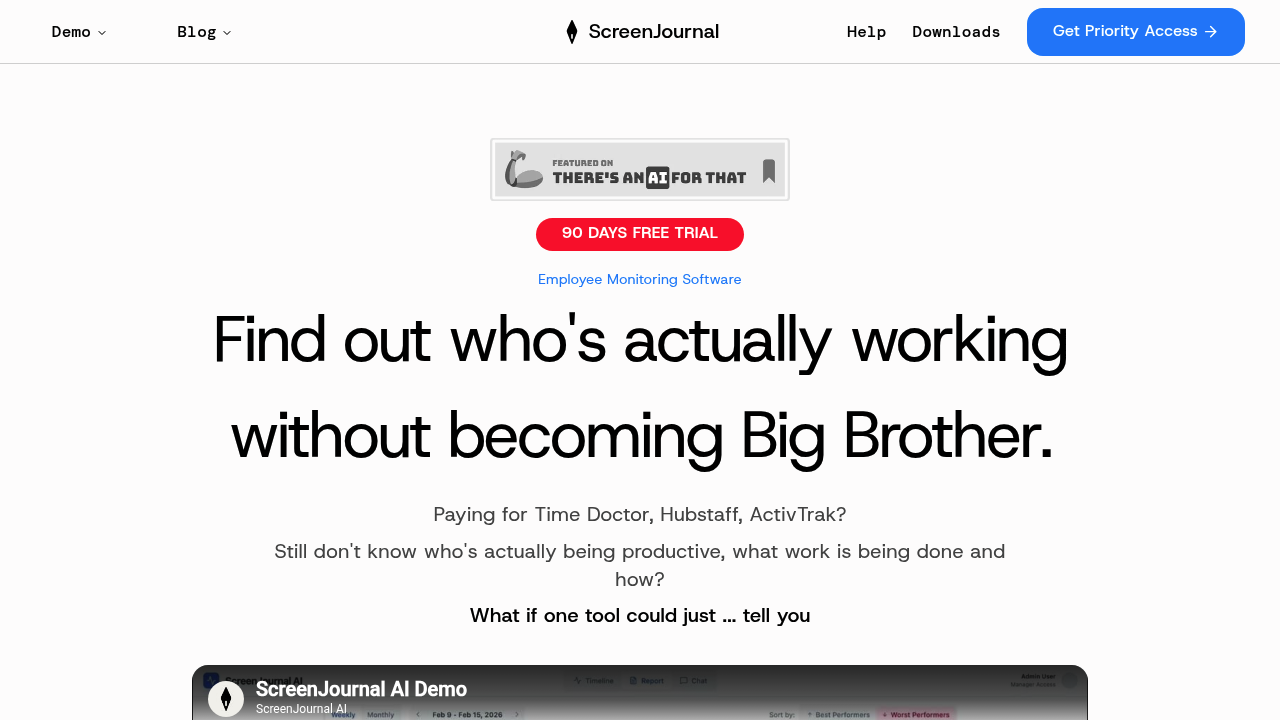
ScreenJournal AI watches screen recordings and audio instead of forcing managers to check dashboards or parse spreadsheets

Weekly and monthly reports arrive automatically via email—specific insights about each team member included. The AI spots patterns you'd miss. Employee rankings by productivity metrics? You'll get those. Plus exact…

ScreenJournal AI screenshot

ScreenJournal AI watches screen recordings and audio instead of forcing managers to check dashboards or parse spreadsheets. Weekly and monthly reports arrive automatically via email—specific insights about each team member included. The AI spots patterns you'd miss. Employee rankings by productivity metrics? You'll get those. Plus exact recommendations for handling low performers or burnout risks.

Everything happening on employee screens gets monitored. Active windows, app switches, audio—all tracked. Sentiment analysis runs continuously. Work gets categorized as focused or distracted. You'll see effort scores, focus ratios, context switches. Late-night work patterns get flagged. Early departures too. Sarah switched apps 45 times per hour (three times the team average). Another employee logged 58 hours last week with declining sentiment scores. Managers see this level of detail.

ScreenJournal AI positions itself as the anti-surveillance alternative to Time Doctor or Hubstaff. No screenshots stored anywhere—just AI analysis producing actionable recommendations. A Q&A interface answers natural language questions about team members.

Here's reality: monitoring feels pretty invasive despite "no surveillance" branding. Audio recording and screen analysis track more than traditional time trackers ever did. The difference? Packaging. Automated insights versus raw data you interpret yourself.

Teams get a 90-day free trial. First 50 teams receive half off the paid plan. Solo managers can use it—but comparative metrics and rankings make more sense when overseeing multiple people.


ScreenJournal AI alternatives

See all →

Frequently asked

6 questions
Does ScreenJournal AI take screenshots of employee screens?
No, it doesn't store screenshots. The AI analyzes screen recordings and audio in real-time to extract productivity insights, then discards the raw footage. You'll get weekly reports with specific metrics and recommendations instead of actual screen images.
How long is the free trial for ScreenJournal AI?
You get 90 days completely free. The first 50 teams also receive 50% off when they move to a paid plan after the trial ends.
What's the difference between ScreenJournal AI and Time Doctor?
Time Doctor logs URLs and requires manual timers, then shows you raw data in dashboards. ScreenJournal AI analyzes screen recordings and audio with AI, then emails you weekly reports with employee rankings and specific action items. You don't need to interpret the data yourself.
Can employees tell they're being monitored by ScreenJournal AI?
The software monitors screen activity, audio, and active windows continuously—tracking everything from app switches to sentiment. While it doesn't take stored screenshots, employees should definitely know their screens and audio are being recorded and analyzed.
What can ScreenJournal AI detect about employee burnout?
It flags patterns like excessive hours (58+ hours per week), late-night activity, declining sentiment scores, and increased distraction rates. The AI includes these burnout signals in your weekly reports with recommendations on who needs intervention.
Is ScreenJournal AI worth it for managing just one or two employees?
It works for small teams, but the comparative metrics lose value. Features like employee rankings, "3x the team average" comparisons, and relative productivity scores make more sense when you're managing at least 5-10 people.

Traffic

Estimated monthly website visits · last 0 months

Not enough historical data for a chart yet.

Reviews (0)

Write review

No reviews yet. Be the first to share your experience.