
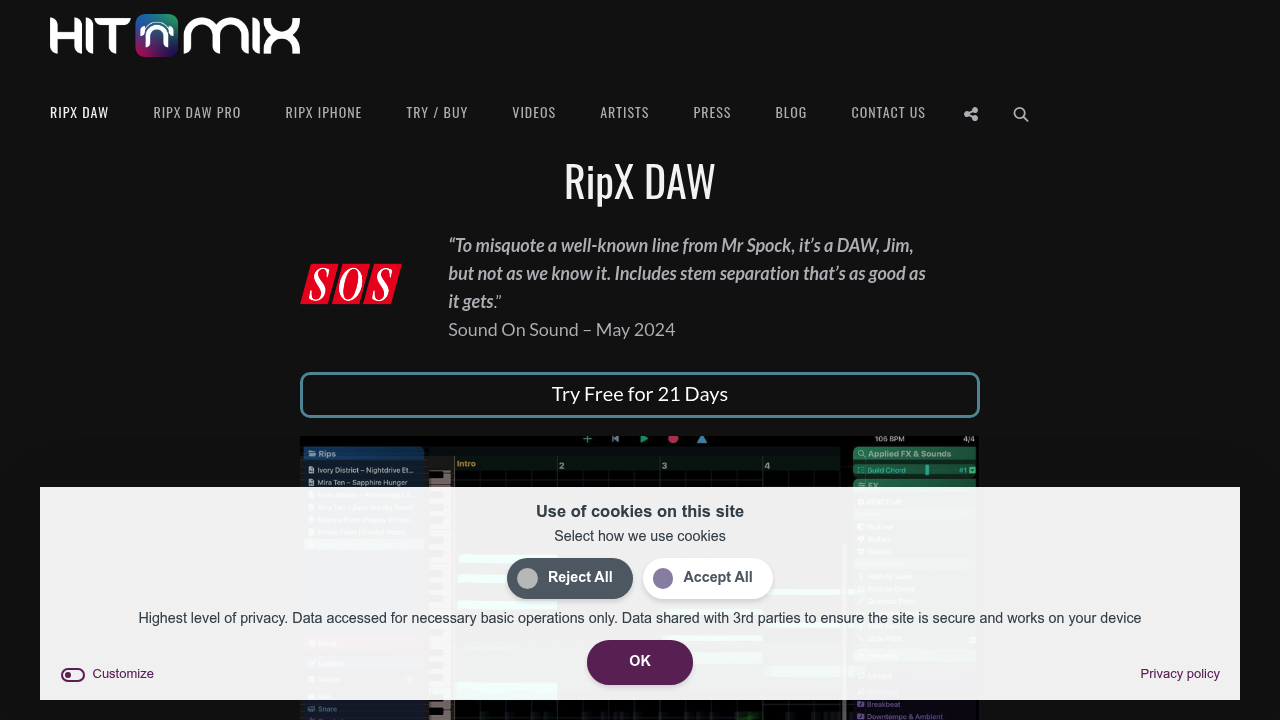
RipX DAW is an AI digital audio workstation built around stem separation and note-level editing. It splits mixed audio into six or more stems, then lets each layer be edited note by note. Instruments and vocals can be replaced, levels, EQ and panning adjusted inside a finished mix, and audio printed to MIDI for any VST. Audio is stored in a proprietary Rip format that gives control over every layer, and a 21-day free trial is available. Built-in sounds and loops can be played with a MIDI keyboard or dragged in and edited note by note.
Producers who sample loops, DJs and remixers building acapellas and mashups, musicians who need backing tracks when stems are unavailable, and students and educators learning songs by ear are the main users. Music directors can create vocal harmonies that never existed in the original recording, and bedroom producers can humanize generative music by splitting it apart. A published review from Sound On Sound praises the separation quality, and a producer blog says it does a better job than anything the reviewer had used before.
A DJ can export separated stems to WAV for a USB stick, change the key and tempo, and copy parts between songs to make instant mashups. A guitarist mutes the drums in a track and plays along, while a teacher shows chords and notes of a single part. Producers replace an instrument with another sound, add delay or reverb to one note, turn an extracted sound into a virtual instrument, and transform old mono recordings into stereo.