
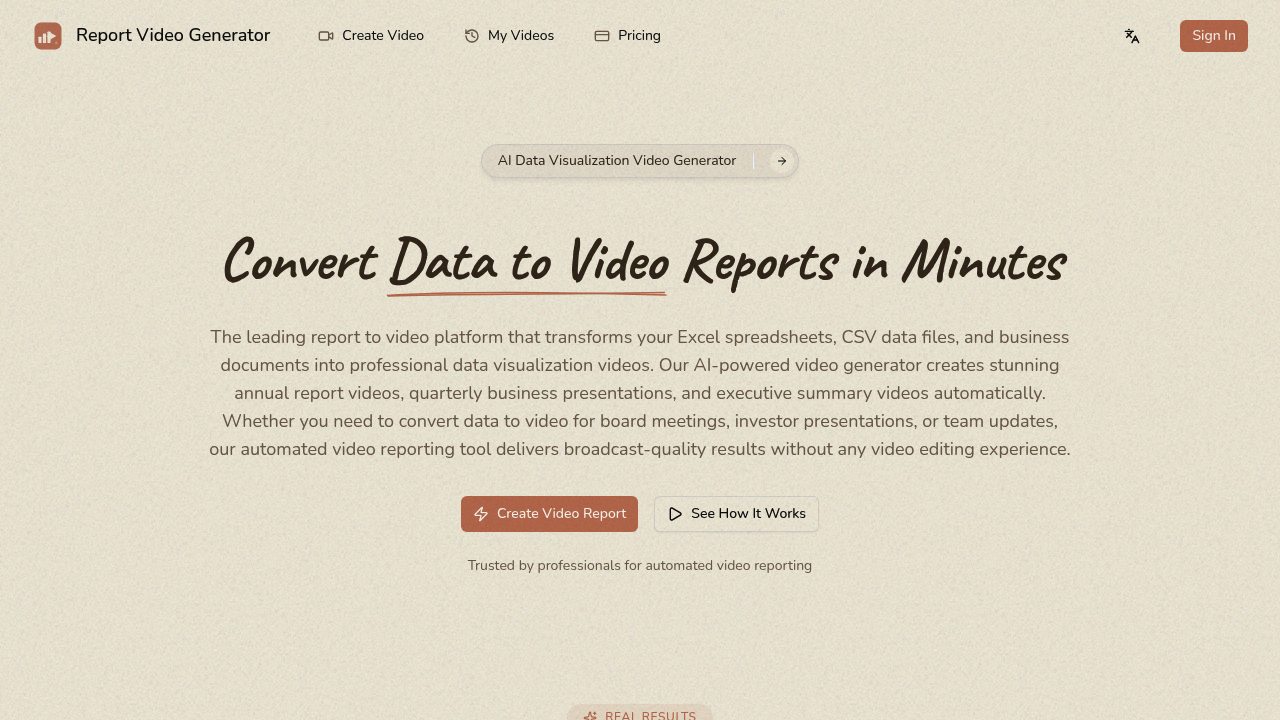
Turning spreadsheets into videos usually eats up hours. Report Video Generator finishes in 10 to 20 minutes.
Upload your Excel files or CSV data—it analyzes everything automatically. Chart types get selected. Narration scripts get written. Graphs animate and render in 1080p. AI voice reads through data points while visuals transition on screen. No manual slide building or voiceover recording required.
Word docs and PowerPoint files work too. Visual styles include Apple Keynote or Corporate (whatever your board meeting demands). Quick start templates cover annual reports and sales performance reviews—skip starting from scratch. Financial analysts preparing investor presentations can drop in JSON data and let Report Video Generator handle visualization design.
Uploads max out at 20MB each. Process up to five files at once. Vision descriptions cap at 2000 characters, so you'll need concise instructions about what the video should emphasize. Complex reporting requirements might hit that constraint hard.
Business professionals who present data regularly are the target audience. Executive briefings become less tedious. Team updates don't require manually animating every bar chart. Drag and drop files. Wait twenty minutes. Download your video.
This won't replace professional video editors for high-stakes launches. But routine data storytelling? It handles that without typical production overhead. You're getting automated visualization—not custom motion graphics. For recurring reports and standard presentations, that's often enough.