
QuillBot Summarizer logo

QuillBot Summarizer

QuillBot Summarizer is an AI summarizer that shortens long text into the key points.

Paste or upload an article, report or research paper, choose paragraph or bullet-point style, set the length with a slider, and receive a condensed version that keeps the original context. A custom mode accepts your own…

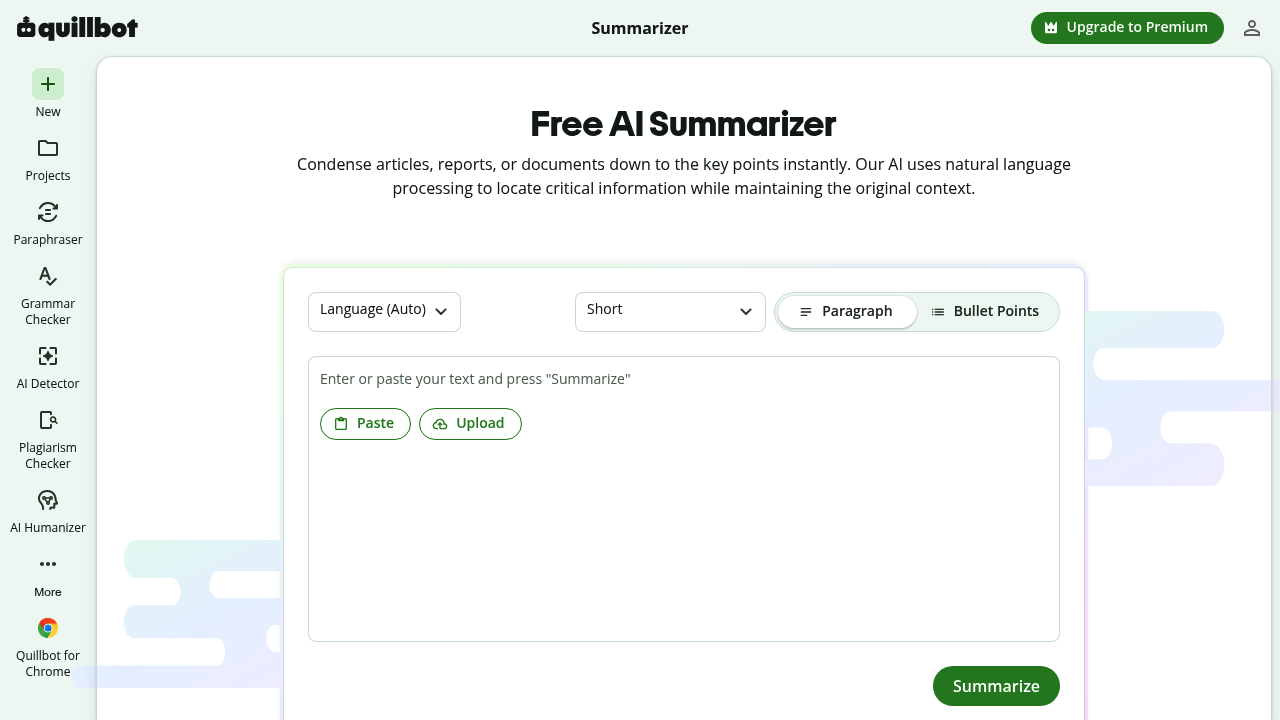
QuillBot Summarizer screenshot

QuillBot Summarizer is an AI summarizer that shortens long text into the key points. Paste or upload an article, report or research paper, choose paragraph or bullet-point style, set the length with a slider, and receive a condensed version that keeps the original context. A custom mode accepts your own instructions, for example to condense meeting notes. Free use covers up to 600 words of text, with Premium available for more, and a Chrome extension is offered.

Students use it to shorten study notes and get through readings, educators condense lesson plans or draft study guides, researchers identify relevant sources and craft research notes, and professionals focus on the points that drive action. Anyone who works with long blogs, news and research articles and wants to read faster with better comprehension fits the audience. It sits alongside other QuillBot tools such as the Paraphraser, Grammar Checker and Citation Generator.

Typical uses include cutting a long report to a short paragraph before a meeting, turning a dense paper into a bullet list of main ideas, skimming several articles to decide which deserve full reading, and preparing notes from a lecture transcript. Settings let you make the output longer or shorter and select the format, and the finished summary can be copied or exported. Summaries can also be refined with the QuillBot Humanizer if a more natural tone is wanted, and language is detected automatically so non-English text can be handled too.


QuillBot Summarizer alternatives

See all →

Frequently asked

6 questions
What does QuillBot Summarizer do?
It reduces long articles, reports and papers to their key points using natural language processing. Output can be a paragraph or a bullet list.
Who is it meant for?
Professionals, educators, researchers and students who read long-form content. It helps anyone who wants to save time and improve comprehension.
How can I summarize meeting notes with it?
Choose the custom mode and enter your own instructions, then paste the notes. Meeting notes and long research reports can be condensed this way.
Is QuillBot Summarizer free?
Free use covers up to 600 words of text. Upgrading to Premium raises that limit.
What limits does the free version have?
The free input cap is 600 words, so long documents need Premium or must be split. Quality depends on the source text you provide.
How do I use it?
Paste or upload your text, adjust the length and style settings, then press Summarize. You can copy or export the result, and a Chrome extension is available.

Reviews (0)

Write review

No reviews yet. Be the first to share your experience.