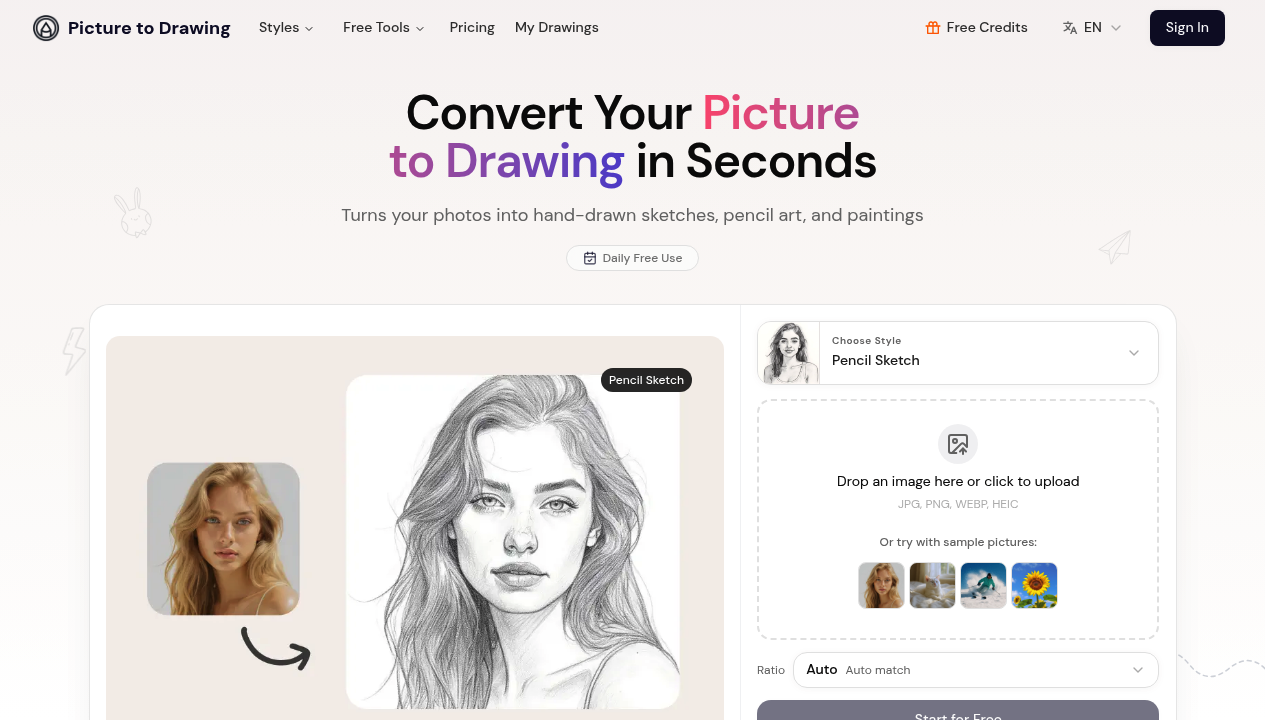
Picture to Drawing AI turns your photo into a realistic pencil sketch that you'd actually want to frame. Picture to Drawing AI handles this conversion task with multiple artistic styles that don't look like someone just cranked up the contrast filter.
Upload a JPG, PNG, WEBP, or HEIC file. Choose from pencil sketches. Line drawings. Color pencil art. Watercolor paintings. Picture to Drawing AI preserves natural textures and shadows instead of flattening everything into that artificial, over-processed look you get from basic photo filters. High resolution outputs work for printing.
A graphic design teacher preparing lesson materials could upload student portraits and convert them to different drawing styles for technique demonstrations. The results maintain enough detail to show proper shading and line work.
Your photos get automatically deleted after conversion. No permanent storage means your images won't sit on servers indefinitely — which is rare for free AI tools.
Daily free credits let you test the different styles without paying upfront. The usage limit kicks in quickly though. You can't batch-process dozens of photos in one session. Artists, designers, and people making personalized gifts make up the core user base, plus anyone wanting sketch-style content for Instagram or Facebook.
Picture to Drawing AI produces authentic-looking hand-drawn results rather than obvious digital effects. You'll get something that actually resembles what an artist might create with pencils or watercolors.