
Pear Deck logo
AI Lesson Plan Generator FREEMIUM from $12/mo

Pear Deck

Pear Deck Learning is a K-12 teaching suite that covers planning, delivery, practice and assessment.

Pear Start generates lesson packages with AI: customizable lessons, gamified practice sets and autograded assessments for any topic, differentiated for multiple student groups in under a minute. Pear Deck itself…

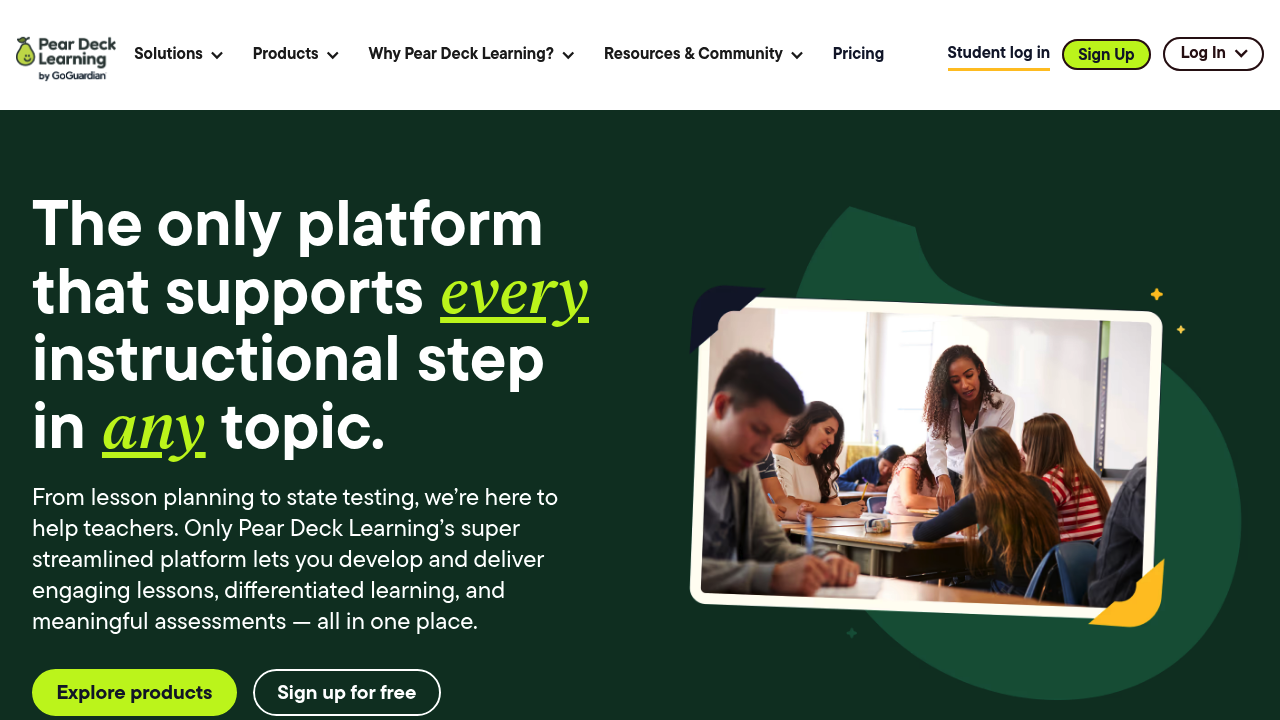
Pear Deck screenshot

Pear Deck Learning is a K-12 teaching suite that covers planning, delivery, practice and assessment. Pear Start generates lesson packages with AI: customizable lessons, gamified practice sets and autograded assessments for any topic, differentiated for multiple student groups in under a minute. Pear Deck itself delivers interactive presentations with immediate feedback, Pear Practice handles differentiated practice, and Pear Assessment covers testing. Educators can use Pear Start for free, with 40+ AI tools and no usage limits, and schools and districts that buy other products get its premium features included.

Pear Deck is built for classroom teachers who want to cut prep time and for the schools and districts that support them. Teachers use AI tools to create standards-aligned lessons, reading-level variations and practice sets without starting from a blank page. Administrators and district leaders can use the premium district features to customize tools to local policies, share content through a district library, view usage reports and hide tools from teachers. Math and ELA teachers also benefit from more than 1,000 certified, ready-to-teach lessons in the Content Orchard.

A teacher might upload a PDF, paste a URL or choose standards from a list, then generate a lesson, a practice set and a quiz in one pass. In class, interactive slides collect student responses so the teacher can check understanding on the spot, and differentiated practice lets students progress at their own pace. Gamified practice uses customizable avatars and collaborative experiences. Generated materials can be edited and exported to Google Forms, Docs or Pear Deck Learning, or shared with colleagues. Districts get a shared library and usage reporting to see how tools are being adopted.

Pear Deck alternatives

See all →

Frequently asked

6 questions
What does Pear Start generate?
Pear Start produces lesson plans and full lesson packages, including interactive presentations, gamified practice sets and autograded assessments. Content can be created from standards, files, websites or a topic, and every output is editable.
Who is Pear Deck Learning for?
It is built for K-12 teachers, schools and districts. District leaders get extra controls such as usage reports and a shared content library.
How can I use it in a live lesson?
Teachers present interactive slides and collect student responses with immediate feedback. They can then assign Pear Practice sets for differentiated follow-up.
Is there a free option?
Educators can use Pear Start for free, with access to 40+ AI tools and no usage limits. Schools and districts that purchased Pear Deck, Pear Practice or Pear Assessment get premium Pear Start features at no extra cost.
What limits apply to the district plan?
Purchase of at least one of Pear Deck, Pear Practice or Pear Assessment is required for district features, and access is requested rather than self-activated. Individual teachers use the free version without those district controls.
What can I export to?
Generated content can be exported to Google Forms and Google Docs, moved into Pear Deck Learning, or shared with others. Files, images, PDFs, URLs and Google Drive files can also be used as source material.

Reviews (0)

Write review

No reviews yet. Be the first to share your experience.