
OpenAI TTS logo

OpenAI TTS

OpenAI TTS is the text-to-speech feature of the OpenAI Audio API, exposed through a speech endpoint that converts written text into lifelike spoken audio.

It comes with 11 built-in voices, and a single request takes three inputs: the model, the text to speak and the voice. An optional instructions field lets developers steer delivery, for example asking for a cheerful and…

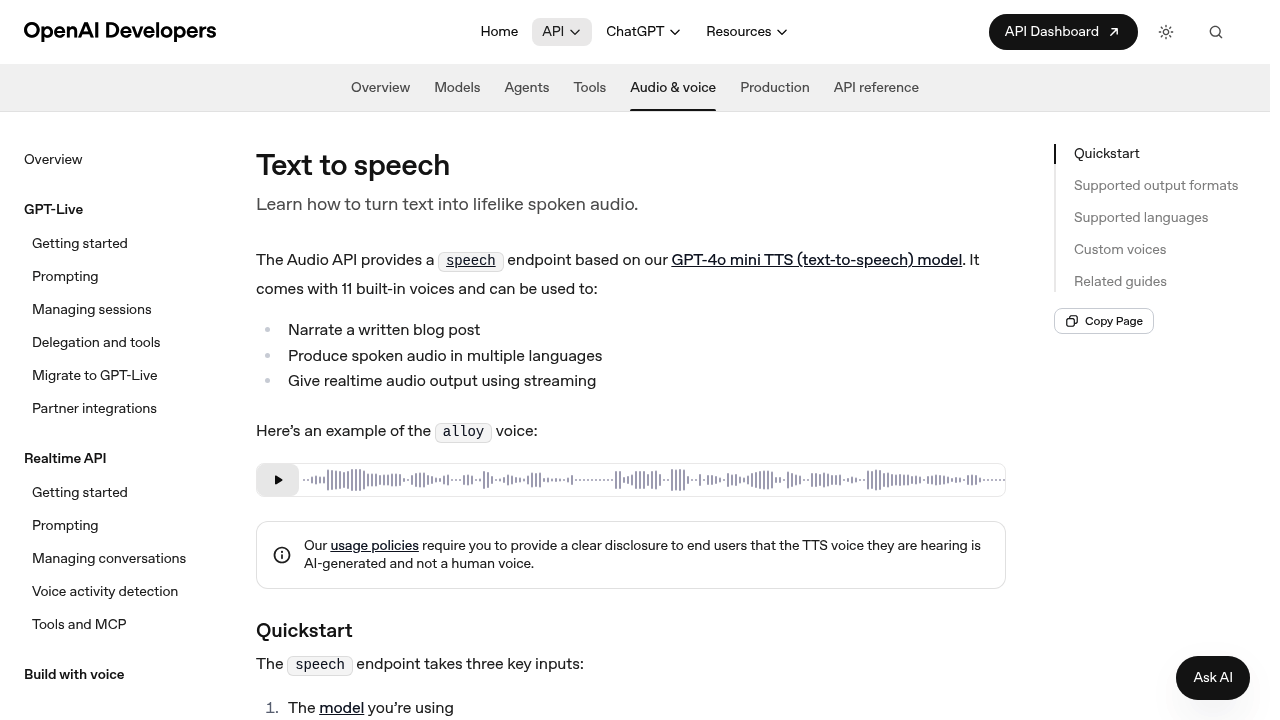
OpenAI TTS screenshot

OpenAI TTS is the text-to-speech feature of the OpenAI Audio API, exposed through a speech endpoint that converts written text into lifelike spoken audio. It comes with 11 built-in voices, and a single request takes three inputs: the model, the text to speak and the voice. An optional instructions field lets developers steer delivery, for example asking for a cheerful and positive tone. Output can be saved as an MP3 file or streamed for realtime audio.

It is aimed at developers and product teams who want speech inside their own software rather than a consumer voiceover app. Backend engineers, app builders and prototyping teams can call it with a few lines of code, and official examples are shown in JavaScript, Python, Go and Java. Content teams with an engineering partner can use it to produce audio versions of their writing, and companies building voice features can combine it with the broader audio and realtime tooling in the same documentation.

Typical uses listed include narrating a written blog post, producing spoken audio in multiple languages, and giving realtime audio output using streaming. Developers might add read-aloud buttons to articles, generate voice prompts for an app, or build the speech side of a conversational assistant. Usage policies require a clear disclosure to end users that the voice they hear is AI-generated and not human, which matters for any public-facing product. The same documentation also covers custom voices, voice agents and speech-to-text, so teams can extend a first prototype into a fuller voice experience.

OpenAI TTS alternatives

See all →

Frequently asked

6 questions
How do I turn text into audio with OpenAI TTS?
Send a request to the speech endpoint with the model, the input text and a voice. The response is audio that can be saved as an MP3 file or streamed.
Who is OpenAI TTS for?
It is for developers who want to add generated speech to apps and services. Official code examples are provided in JavaScript, Python, Go and Java.
What can it be used for?
Documented uses include narrating a blog post, producing spoken audio in multiple languages and delivering realtime audio through streaming. It can also provide the voice output for an assistant or an accessibility feature.
How many voices are included?
There are 11 built-in voices, and the documentation demonstrates voices such as alloy and coral. An instructions field can adjust tone, such as a cheerful and positive delivery.
Are there any rules about using the generated voice?
Usage policies require developers to give end users a clear disclosure that the voice is AI-generated and not a human voice. This applies to any product that plays the audio to the public.
How do I get started?
Create an API account and use an OpenAI SDK or a direct API request following the quickstart on the documentation page. The documentation also links to guides on custom voices, voice agents and the Realtime API.

Reviews (0)

Write review

No reviews yet. Be the first to share your experience.