Notebooks.app logo

Notebooks.app

Five credits gets you a 1200-word blog post through Notebooks

73 views
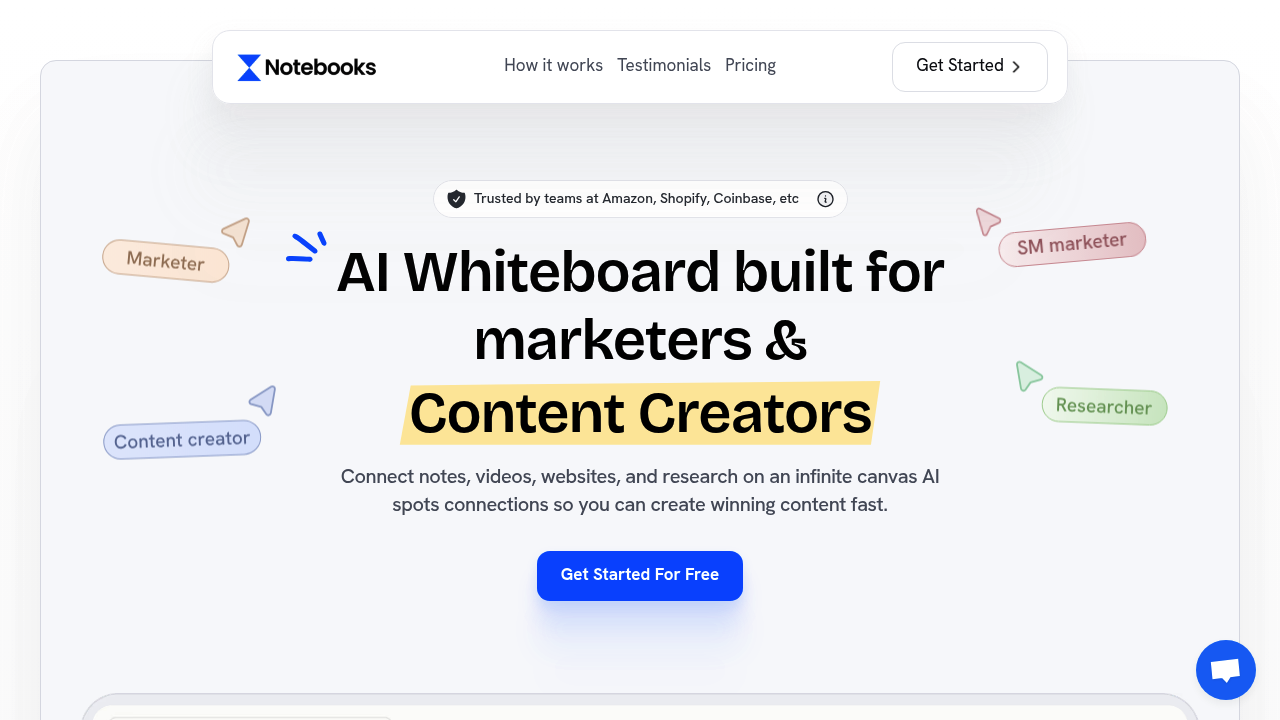
Notebooks.app screenshot

Five credits gets you a 1200-word blog post through Notebooks.app's AI whiteboard system. Pretty efficient for something that connects your scattered research into actual content.

Think of it as a visual workspace where you dump YouTube videos, PDFs, voice notes, and Instagram reels onto an infinite canvas. Notebooks.app spots connections between all this stuff automatically. You're not just collecting research — you're letting it find patterns you might miss.

A social media manager planning a product launch campaign could pull competitor TikToks into one workspace. Customer testimonials too. Brand guidelines as well. Notebooks.app would identify overlapping themes and help write copy that actually connects the dots. The AI learns your writing style too, so the output doesn't sound like generic ChatGPT responses.

You get access to ChatGPT 5 through one interface. Gemini 3 Pro. Claude 4. Deepseek R1. The credit system means heavier context usage costs more, which might sting if you're feeding it massive amounts of research material.

The Starter plan runs $29 monthly for 1500 credits across 5 notebooks. Pro Creator bumps you to unlimited notebooks and 2500 credits for $49. There's a free option to test things out first, which makes sense given the learning curve of any visual workspace tool.

Frequently asked

6 questions
How does Notebooks.app identify connections between different types of content I upload?
The AI looks at everything you upload -- PDFs, YouTube videos, voice notes, whatever -- and finds themes and keywords that overlap. It'll spot connections you totally missed. Like it might link a TikTok video to some written testimonial because they're talking about the same thing. Then it shows these connections visually on your workspace.
Which AI models can I access through Notebooks.app and how does the credit system work?
You get ChatGPT 5, Gemini 3 Pro, Claude 4, and Deepseek R1 -- all in one place. Credits burn faster when you're feeding the AI tons of context. So if you upload massive research files, expect to use more credits. Starter gives you 1500 credits monthly. Pro Creator bumps that to 2500.
What's the difference between the 5 notebook limit on Starter versus unlimited on Pro Creator?
Starter caps you at 5 workspaces for $29/month. That's fine if you're juggling just a few projects. Pro Creator costs $49 but removes the limit completely -- you can make notebooks for every client, campaign, or content series. Each notebook is basically an infinite canvas where you organize your research.
Does the AI writing actually match my personal style or does it sound generic?
It learns from your content over time. The more you upload and create, the better it gets at copying your voice. It's built to avoid that obvious ChatGPT tone everyone can spot. Feed it your existing work and it'll start writing like you do.
How much content can I realistically create with 1500 credits on the Starter plan?
About 1200 words costs 5 credits -- so roughly 300 blog posts monthly if you're just writing. But here's the thing: credits disappear faster when you're processing heavy research materials. Complex projects with multiple PDFs and videos? They'll eat through your credits way quicker than simple text generation.
Can I try Notebooks.app before committing to a paid plan?
Yeah, there's a free option to test it first. Smart move since visual workspace tools take some getting used to. You can upload different content types and see how the AI connects everything. Then decide if you want Starter or Pro Creator.

Traffic

Estimated monthly website visits · last 4 months

8.1K visits/mo
Monthly visits
8.1K
↑ 112.4% MoM
Global rank
#1,790,338
CA #134,950
Category rank
#188
Business & Marketing
8.9K 7.6K 6.3K 5.1K 3.8K Nov 2025: 8.9K visits Nov 2025 Dec 2025: 7.3K visits Dec 2025 Jan 2026: 3.8K visits Jan 2026 Feb 2026: 8.1K visits Feb 2026

Data from SimilarWeb · Updated monthly.

Reviews (0)

Write review

No reviews yet. Be the first to share your experience.

Similar tools

See all →