
Microsoft Loop logo

Microsoft Loop

Microsoft Loop is a collaborative app from Microsoft 365 where teams think, plan and create together on shared pages.

Pages combine text with components such as lists, tasks and notes that stay in sync across the apps where they are shared, so an update made in one place appears everywhere in real time. An insert menu gives quick…

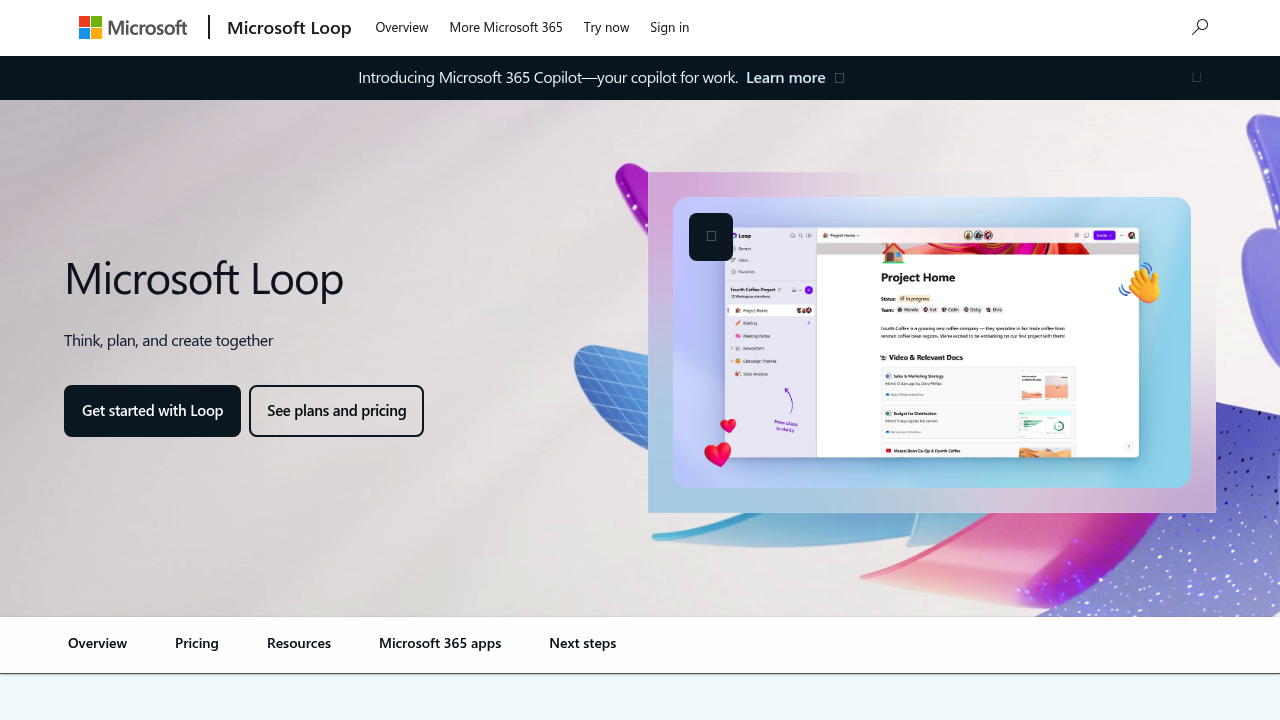
Microsoft Loop screenshot

Microsoft Loop is a collaborative app from Microsoft 365 where teams think, plan and create together on shared pages. Pages combine text with components such as lists, tasks and notes that stay in sync across the apps where they are shared, so an update made in one place appears everywhere in real time. An insert menu gives quick access to components, @mentions, emoji and important dates, and page templates provide ready-made structure for projects, meeting notes and team decisions. An AI assistant inside Loop helps people co-create, catch up on what teammates did and stay in sync.

Loop suits project teams, product groups, managers and cross-functional squads that already work in Microsoft 365. Remote and hybrid teams across time zones can contribute whenever it suits them, and notification controls limit alerts to the items that matter. Because it sits alongside Teams, Outlook, Word and OneNote, it is a natural fit for organizations standardized on Microsoft tools that want a flexible planning surface without adding another separate product.

Typical scenarios include kicking off a project from a template, with Loop finding the most relevant existing files and documents for the new workspace. A manager can share a task list component in a chat so everyone edits the same live copy, while a team can capture meeting notes and decisions on a page and return later to pick up where others left off. Brainstorms, project plans, status trackers and team decisions all work well, and the same components can be dropped into messages or documents so information is not copied and pasted between apps.


Microsoft Loop alternatives

See all →

Frequently asked

6 questions
What does Microsoft Loop do?
Shared pages and live components where teams plan projects, take notes and track tasks together. Components sync across Microsoft 365 apps in real time, so everyone sees the same updates.
Who should use Microsoft Loop?
Project teams already working in Microsoft 365 get the most from it. Remote and hybrid teams across time zones can use it to co-create and stay in sync.
How can a team start a new project in Loop?
Pick a page template to give the project context, then add components from the insert menu. Loop can also search for relevant files and documents to seed the new workspace.
What kind of AI help does Loop include?
An AI assistant in Loop helps teams co-create, get up to speed on what changed and stay in sync with teammates. Loop also offers intelligent suggestions when you kick off a project.
What is a limitation of Microsoft Loop?
Loop belongs to the Microsoft 365 ecosystem, so it works best for teams already using those apps. It is a collaboration surface rather than a dedicated project management suite.
How do I try Microsoft Loop?
Select Get started with Loop or Try now on Microsoft's Loop page and sign in with a Microsoft account. Plans and pricing are reached through the See plans and pricing link for Microsoft 365.

Reviews (0)

Write review

No reviews yet. Be the first to share your experience.