Media.io Watermark Remover logo

Media.io Watermark Remover

Media.io Watermark Remover is an online tool that removes watermarks, logos, text overlays and timestamps from video.

Users upload an MP4 or MOV file up to 15 minutes long, then pick one of three modes. Basic Model lets you brush over the mark, AI Model removes it based on a text description, and Gaussian Blur covers a selected box…

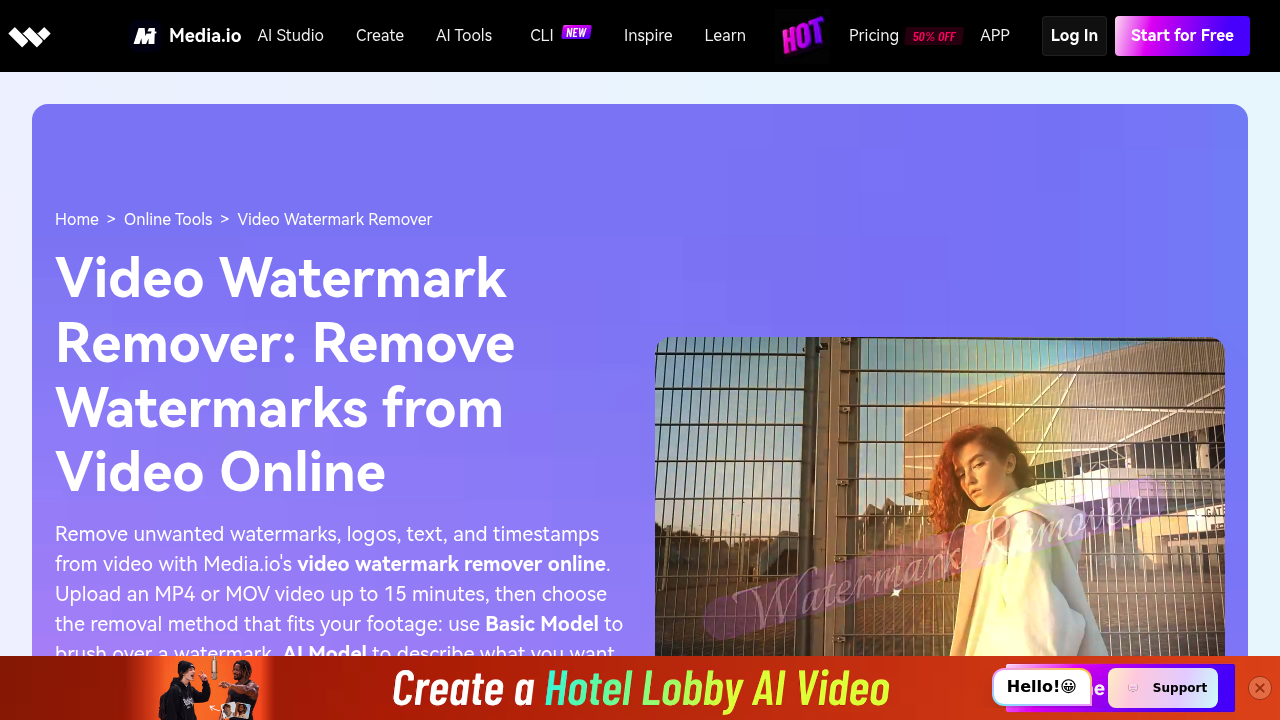
Media.io Watermark Remover screenshot

Media.io Watermark Remover is an online tool that removes watermarks, logos, text overlays and timestamps from video. Users upload an MP4 or MOV file up to 15 minutes long, then pick one of three modes. Basic Model lets you brush over the mark, AI Model removes it based on a text description, and Gaussian Blur covers a selected box when hiding the mark is enough. A preview step shows the edited area before the final file is downloaded, and the same feature is available in the Media.io app.

It is aimed at creators, social media managers, small businesses and editors who work with footage they own or are permitted to edit. A creator can clean an old clip of a channel logo, while a marketer prepares client deliverables without leftover overlays. Editors refresh archival footage that carries a timestamp or camera date stamp. Because it runs in the browser, it suits people without desktop editing software, and the three modes let beginners choose between precise brush work and a quick prompt. Compliance staff can also blur sensitive marks.

Common scenarios include removing a logo from a video you created, deleting on-screen text or timestamps from older recordings, and tidying your own social videos before reposting. Teams preparing client files remove stray marks from final cuts, and others blur license plates, names or other sensitive details using Gaussian Blur. Results work best on clear, static overlays, while complex moving backgrounds or marks covering important detail need careful preview. Media.io also offers companion tools such as a video background remover, noise reducer and image object remover for further clean-up.


Media.io Watermark Remover alternatives

See all →

Frequently asked

6 questions
How does Media.io remove a video watermark?
Upload an MP4 or MOV video, choose a mode, process it and download the result after previewing. Modes are Basic Model brush, AI Model prompt and Gaussian Blur.
Who uses the Media.io Watermark Remover?
Creators, marketers and editors who need to clean footage they own or have permission to edit. It also helps people who want to blur sensitive marks.
When should I use the AI Model instead of the Basic Model?
Choose the AI Model when you prefer to describe the watermark in a prompt rather than brush over it. Basic Model works best when the watermark area is clearly visible.
Does Gaussian Blur truly remove the watermark?
Blur obscures the selected area instead of reconstructing the video behind it. It suits cases where hiding the mark is enough.
What video formats and lengths does it accept?
MP4 and MOV files up to 15 minutes are supported. Longer or other-format videos need conversion or trimming first.
Which watermarks are hardest to remove?
Marks that cover complex motion or important visual detail can leave visible artifacts. Previewing the result carefully before export is recommended.

Reviews (0)

Write review

No reviews yet. Be the first to share your experience.