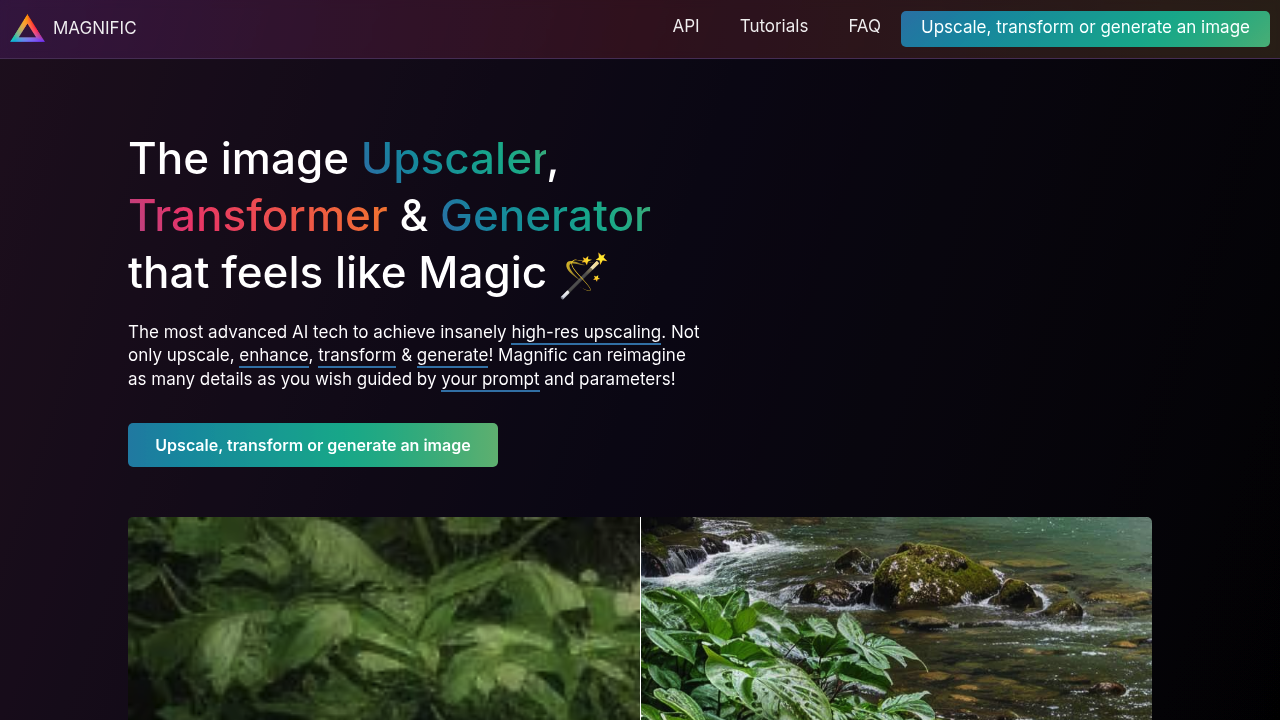
Magnific AI turns low-resolution images into detailed high-res versions using controllable AI enhancement. You guide the upscaling process with natural language prompts. Three key sliders determine how much the AI adds to your original image.
The Creativity slider controls detail hallucination. Set it low and Magnific AI stays close to your source image. Crank it up and the AI generates new textures. New patterns. Elements that weren't there before. HDR and Resemblance sliders help you fine-tune artifacts and maintain similarity to the original.
A wedding photographer dealing with older low-res client photos could upscale them for large prints while prompting Magnific AI to enhance skin textures and fabric details naturally. Magnific AI handles portraits. Landscapes. Illustrations. Even video game screenshots across different artistic styles.
Magnific AI integrates with Photoshop for streamlined workflows. Annual subscriptions include two free months and you can cancel anytime — though VAT might apply depending on location.
Push the sliders too far and you'll get artifacts. High Creativity or HDR values can create unwanted distortions, especially when Resemblance isn't configured properly. Best results happen when you understand how these parameters interact rather than maxing everything out.
Professional photographers and digital artists who need genuine detail enhancement will find Magnific AI's controllable hallucination approach useful. It's not just enlarging pixels. It's reconstructing images with AI-generated detail.