
LumeFlow AI logo

LumeFlow AI

Video creation from scratch eats time

56 views
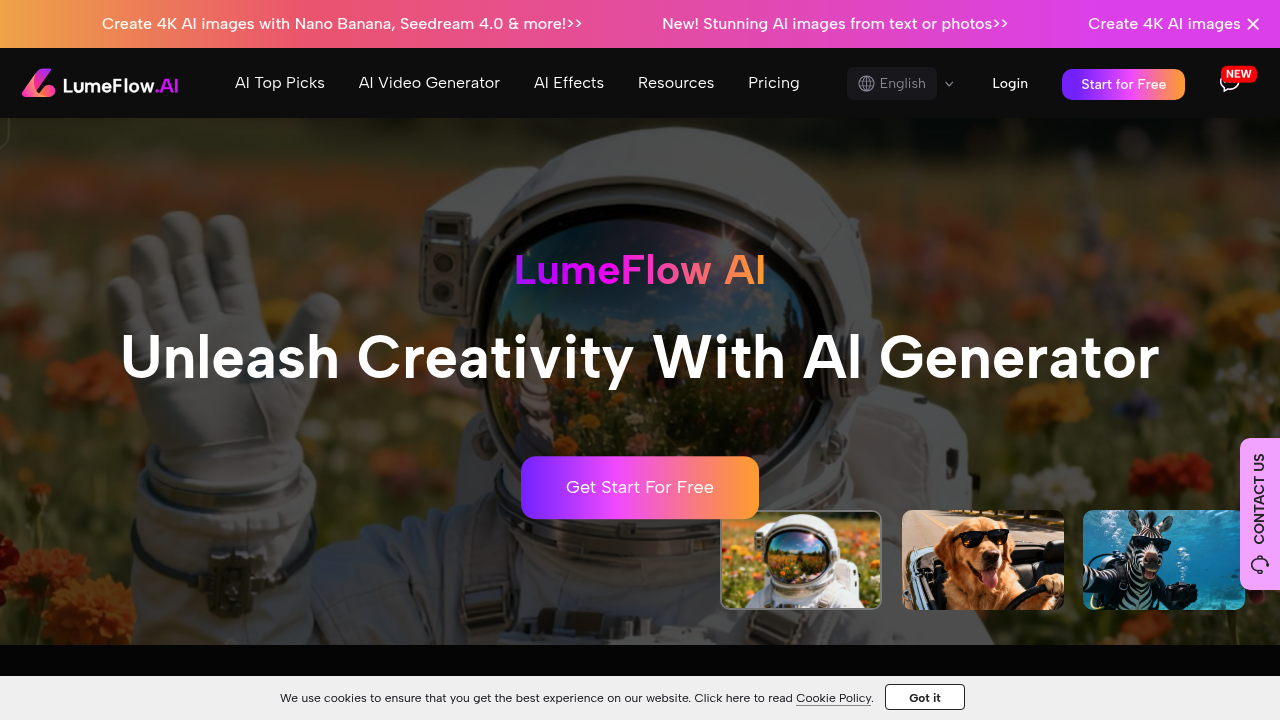
LumeFlow AI screenshot

Video creation from scratch eats time. Expensive software that most people can't figure out. LumeFlow AI fixes this — turning text descriptions, photos, or existing videos into polished content within seconds.

Multiple creation paths work here. Type "a cat dancing in the rain" and get a full video. Upload a still photo of your product. Watch it come to life with motion. Take an existing clip and extend it naturally. Add effects like clothing changes. Character interactions too.

Social media managers juggling multiple brand accounts will find the one-click meme remix feature useful. Drop in trending content. Hit remix. You'll get variations with different effects applied automatically.

LumeFlow AI doesn't just generate random content though. It includes viral insights and prompt remix tools that help you understand what's working right now. Hundreds of AI styles and effects available. Plus you can create virtual influencers for ongoing campaigns.

Quality reaches 4K resolution. You can remove watermarks if needed. The interface won't overwhelm beginners but it's not dumbed down either. Over 6.7 million users across 100+ countries — clearly works for both individual creators and larger teams.

Recent updates include Seedance 2.0 for smoother character motion and integration with models like Sora 2. Free plan gets you started. Paid upgrades unlock the full feature set without requiring separate subscriptions for different AI models.

Frequently asked

7 questions
How fast does LumeFlow AI actually generate videos from text prompts?
LumeFlow AI creates videos within seconds -- literally. Speed depends on length and how complex your video is, but you won't be sitting around for minutes like other tools make you do. Perfect for social media when you need content right now.
Can I use my own photos with LumeFlow AI to create animated videos?
Yep, upload your still photos and LumeFlow AI animates them with realistic motion. Works great for product shots where you want movement or dynamic presentations. The tool figures out the motion automatically based on what's in your image.
What's the difference between the free plan and paid upgrades on LumeFlow AI?
Free plan lets you test basic video generation -- see if it's your thing. Paid upgrades unlock everything: 4K output, no watermarks, access to all AI models without extra subscriptions. No annoying model-specific paywalls once you upgrade.
Does LumeFlow AI work for extending existing video clips or just creating new ones?
It extends existing clips naturally -- keeps everything consistent with your original footage. You can also add effects like clothing changes or character interactions to videos you already have. Not just limited to creating from scratch.
How does the viral insights feature in LumeFlow AI help with content strategy?
Viral insights analyzes what's performing well right now across platforms. Suggests trending elements for your content. Combined with prompt remix tools, you'll understand which styles and effects are gaining traction -- takes the guesswork out of creating shareable content.
What's Seedance 2.0 and how does it improve LumeFlow AI videos?
Seedance 2.0 is LumeFlow AI's updated character motion system. Produces smoother, more natural movement in your videos. Part of recent updates that include integration with advanced models like Sora 2. You'll notice the difference most in videos with people or characters doing actions.
Can LumeFlow AI create virtual influencers for ongoing marketing campaigns?
Yes -- LumeFlow AI includes tools for creating virtual influencers you can use consistently across campaigns. Develop a recognizable digital personality for your brand without hiring human talent. These virtual influencers maintain consistent appearance and work for multiple content pieces over time.

Reviews (0)

No reviews yet. Be the first to share your experience.

Similar tools

See all →