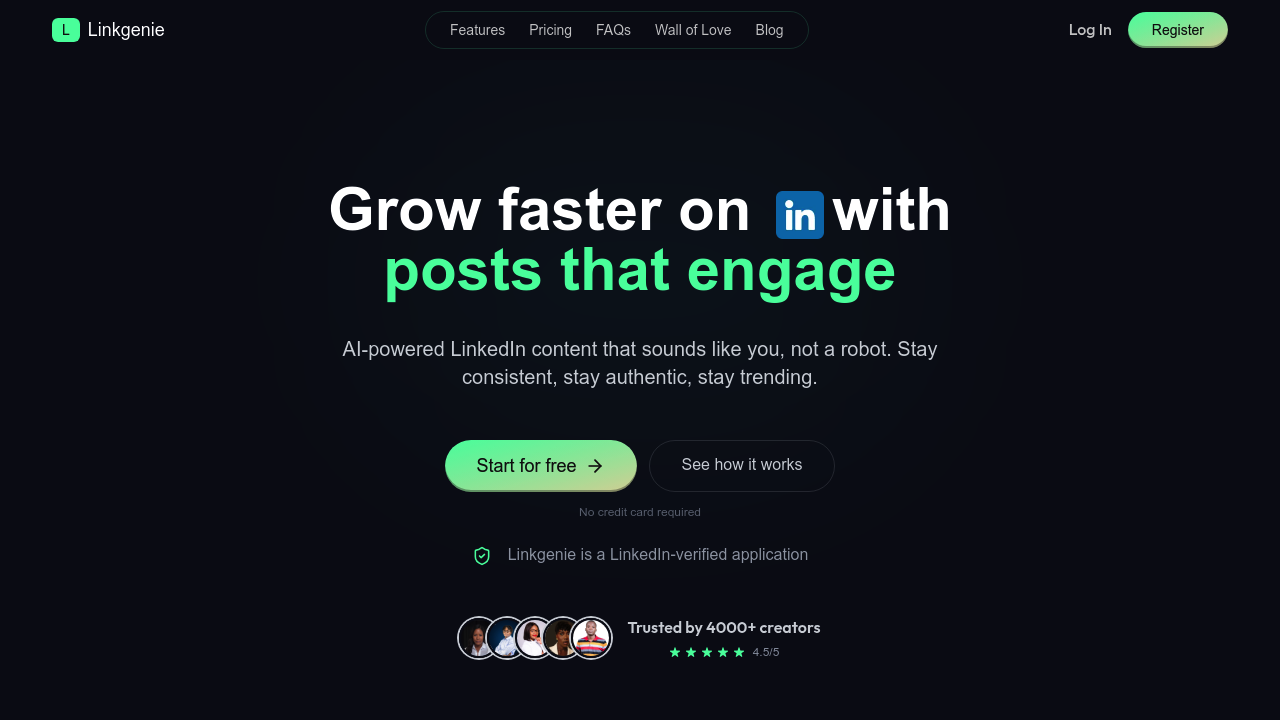
This tool wants to write your LinkedIn posts the way you'd write them. Not generic AI slop. Your voice, your quirks, your tone. Linkgenie learns from your existing content to mimic your style, then generates posts that actually sound like you. Over 4000 creators use it to stay consistent on LinkedIn without burning out on content creation.
The core workflow centers on idea generation and publishing. You feed it your industry, audience info, and current trends. It spits out 30+ post concepts in seconds. Pick one, and the AI drafts it in your established voice. You can edit in the built-in editor with emoji and formatting tools, then publish directly to LinkedIn or schedule it for peak engagement times. The system handles the timing strategy for you.
Beyond basic post generation, there's a hook and idea generator if you're starting from scratch. A post inspiration library shows what's working. The repurposing feature reformats existing content into new posts. There's analytics to track which posts perform. A trend-research module keeps you current. The Chrome extension lets you work from anywhere. Pro and Premium plans include audio-to-post and image-to-post conversion, which is quite useful if you're pulling content from podcasts or webinars.
Does it work reliably? The 4.5 out of 5 rating suggests people aren't furious with it. But there are real limitations. The Starter plan caps you at 50 posts monthly and only two voice styles. That's tight if you post daily or want variety. Pro bumps you to 200 posts and five AI models, but limits comments to 100 per day. Premium removes most caps but costs more. The AI learns your voice over time, which means early outputs might feel generic until it accumulates enough data on your style.
The comment generation feature deserves scrutiny. Sure, it'll write responses for you. But LinkedIn engagement is about actual relationships. Auto-generated comments can read hollow. Use this sparingly.
Pricing starts at $12 monthly for Starter. That gets you 50 posts, basic editing, and two voice profiles. Pro is $19 monthly with scheduling, publishing, 200 posts, and the Chrome extension. Premium runs $26 monthly for unlimited posts, analytics, community access, and a strategy call. There's no free tier. No trial either. You're paying upfront to test if it captures your voice.
The LinkedIn verification matters more than it sounds. This is an approved app, not some sketchy scraper. Your account stays safe.
Who actually needs this? Content creators building personal brands on LinkedIn. Consultants who know they should post but hate writing. Sales professionals using LinkedIn for lead gen. Anyone treating LinkedIn as a serious distribution channel but struggling with consistency. If you post once a month and that's fine, skip it. This tool makes sense when you're posting multiple times weekly and content creation is eating your schedule.
The voice mimicry is the real differentiator here. Most LinkedIn AI tools generate obvious AI content that readers scroll past. Linkgenie aims to sound like you wrote it. Whether that actually works depends on how much training data you give it and how distinctive your voice is. Generic professional voices will get generic results. Strong, opinionated writers might see better mimicry.