
KeywordToPin logo

KeywordToPin

This Pinterest marketing software pulls keyword data from a database containing over 10 million Pinterest search terms

26 views
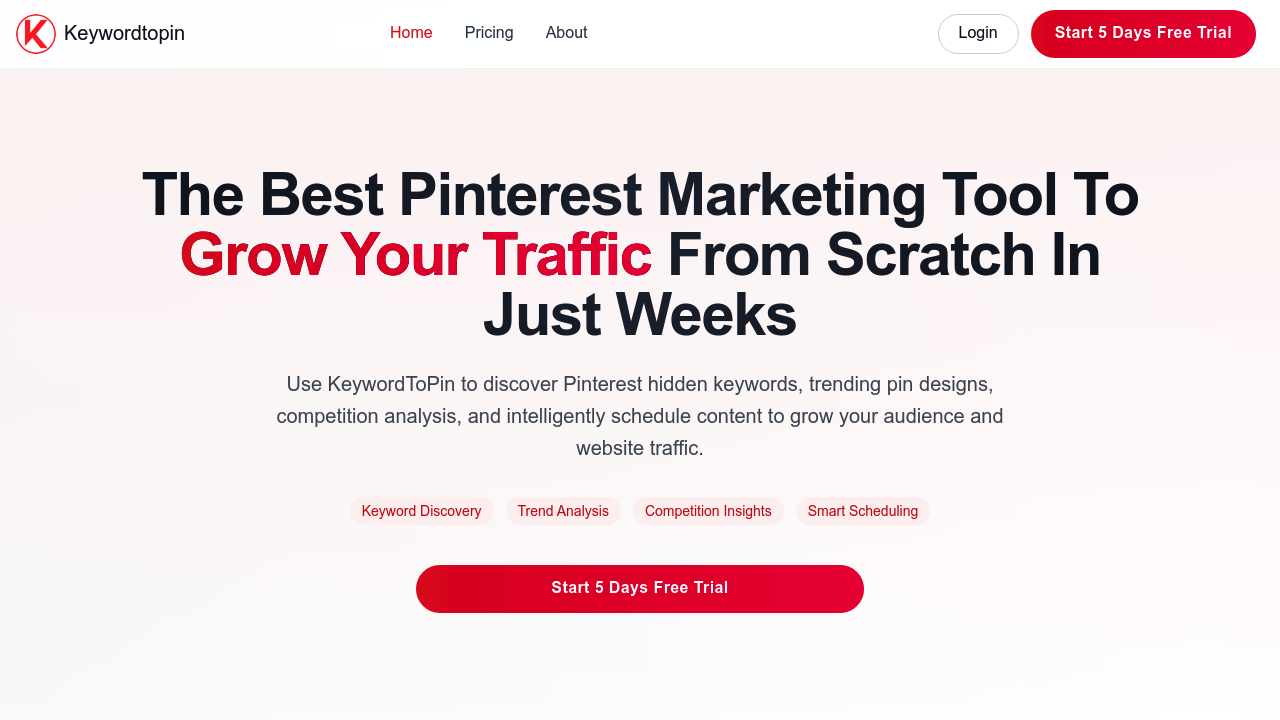
KeywordToPin screenshot

This Pinterest marketing software pulls keyword data from a database containing over 10 million Pinterest search terms. The system monitors real-time search behavior on Pinterest to surface keywords as users actively search for them, which differs from applications that rely on historical data alone. The keyword research pipeline aggregates search volume metrics and popularity indicators, then filters results to identify trending and less-competitive terms that other marketers might overlook.

The competitor analysis module tracks pin performance metrics from other Pinterest accounts in your niche. It extracts which keywords competitors rank for and measures their engagement rates. This data gets processed through comparison algorithms that benchmark your account's performance against others. You can export these reports as spreadsheets for further analysis outside this system.

For scheduling, this software uses bulk upload functionality that accepts multiple pins simultaneously. The auto-scheduling algorithm analyzes historical engagement patterns to determine optimal posting times. It doesn't just schedule at fixed intervals. Instead, it calculates when your specific audience shows highest activity based on your account's analytics history. The system maintains separate schedules for up to three Pinterest accounts on the Starter tier, ten accounts on Professional, and unlimited accounts on Expert.

The traffic analytics dashboard aggregates data from Pinterest's API to track how pins drive visitors to your website. It correlates keyword choices with traffic spikes, showing which search terms actually convert to clicks. This software stores this performance data over time so you can identify seasonal trends and content patterns that consistently perform well.

Technical constraints become apparent at scale. The Starter plan caps daily pin uploads at 30, which works for smaller operations but will not support high-volume content strategies. Professional bumps this to 300 pins daily, while Expert removes the ceiling entirely. These limits apply to automated scheduling only. Manual pinning through Pinterest itself isn't restricted.

The keyword export feature saves research results as CSV files. This matters because you can't perform advanced filtering within this interface itself. For complex keyword segmentation or custom sorting beyond basic search volume, you'll need to manipulate the exported data in spreadsheet software.

The system integrates exclusively with Pinterest. There's no connection to other social platforms or analytics applications like Google Analytics. Traffic data comes solely from Pinterest's metrics. If you want to correlate Pinterest performance with broader website analytics, that analysis happens manually outside this application.

Plans start at $25 monthly for Starter access. Professional costs $35 monthly and adds report saving plus export capabilities for keywords. Expert runs $45 monthly and includes competition report exports alongside unlimited account and pin limits. All tiers include a 30-day trial period. Annual subscriptions reduce costs by 20%.

This software claims users see 300% average traffic increases and 250% engagement rate improvements, though these figures likely represent best-case scenarios rather than typical results. The methodology behind these calculations isn't disclosed. User success rate sits at 94% according to their data, with over 10,000 businesses currently using the service.

The pin design features exist within this software but details on their capabilities aren't specified. It's unclear whether these match standalone design software or offer basic template functionality. The content calendar provides scheduling visualization but technical specifics about its interface aren't available.


Frequently asked

7 questions
Does KeywordToPin have a free trial?
KeywordToPin offers a 30-day free trial included with all paid plans, starting at $25 monthly for the Starter tier. There's no permanently free version of the software. The trial gives full access to whichever plan you select, so you can test unlimited keyword research and competitor analysis features before committing. After 30 days, you'll need to continue with a paid subscription to maintain access.
How does KeywordToPin find Pinterest keywords?
KeywordToPin pulls from a database containing over 10 million Pinterest search terms and monitors real-time search behavior as users actively query the platform. This differs from tools that only analyze historical data, because it captures trending keywords while they're gaining momentum. The system aggregates search volume metrics and popularity indicators, then filters results to surface less-competitive terms that other marketers might miss. The keyword data comes directly from Pinterest's search ecosystem rather than third-party estimation models.
What are the pin limits on KeywordToPin plans?
The Starter plan restricts automated scheduling to 30 pins per day across three Pinterest accounts, which won't support high-volume content strategies. Professional increases this to 300 pins daily for up to 10 accounts. Expert removes all limits entirely for both pin volume and account quantity. These caps apply only to automated scheduling through KeywordToPin's system, not manual pinning you do directly on Pinterest.
Can KeywordToPin schedule pins automatically?
KeywordToPin's auto-scheduling algorithm analyzes your account's historical engagement patterns to determine optimal posting times rather than using fixed intervals. It calculates when your specific audience shows highest activity based on analytics history from your Pinterest account. The system supports bulk uploads so you can queue multiple pins simultaneously. Scheduling capacity ranges from 30 pins daily on the Starter plan to unlimited on Expert, with separate schedules maintained for multiple Pinterest accounts depending on your tier.
Does KeywordToPin integrate with Google Analytics or other platforms?
KeywordToPin integrates exclusively with Pinterest and doesn't connect to Google Analytics, other social platforms, or external analytics applications. Traffic data comes solely from Pinterest's API metrics. If you want to correlate Pinterest performance with broader website analytics or cross-platform campaigns, you'll need to manually combine that data outside this software. The lack of multi-platform integration means you can't automate reporting across your entire marketing stack.
How does KeywordToPin track competitor performance?
The competitor analysis module extracts which keywords competing Pinterest accounts rank for and measures their engagement rates across pins. This data gets processed through comparison algorithms that benchmark your account's metrics against others in your niche. Professional and Expert plans let you save and export these competition reports as CSV files for analysis in spreadsheet software. The system doesn't perform advanced filtering or custom segmentation internally, so complex data manipulation happens outside the interface after export.
What's the difference between KeywordToPin's paid plans?
Starter at $25 monthly covers three Pinterest accounts with 30 pins daily and unlimited keyword research but no report exports. Professional at $35 monthly increases capacity to 10 accounts and 300 daily pins while adding keyword report saving and export functionality. Expert at $45 monthly removes all account and pin limits plus adds competition report exports that lower tiers lack. All plans include the same core keyword research and competitor analysis features, with differences primarily in scale and data portability.

Reviews (0)

No reviews yet. Be the first to share your experience.

Similar tools

See all →