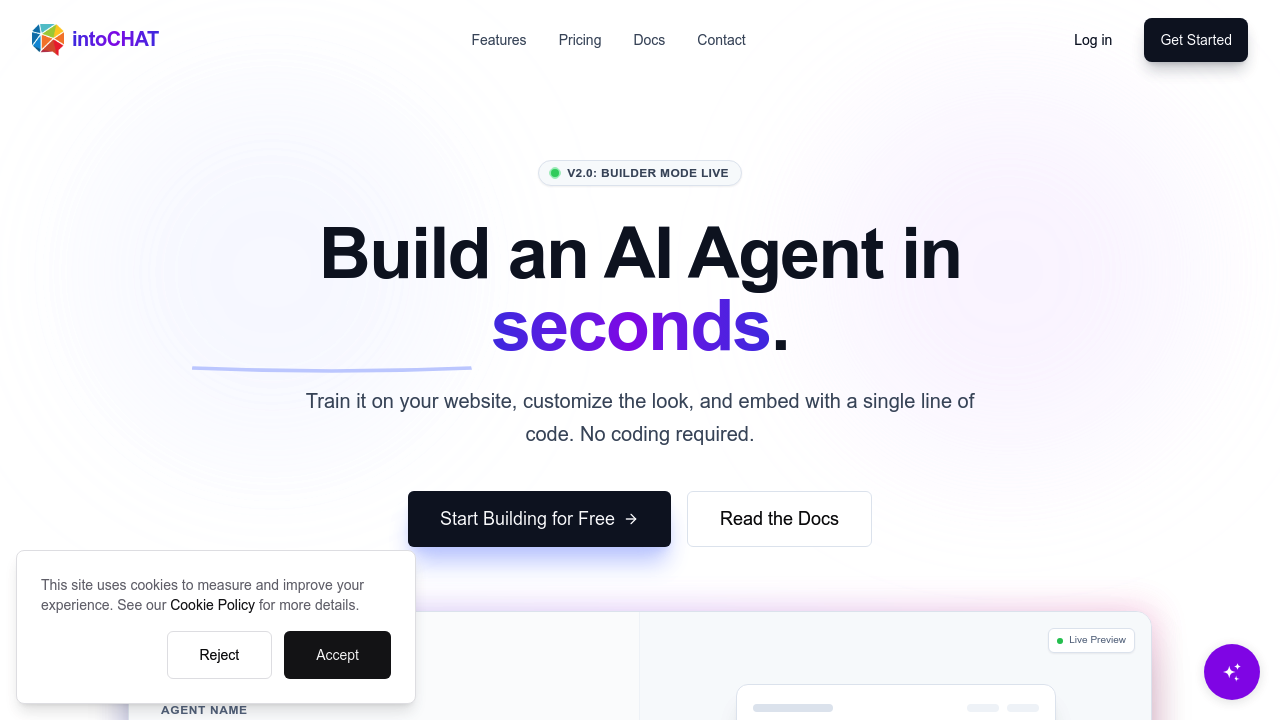
Training a chatbot used to mean weeks of development work. intoCHAT lets you build one by uploading PDFs and pointing it at your website. It handles the rest. You get an AI agent that understands context and intent—Gemini models power everything under the hood. Feed it your documentation. Add product specs. Throw in help articles. It scrapes and indexes with one click. When website content changes, your bot auto-refreshes its knowledge base. You don't lift a finger. Customer support managers save hours on manual updates. intoCHAT connects to live systems through API integration. Your bot pulls real inventory numbers. It checks order status on the fly. Lead qualification happens during conversations—it collects emails and pushes data straight to Salesforce or HubSpot. The qualification engine runs while you sleep. Response time averages 1.2 seconds. intoCHAT claims an 86% resolution rate (you'd want to verify that matches your specific use case). It speaks 95+ languages with auto-detection. International customers don't hit a wall. Security features include AES-256 encryption. SOC2 certification. PII redaction. The hallucination-guardrails are what really differentiate intoCHAT. Your bot won't make things up—it only pulls from your provided data with citation-level accuracy. Model sandbox isolation keeps everything compartmentalized. The analytics dashboard shows you where conversations succeed and where they fail. You can embed everything with a single line of code. No developer handholding required.

intoCHAT
Training a chatbot used to mean weeks of development work
IntoCHAT lets you build one by uploading PDFs and pointing it at your website. It handles the rest. You get an AI agent that understands context and intent—Gemini models power everything under the hood. Feed it your…
intoCHAT alternatives






Frequently asked
Does intoCHAT work with Salesforce and HubSpot?
Yes, it integrates directly with both Salesforce and HubSpot, plus Pipedrive, Zendesk, Notion, and Zapier. When your chatbot qualifies a lead during a conversation, it'll automatically push that contact info and conversation data straight to your CRM without any manual export.
How fast does intoCHAT respond to customer questions?
The average response time is 1.2 seconds. It's powered by Gemini models that understand context and intent, so customers get quick answers that actually make sense. The system also claims an 86% resolution rate, though that'll vary based on how well you've trained it on your specific content.
Can intoCHAT pull live data like inventory or order status?
Absolutely. You can connect it to your systems through API integration so it pulls real-time information during conversations. That means customers can check their order status, see current inventory levels, or get live pricing without you manually updating anything.
Will the chatbot make up answers if it doesn't know something?
No, intoCHAT has built-in hallucination-guardrails that prevent it from inventing information. It'll only answer based on the documents, PDFs, and website content you've provided, with citation-level accuracy. If it doesn't know something, it won't fake it.
Do I need to manually update the chatbot when my website changes?
Nope, it has auto-refresh capability. When your website content updates, intoCHAT automatically re-scrapes and updates the bot's knowledge base. You don't have to remember to retrain it or upload new files every time you change a help article or product page.
What languages does intoCHAT support for international customers?
It supports 95+ languages with automatic detection. Your chatbot will recognize what language someone's typing in and respond accordingly, so international customers can get help in their native language without you building separate bots.
Can I use intoCHAT if I don't have developers on my team?
Yes, it's built for non-technical users. You just upload your PDFs, point it at your website URLs, and it handles the scraping and training. Embedding it on your site takes one line of code, and you can manage everything through the dashboard without touching any backend systems.
Traffic
Estimated monthly website visits · last 0 months
Monthly visits
67
Global rank
#13,747,145
Not enough historical data for a chart yet.
Reviews (0)
No reviews yet. Be the first to share your experience.