
InfoCaptor logo
AI Video Summarizer FREEMIUM from $6/mo

InfoCaptor

YouTube videos pile up in watch history, each containing insights that vanish the moment the browser tab closes

InfoCaptor AI transforms this ephemeral content into a permanent, searchable knowledge base by converting videos into visual knowledge graphs, summaries, and organized dashboards that live inside your Chrome browser.…

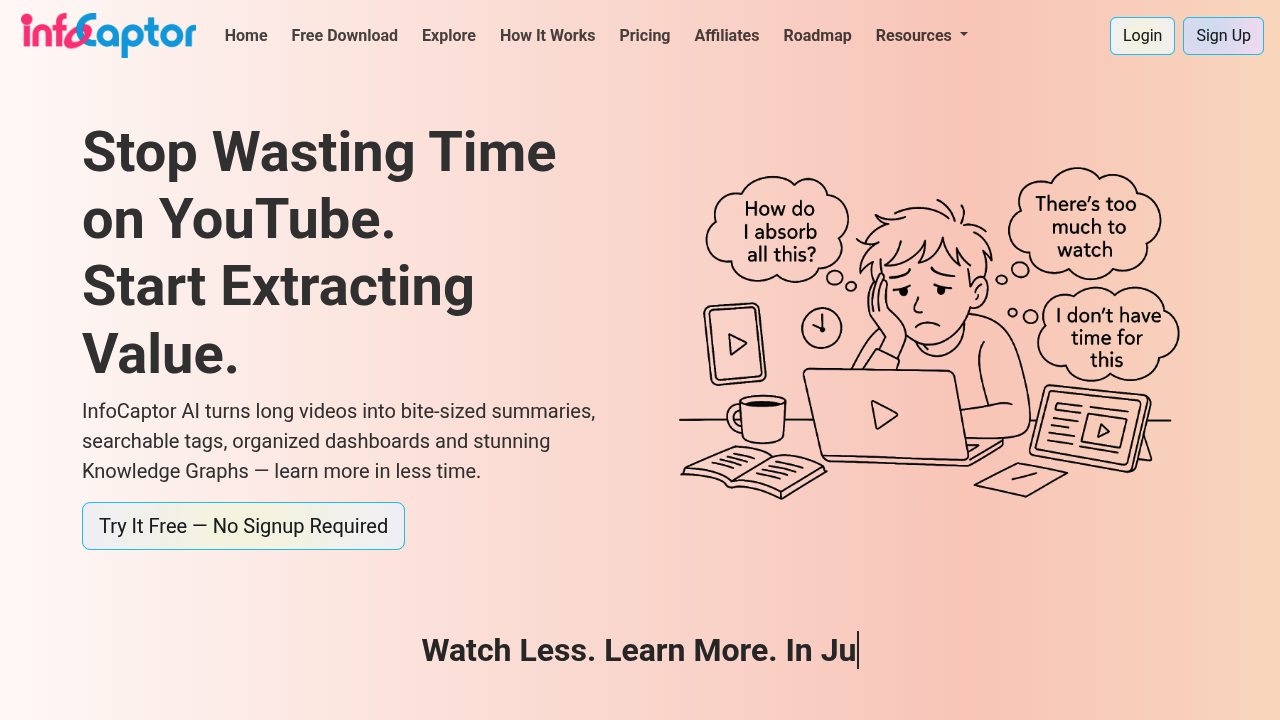
InfoCaptor screenshot

YouTube videos pile up in watch history, each containing insights that vanish the moment the browser tab closes. InfoCaptor AI transforms this ephemeral content into a permanent, searchable knowledge base by converting videos into visual knowledge graphs, summaries, and organized dashboards that live inside your Chrome browser.

This system works through a Chrome extension that transcribes videos with a single click. Each transcript comes with timestamps, making it possible to jump to specific moments without scrubbing through the entire video. The extension then auto-generates summaries and TL;DR versions, breaking down content section by section so you can scan the key points before committing to the full transcript. It extracts key entities from the video content, automatically tags and categorizes everything, then builds visual knowledge graphs that show how topics connect across different videos you've watched.

These knowledge graphs get displayed alongside word clouds and entity maps, creating a visual representation of your accumulated knowledge. The dashboard organizes everything by channels, tags, or entities, making it filterable and searchable. Each video gets its own detailed page with the embedded video, transcript, summary, and extracted entities all in one view. The entire system can run locally in your browser without requiring any login or account creation, storing transcripts and summaries directly on your device.

The free plan provides unlimited transcripts and unlimited local storage, but caps advanced summaries at three per month. Cloud storage comes with this tier too, though retention only lasts 30 days. The SOLO plan costs $9 monthly or $5.99 monthly when billed annually, bumping advanced summaries to 1000 per month and extending cloud retention to 12 months. The Pro plan runs $29 monthly or $17.99 monthly on annual billing, delivering 3000 advanced summaries per month with unlimited cloud retention. Annual billing saves 40% across both paid tiers.

The limitation structure reveals itself through these monthly summary caps. Free users hit a wall after three advanced summaries each month. SOLO subscribers can process up to 1000 videos monthly before running out. Pro users get 3000 summaries monthly. Cloud retention also constrains free users to 30 days and SOLO users to 12 months, meaning older content disappears unless you upgrade or keep everything stored locally.

InfoCaptor AI targets anyone building a personal knowledge base from YouTube content. Students and researchers use it to catalog educational videos. PhD researchers organize hours of lecture content. Busy executives extract insights from conference talks and industry videos. Medical students break down complex procedure demonstrations. Journalists track sources and interview content. Educators curate teaching materials. Startup founders collect business advice from multiple channels. Neurodivergent learners who process information better visually benefit from the knowledge graphs and entity maps. Content creators research their niche. Nonprofit researchers track relevant advocacy content. BookTubers organize reviews and discussions.

The extension only works with YouTube and only runs in Chrome, limiting platform flexibility. You cannot pull in content from other video platforms or use it in Firefox or Safari. The local-first approach means your knowledge base lives in your browser unless you opt for cloud storage, which itself comes with retention limits on lower tiers. The visual knowledge graphs and entity connections represent its distinguishing feature, positioning it as the only AI summarizer that creates this type of connected visual knowledge base from YouTube videos rather than just spitting out text summaries.


InfoCaptor alternatives

See all →

Frequently asked

7 questions
Does InfoCaptor work without creating an account?
InfoCaptor runs entirely locally in your Chrome browser without requiring any sign-up or account creation. The extension stores transcripts and summaries directly on your device, letting you build a knowledge base without cloud dependency. Creating an account becomes necessary only if you want cloud storage for your content, which adds retention periods of 30 days on the free plan, 12 months on SOLO, or unlimited on Pro. The local-first design means your data stays private by default, never leaving your browser unless you explicitly opt into cloud features.
How many YouTube videos can I summarize for free with InfoCaptor?
The free plan provides unlimited transcripts with timestamps, meaning you can transcribe as many YouTube videos as you want without paying. Advanced summaries that include section-by-section breakdowns, key entity extraction, and TL;DR versions get capped at three per month on the free tier. After hitting that limit, you'd need to upgrade to SOLO for 1000 advanced summaries monthly at $5.99 when billed annually, or Pro for 3000 monthly summaries at $17.99 annually. Local storage remains unlimited across all plans, so transcripts you generate never count against storage quotas.
What happens to my saved videos after 30 days on the free plan?
Cloud retention on the free plan lasts only 30 days, meaning content stored in InfoCaptor's cloud servers disappears after that window closes. Anything saved to local storage in your browser persists indefinitely regardless of the 30-day cloud limit, since local storage stays unlimited even on free accounts. Upgrading to SOLO extends cloud retention to 12 months for $9 monthly or $5.99 annually, while Pro provides unlimited cloud retention at $29 monthly or $17.99 annually. This structure pushes heavy users toward either managing local storage carefully or paying for extended cloud access.
Can InfoCaptor create knowledge graphs from videos across different YouTube channels?
InfoCaptor builds visual knowledge graphs that connect entities, topics, and themes across all YouTube videos you've processed, regardless of which channels produced them. The dashboard organizes content by channels, tags, or entities, letting you filter and view connections between related concepts even when they appear in videos from completely different creators. Word clouds and entity maps visualize these relationships, showing how topics intersect across your entire viewing history. This cross-channel connection capability makes it particularly valuable for researchers, students, and content creators who pull information from multiple sources and need to see thematic patterns emerge.
Does InfoCaptor work on mobile phones or only desktop Chrome?
InfoCaptor functions exclusively as a Chrome browser extension, limiting it to desktop and laptop computers where Chrome runs. Mobile versions of Chrome don't support the same extension architecture, preventing the tool from working on smartphones or tablets. This desktop-only constraint affects users who consume YouTube content primarily on mobile devices or prefer researching on the go. Anyone building a knowledge base from YouTube videos needs access to a computer running Chrome, which excludes Safari users on Mac, Firefox users across platforms, and mobile-first learners entirely.
What makes InfoCaptor different from other YouTube transcript tools?
InfoCaptor distinguishes itself by creating connected visual knowledge graphs rather than just outputting text transcripts or standalone summaries. Other transcript tools deliver the words spoken in a video, but InfoCaptor extracts key entities, automatically tags content, builds entity maps, and visualizes how concepts connect across your entire video library. The dashboard groups content by channels, tags, or entities, making it searchable and filterable in ways basic transcript services don't support. This positions it as a knowledge base builder rather than a simple transcription service, particularly valuable for researchers and students who need to see thematic connections across dozens or hundreds of videos.
How much does InfoCaptor cost for PhD students doing long-term research?
PhD researchers typically need extended cloud retention and high monthly summary limits, making the Pro plan at $17.99 monthly on annual billing the practical choice for dissertation-level work. This tier provides 3000 advanced summaries per month with unlimited cloud retention, ensuring years of research videos remain accessible without deletion. The SOLO plan at $5.99 monthly when billed annually offers 1000 summaries monthly and 12-month cloud retention, which might suffice for focused research projects with shorter timelines. Free accounts cap at three advanced summaries monthly with only 30-day cloud retention, forcing PhD students to either upgrade or meticulously manage local storage throughout multi-year research periods.

Traffic

Estimated monthly website visits · last 0 months

2.4K visits/mo
Monthly visits
2.4K

Not enough historical data for a chart yet.

Reviews (0)

Write review

No reviews yet. Be the first to share your experience.