
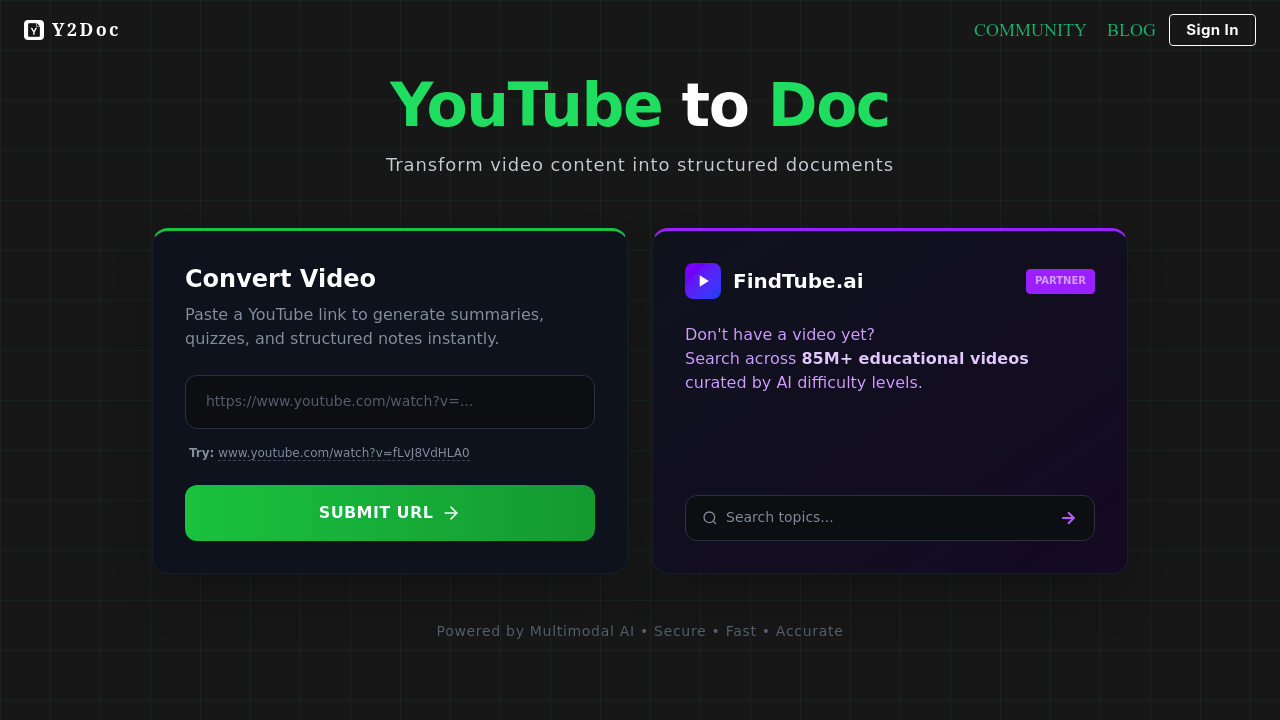
Y2Doc is a YouTube to document converter that turns a pasted video link into a structured document, PDF, Markdown or docx file. It reads the transcript and the visual context of the video, then produces summaries, quizzes and structured notes. Beyond documents, it can save the video itself or extract the audio as MP3 or WAV. Basic conversions are free and need no registration, and the service states that it does not store generated documents or share personal data with third parties.
Students and researchers get the most from it when they need to turn long lectures into structured Markdown notes for review. Professionals can convert podcasts, tech talks and conference recordings into readable PDFs instead of sitting through the full video. Content creators use it to pull transcripts and summaries from other videos as reference material for their own writing. Bloggers and note-takers who keep their knowledge base in Markdown will find the file output convenient, and anyone who wants offline listening can grab the audio track.
A typical workflow starts with copying a YouTube link, pasting it into the box on the main page and choosing the output. A student might export a two-hour course lecture as a Markdown outline, a manager might save a conference talk as a PDF to share with the team, and a writer might extract a transcript to quote accurately. A podcast listener can convert an episode into a summary and download the MP3 for the commute. Users without a video in mind can try the partner semantic search tool linked on the page to find one.