
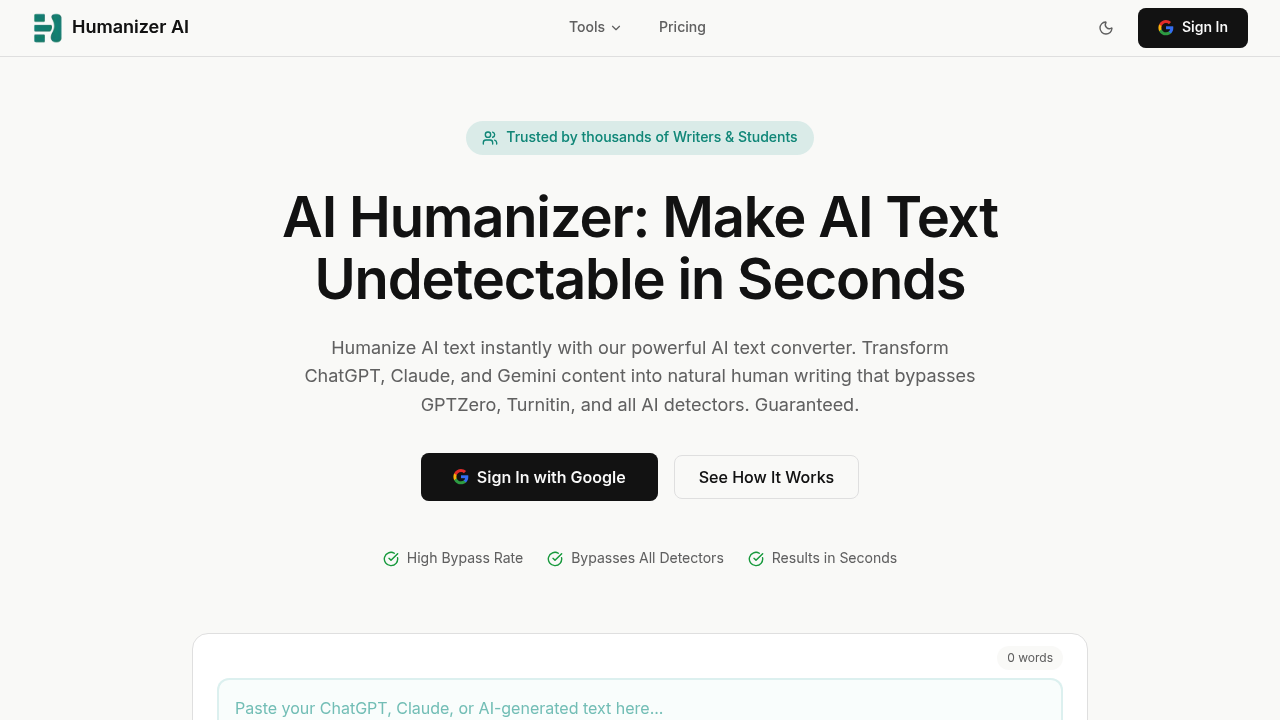
Humanizer AI is an editing room for AI-assisted drafts. Paste text, see a free AI score, then humanize it with Light, Medium or Bypass modes and re-check the result before submitting. A compare view highlights removed and added passages so you decide what stays. Dedicated workflows exist for Turnitin, GPTZero, Originality.ai and Copyleaks checks, and a paraphraser covers phrasing changes. The product states plainly that it does not guarantee any detector outcome.
Students checking academic drafts, bloggers cleaning up AI-written posts, and content teams producing volume will get the most from it. The three-step flow of pasting text, reading the score and humanizing suits people without technical skill, and the review step keeps writers responsible for facts, citations, tone and meaning. The maker also asks users to follow their institution, client, publisher or workplace AI policy, which matters for anyone submitting coursework or client deliverables.
A student can run a paper through the AI score check before a Turnitin submission, then rewrite flagged sections in Medium mode and compare versions. A marketer scaling blog output can turn stiff drafts into clearer copy, with the sample before-and-after showing a wordy sentence cut to one plain line. Workflow pages cover chatbot-style drafts, Copyleaks logic and LMS checks, converting robotic text to human style, and a combined detector and humanizer review. Document upload lets you work from files instead of pasting, and example edits cover articles, emails and academic writing, so the same editing room works for school, work and personal publishing alike.