Homestyler logo
AI Interior Design FREEMIUM from $7/mo

Homestyler

Homestyler is a browser-based 3D home design tool for drawing floor plans, furnishing rooms and producing realistic renders.

Users can upload a 2D floor plan or sketch and have the AI convert it into an editable 3D house model, then decorate it from a library of more than 10 million branded 3D furniture models using drag and drop. Built-in…

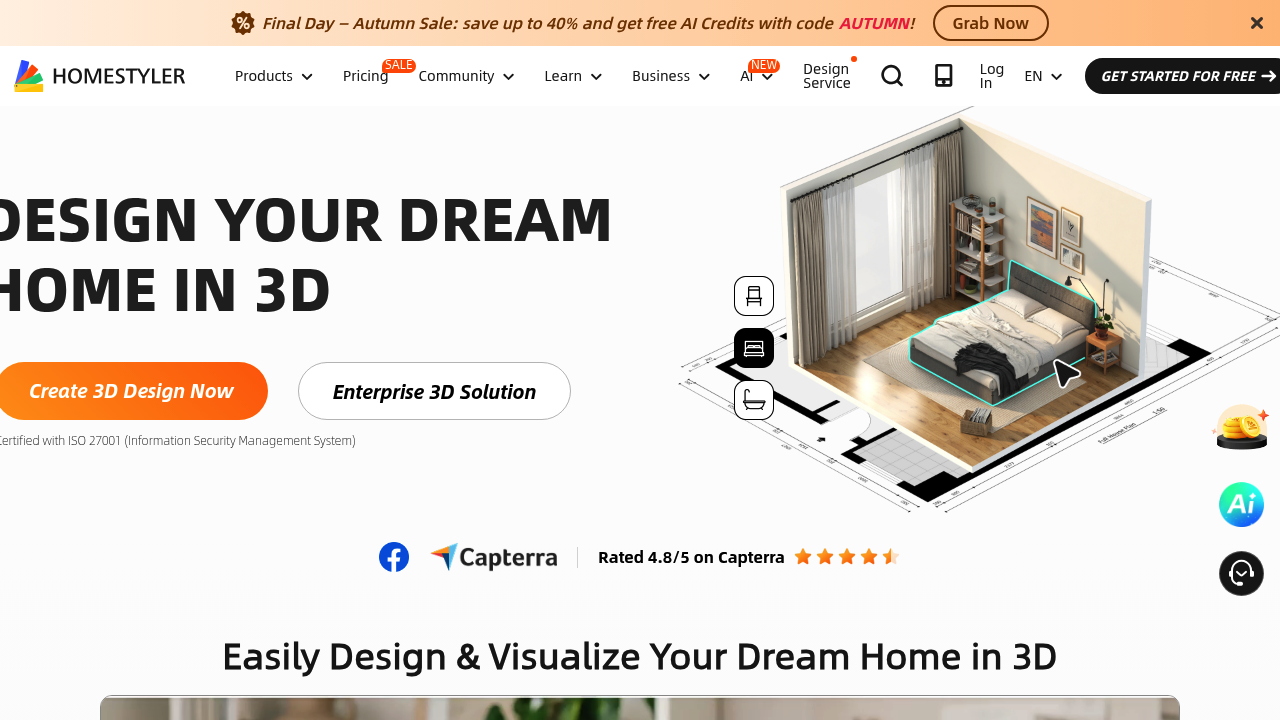
Homestyler screenshot

Homestyler is a browser-based 3D home design tool for drawing floor plans, furnishing rooms and producing realistic renders. Users can upload a 2D floor plan or sketch and have the AI convert it into an editable 3D house model, then decorate it from a library of more than 10 million branded 3D furniture models using drag and drop. Built-in cloud rendering produces images and panoramas. A Basic plan is free, Pro+ starts from $6.8 per month, Master+ from $11.8 per month, and Team from $19.9 per seat per month.

The audience spans homeowners planning a renovation, hobbyists, students, freelance interior designers and professional design teams. Beginners follow guided learning paths, while professionals use custom lighting, parametric stairs, multi-floor layouts and construction drawings. Master+ subscribers can appear in a designer services directory and sell design services with 0% payout fees. Enterprise customers get single sign-on, white-label environments and custom API integration, and the company reports ISO 27001 certification.

Typical projects include visualizing how a dated house could look after remodeling, laying out furniture for a living room or bathroom, preparing client presentations with photorealistic renders, and testing outdoor and roof plans. Designers start from over 500 templates in styles such as Mid-Century Modern, Japandi and Minimalist, then export colored floor plans, bills of materials and construction drawings on paid tiers. Pro+ adds 75 renders each at 2K and 4K per month plus 180 AI credits, and Team adds shared model and texture libraries for groups. Weekly design challenges and a community of more than 20 million designers provide inspiration and feedback.


Homestyler alternatives

See all →

Frequently asked

6 questions
How does Homestyler turn a plan into a 3D model?
Upload a 2D floor plan or sketch and the AI converts it into an editable 3D house model with one click. You can also draw the room yourself.
Who uses Homestyler?
Homeowners, students, freelance designers and professional interior design teams. Enterprise options add SSO and white-label environments.
What can I design with it?
Whole houses, living rooms, bathrooms, bedrooms, outdoor spaces and roofs. Templates in styles like Japandi and Mid-Century Modern speed up the start.
Is Homestyler free?
Basic is free with a cloud-based 3D floor planner, unlimited 1K rendering and over 100,000 free models. Paid plans start with Pro+ from $6.8 per month, Master+ from $11.8 and Team from $19.9 per seat.
What are the limits of the free plan?
4K renders must be purchased each time, and free renders use Homestyler coins on limited types. Watermark removal and custom model uploads need Pro+ or higher.
What do paid plans add?
Pro+ includes 75 renders each at 2K and 4K per month, 180 AI credits and export of colored floor plans and construction drawings. Master+ adds unlimited 4K rendering and 380 AI credits.

Reviews (0)

Write review

No reviews yet. Be the first to share your experience.