
#4 in AI Course Guidde logo
AI Course FREEMIUM from $19/mo

Guidde

A customer support manager at an enterprise software company gets 200 tickets weekly asking how to export reports from Salesforce

She records her screen once, Guidde turns it into a video tutorial with AI-generated narration in under three minutes. This system creates both video and text versions automatically, translates the guide into 50…

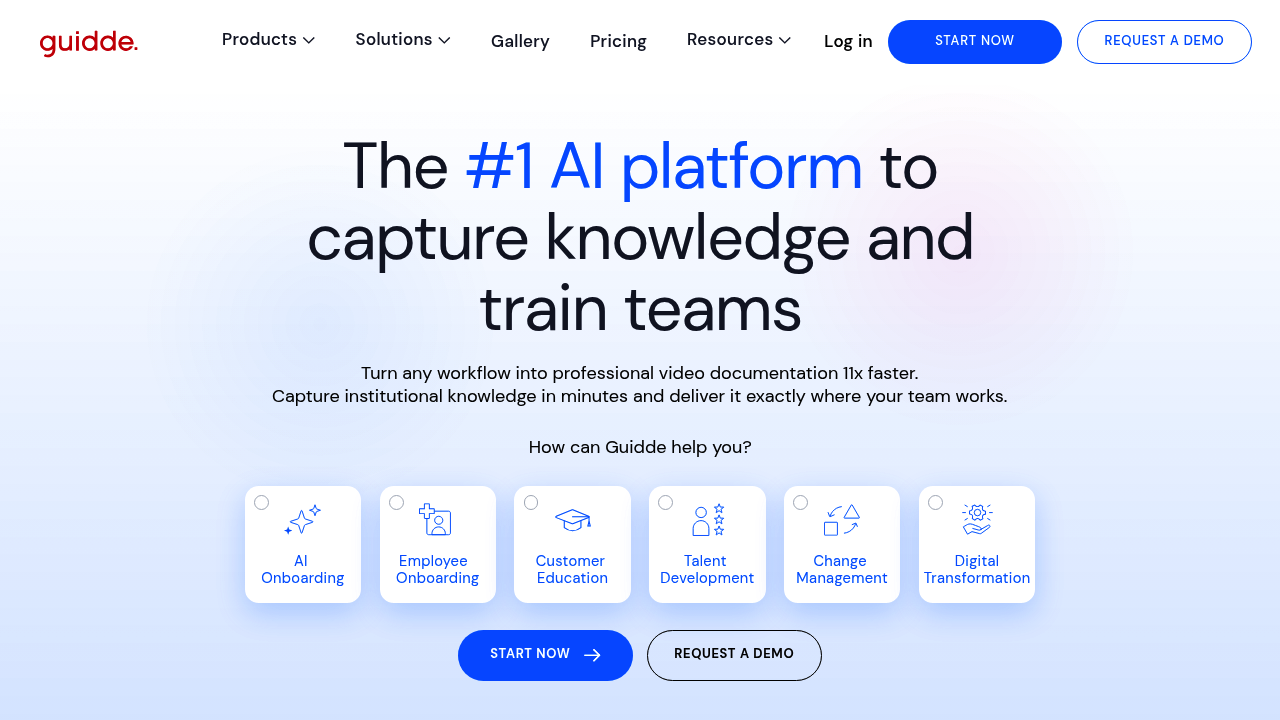
Guidde screenshot

A customer support manager at an enterprise software company gets 200 tickets weekly asking how to export reports from Salesforce. She records her screen once, Guidde turns it into a video tutorial with AI-generated narration in under three minutes. This system creates both video and text versions automatically, translates the guide into 50 languages, and embeds it directly inside the Salesforce interface where users work. Support tickets drop by half.

Guidde captures workflows through screen recording, then converts them into professional video documentation 11x faster than manual creation. A training coordinator at an HR department walks through the employee onboarding process in their HRIS system. Guidde's Magic Mic feature adds polished narration without her needing to speak during recording. She uses the drag-and-drop editor to add transitions, applies her company's Brand Kit for consistent look, and exports the final tutorial as MP4, GIF, or PowerPoint. The content review system lets her manager approve before it goes live.

The Text to Voice generation offers 200 voices in Pro plans and 400 in Business plans. An operations lead creates procedural documentation for NetSuite workflows, testing different AI voices until one matches her team's preferences. She uses Magic Redaction to automatically blur sensitive customer data and financial information before sharing. Guidde integrates with Microsoft Dynamics 365, SAP, NetSuite, Salesforce, HubSpot, ServiceNow, and Workday.

Broadcast for Employees delivers tutorials in the flow of work. A product team at a manufacturing company embeds step-by-step guides directly into their SAP interface. Workers don't leave their workspace to watch training videos. Analytics show which steps people rewatch most, revealing confusing process points. The Auto Split feature breaks long recordings into digestible segments automatically.

Guidde converts existing PDF and PowerPoint files into video format. An L&D team has 50 static training documents they want to modernize. They upload the files, Guidde transforms them into narrated videos with motion and transitions. They can also convert existing MP4 videos into Guidde format for consistent styling across all training materials.

But desktop app recording only works on Business plans and higher. A startup documenting their desktop software hits this wall on the free tier. They're stuck with web-app-only recording. The free plan caps at 25 videos total and stamps a watermark on everything. A small customer education team burns through that limit quickly.

The Business plan requires a minimum of five creators. A three-person support team can't access features like working with desktop apps or converting PDFs to video without paying for two unused seats. Teams smaller than five either stay on Pro with fewer capabilities or overpay.

Guidde tracks who watches videos and which sections they skip. A compliance trainer sees that employees consistently abandon a 10-minute security tutorial at the six-minute mark. She re-records that section with clearer explanations.

Pricing starts at $18 monthly for Pro, which removes watermarks and provides unlimited videos. Business runs $39 monthly with unlimited Text to Voice generation and desktop recording for teams of five creators. Enterprise adds SSO through Okta, Microsoft, or 1Login, plus content version control. The free plan includes 25 videos with web app recording, voiceover capability, and basic sharing through tracked links.

Teams creating occasional documentation for internal use fit the free tier. Heavy users building extensive video libraries need paid plans. Solo creators or very small teams struggle with Business plan minimums.


Guidde alternatives

See all →

Frequently asked

7 questions
Does Guidde have a free plan?
The free plan includes up to 25 how-to videos with screen recording for any web app, voiceover recording, shareable links, and basic transitions and soundtracks. Every video includes a guidde watermark that you can't remove. The 25-video limit is total, not monthly, so a customer support team creating training materials could hit that cap within weeks. Desktop app recording isn't available, restricting you to browser-based software only. Pro plan at $18 monthly removes the watermark and video limit.
Can Guidde record desktop applications or just web apps?
A customer success manager documenting desktop software setup would need the Business plan at $39 monthly to record anything outside a browser. Free and Pro tiers only capture web applications like Salesforce, HubSpot, or browser-based tools. This limitation hits teams who need to document software like desktop versions of Microsoft Office, proprietary enterprise applications, or installed programs. The Business plan requirement also forces you to pay for minimum five creator seats, so a two-person team documenting desktop workflows pays for three unused accounts.
How does Guidde create video tutorials automatically?
A training coordinator records her screen walking through an employee onboarding process in Workday. Guidde captures the workflow, then Magic Mic adds AI-generated narration without requiring her to speak during recording. The system creates both video and text versions simultaneously, applies automatic transitions, and formats everything into a professional tutorial in under three minutes. She can test different AI voices from 200 options on Pro or 400 on Business plans, use the drag-and-drop editor to adjust timing, apply her Brand Kit for consistent company styling, then export as MP4, GIF, or PowerPoint. The entire process runs 11x faster than manually editing screen recordings.
Can Guidde translate videos into multiple languages?
An operations lead at a global manufacturing company creates a NetSuite procedures guide that needs distribution across offices in Germany, Japan, and Brazil. Guidde's auto-translation converts the tutorial into any of 50 supported languages, generating new AI voiceovers to match. This feature only comes with Enterprise plans, not Free, Pro, or Business tiers. Teams on lower plans would manually recreate videos for each language or rely on subtitle services. The translation maintains formatting and timing while swapping narration and on-screen text.
What happens when you hit the 25 video limit on Guidde's free plan?
A small customer education team creates onboarding tutorials for their SaaS product and reaches 25 videos within their first month. The free plan caps total videos ever created, not monthly uploads, so they can't make new guides without upgrading or deleting existing ones. Deleting old videos to make room breaks any links already shared with customers or embedded in help documentation. Pro plan at $18 monthly removes this ceiling entirely with unlimited video creation. The jump from 25 total videos to unlimited makes the free tier workable only for teams with very occasional documentation needs.
Can Guidde blur sensitive information in screen recordings?
A financial services trainer records transaction processing workflows that display customer account numbers, social security digits, and payment details throughout. Guidde's blur feature on Pro plans lets her manually select areas to obscure before sharing. Business and Enterprise tiers add Magic Redaction, which automatically detects and blurs personally identifiable information without manual selection. This matters for compliance teams documenting processes in systems like Salesforce or Workday where customer data appears constantly. A healthcare administrator creating HIPAA-compliant training materials would need at least Pro to manually blur patient information, or Enterprise for automatic PII detection.
How does Guidde's Business plan work for small teams?
A three-person support team wants desktop recording capability and PDF-to-video conversion, both exclusive to the Business plan at $39 monthly. The plan requires minimum five creator seats, forcing them to pay for two accounts nobody uses. They're spending $195 monthly when they only need three seats worth $117 in actual value. Pro plan at $18 per person would cost them $54 monthly but lacks desktop recording and document conversion features. Teams with fewer than five people either accept Pro's limitations or overpay for Business. Solo creators and very small teams get squeezed between inadequate features and forced overbuying.

Traffic

Estimated monthly website visits · last 8 months

315.1K visits/mo
Monthly visits
315.1K
↑ 20.2% MoM
Global rank
#138,539
US #56,560
Category rank
#4
AI Course
341.5K 319.5K 297.4K 275.3K 253.2K Dec 2025: 305.5K visits Dec 2025 Jan 2026: 313.8K visits Jan 2026 Feb 2026: 253.2K visits Feb 2026 Mar 2026: 319.8K visits Mar 2026 Apr 2026: 341.5K visits Apr 2026 May 2026: 288.5K visits May 2026 Jun 2026: 262.1K visits Jun 2026 Jul 2026: 315.1K visits Jul 2026

Reviews (0)

Write review

No reviews yet. Be the first to share your experience.