
Google Lens logo

Google Lens

Google Lens is a visual search feature that lets you search with a camera, an image or a screenshot when words fall short.

Point it at an object and it can identify plants, dogs, artwork, murals and landmarks, find who makes a product and where to buy it, or copy and translate text in over 100 languages. A create mode restyles a photo with…

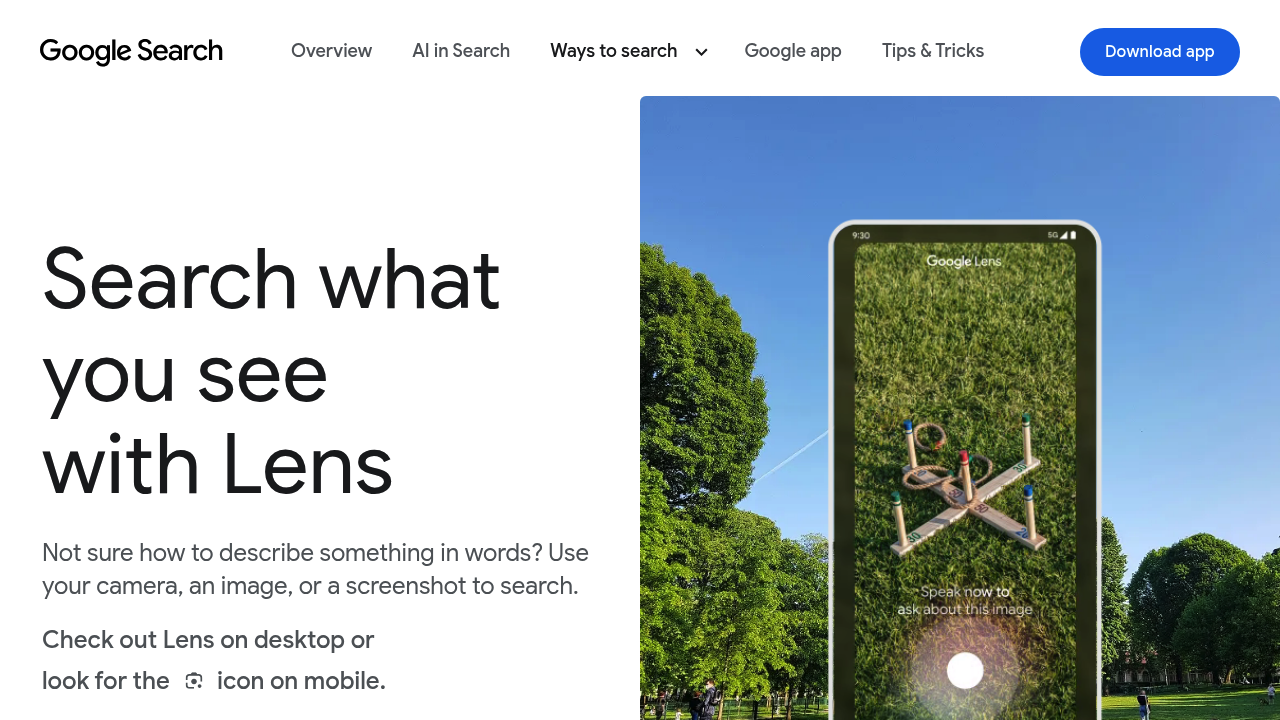
Google Lens screenshot

Google Lens is a visual search feature that lets you search with a camera, an image or a screenshot when words fall short. Point it at an object and it can identify plants, dogs, artwork, murals and landmarks, find who makes a product and where to buy it, or copy and translate text in over 100 languages. A create mode restyles a photo with a simple prompt, and you can hold the shutter button to ask a question about what the camera sees. Lens is a free part of the Google app.

Lens is made for anyone who prefers searching by sight, from shoppers and travelers to students and curious hikers. Shoppers can refine results with text to find other colors, patterns or sizes. Travelers translate menus, signs and handwriting on the spot. Students stuck on math, history, chemistry, biology or physics get explainers, videos and web results. Desktop users can select and ask about anything on a page with Lens in Chrome without leaving their current tab. It is available in the Google app on Google Play and the App Store, and in the Camera app on select Android devices.

Typical uses include photographing a stranger's houseplant to learn its name, snapping a jacket seen on the street to find similar items, and pointing the camera at a foreign menu for instant translation. People copy text from signs or notes to their phone or computer, and ask follow-up questions about what is in view. Shopping results are offered in dozens of countries, including the United States, United Kingdom, Canada, India, Japan, Germany and Brazil.

Google Lens alternatives

See all →

Frequently asked

6 questions
What can Google Lens identify?
Plants, dogs, artwork, murals and landmarks can be looked up from a camera view, image or screenshot. Lens also finds products, including who makes them and where to buy.
Who benefits most from Lens?
Shoppers, travelers, students and anyone who finds it easier to point a camera than describe something in words. Chrome desktop users can also search anything on a web page.
How does Lens help with translation?
Point the camera at menus, signs, handwriting or other text to translate it instantly in over 100 languages. You can also copy the text to your phone or computer.
Does Google Lens cost anything?
Lens is a free feature of the Google app, Chrome and the Camera app on select Android devices. No separate subscription is described.
Are Lens shopping results available everywhere?
Shopping results are offered only in listed countries, including the United States, United Kingdom, Canada, India, Japan, Germany and Brazil. Other Lens functions such as translation are not tied to that list.

Where can I use Lens?
Google Play and the App Store both carry the Google app, which includes the Lens icon on mobile. Desktop use works through Chrome, and Lens also appears in the Camera app on select Android devices.

Reviews (0)

Write review

No reviews yet. Be the first to share your experience.