
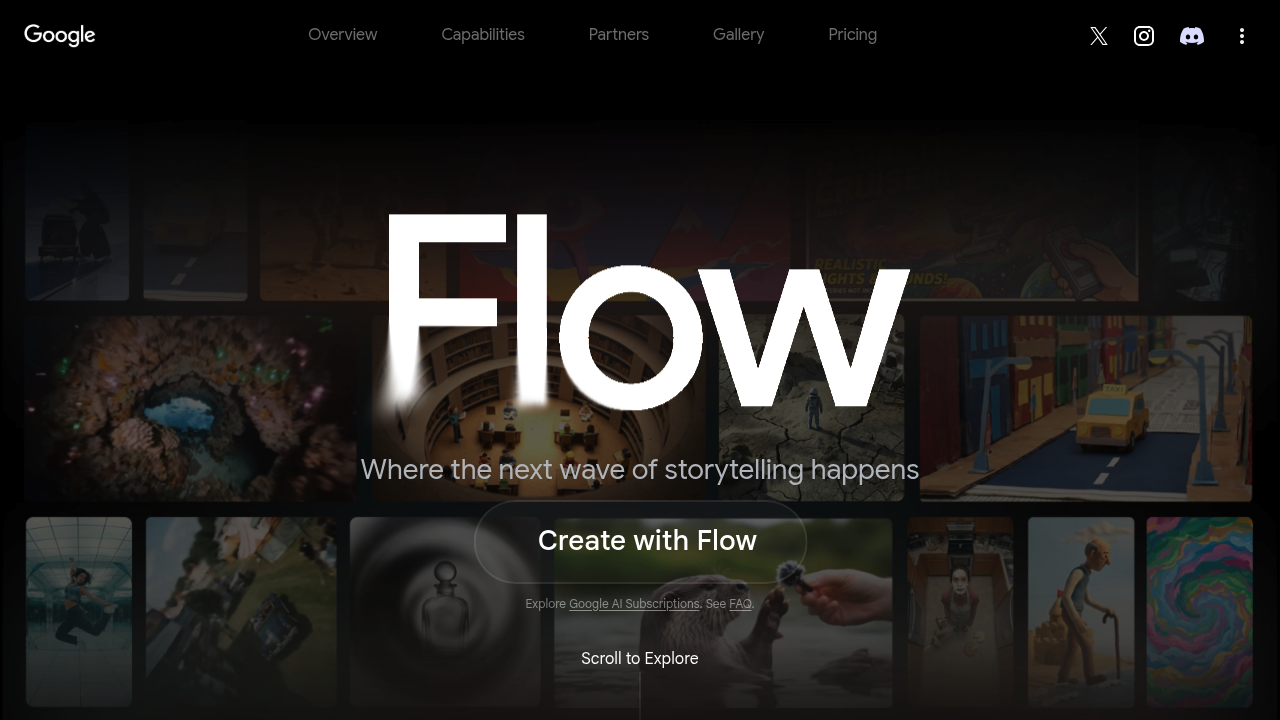
You can generate video from text in minutes. Flow hands you Google's latest AI models wrapped in a production environment—creation and editing happen in the same space. No jumping between apps to refine what you made.
The "ingredients" approach feels different. Tag elements you want in a scene rather than writing elaborate prompts. Need a coffee cup in frame? Tag it. Want to change camera angle mid-shot? Direct it. Flow handles object insertion and removal without making you export to another editor.
Extend videos beyond their original length. Animate static images into moving scenes. For filmmakers testing ideas before committing to full production—that's useful.
Flow gives you 100 credits upfront (plus 50 daily) on the free plan. The $19.99/month Pro tier bumps you to 1,000 monthly credits with 2TB storage. Ultra runs $249.99/month for 25,000 credits and 30TB. Those numbers matter when you're generating multiple versions of scenes.
The workspace keeps everything organized through collections. It connects with Gmail and Google Drive (which makes sense given who built it). A documentary producer could sketch entire sequences here before touching a camera.
The AI can be wrong. It'll produce unwanted results. You'll generate throwaway content.
What's actually interesting? The upscaling. Free users get 2K. Pro gets 1080p video upscaling. Ultra pushes to 4K for both images and video. That's rare in browser-based tools.