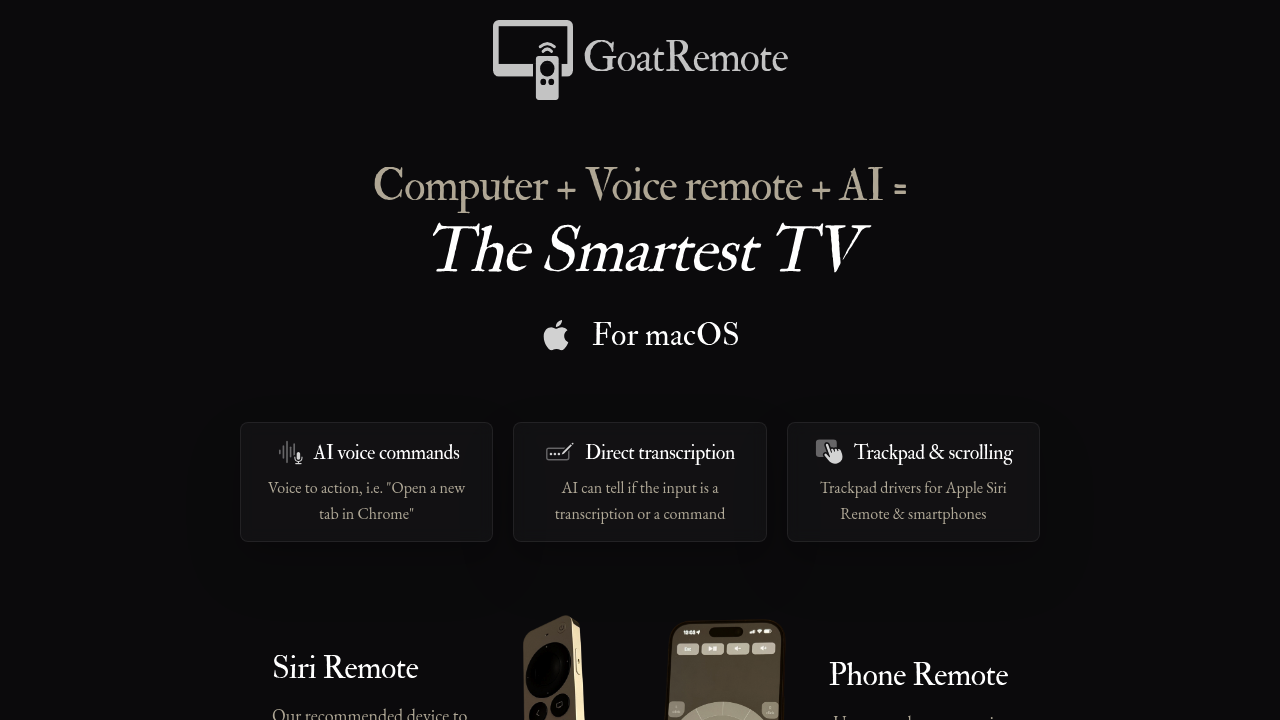
Your Apple TV remote can now control your Mac with AI voice commands. GoatRemote turns the Siri Remote into a voice-and-trackpad controller that lets you move around, type, and execute commands from across the room. Say "Open a new tab in Chrome" and it happens. Whisper commands and the mic filters out background noise like music or conversations.
The AI transcription runs locally on your Mac. No cloud needed. The system distinguishes between things you want typed out and actual commands you want executed. If you're pacing while writing and need to dictate a paragraph, it types. If you say "play my workout playlist on Spotify," it acts. The Moondream integration adds vision support so you can click screen elements by describing them instead of hunting with the cursor.
The trackpad functionality tries hard to feel Apple-native. Smooth mouse control and circular scrolling like the old iPod wheel. Works with the third-generation Siri Remote or your smartphone without installing a separate mobile app. There's an on-screen keyboard for times when voice falls short. You can even use the remote's mic as your system mic or route a different mic as input.
Performance varies by hardware. On a MacBook M3 Max, transcription plus AI interpretation runs under 0.6 seconds. Base Macs work but slower. The app uses 2GB of GPU memory even on entry-level Mac Minis. Battery drain is minimal. The entire setup downloads at 112MB for the app plus 4GB for the AI models.
Does it actually work reliably? The beta label matters here. Version 0.9.7 means you're testing something actively under development. Speech recognition quality depends on your Mac's processing power. The vision clicking feature sounds clever but how often does describing screen elements beat just moving the cursor? The documentation doesn't clarify which commands work system-wide versus app-specific. Integration mentions Chrome, Spotify, Terminal, and System Settings but you'd need to test whether your workflow apps respond to voice commands.
The concept of "couchcoding" sounds appealing until you consider how many coding tasks actually benefit from distance control. Writing code while pacing might help some people think. Others need dual monitors and a real keyboard. The mic's noise filtering could be really useful during presentations or in home theater setups where background sound interferes with other voice tools.
Early access pricing sits at $20, down from the planned $40 regular price. One-time payment with free updates forever. That's reasonable if this software becomes part of your daily setup. Less appealing if you're just curious about voice control experiments.
Who actually benefits from this? Home theater enthusiasts who want voice control without yelling at their TV. Writers who pace while drafting and need hands-free transcription. Presenters controlling slides from across the room. Party hosts queuing music without walking to the computer. Maybe programmers who prefer thinking on their feet over sitting at a desk.
The Mac-only requirement cuts out a large audience. Third-generation Siri Remote specificity means you can't just grab any Apple remote. The beta status suggests features might break or change. But the local AI processing means your voice commands stay on your machine. No subscription. No cloud dependency. Just software running on hardware you already own.