
Translation tools typically interrupt workflow with constant app-switching and copy-paste rituals. Glotera AI eliminates that friction by embedding translation directly into the typing experience across macOS. This application operates system-wide, meaning it works identically whether you're composing in Gmail, messaging on WhatsApp, posting on X, or typing in any native application.
The inline translation mechanism lets users type naturally and append language triggers to convert text on the spot. Type a message and add @en to translate it into English, or append ja for Japanese. Double-tapping the space bar triggers the same translation action. This approach keeps hands on the keyboard and eyes on the current task rather than switching to a separate translation window. The system supports over 100 languages with translation accuracy exceeding 95%.
Selection translation works across desktop applications and web pages. Highlight text with mouse or keyboard, and Glotera AI translates it instantly without opening another program. The floating translation window displays results while providing interactive follow-up questions, key word explanations, and background knowledge context. These additions help users understand nuance rather than just getting word-for-word conversions.
Image translation handles screenshots through AI-powered text recognition. Press Shift+Option+S to capture any on-screen text and receive translations of the extracted content. This proves useful for translating interface elements, social media images, or any visual text that can't be highlighted.
The Translation Copilot feature auto-translates incoming WhatsApp messages and replies, though it currently only functions with WhatsApp running in English or Chinese operating systems. This limitation narrows the feature's utility for users working in other language environments or using different messaging platforms for primary communication.
The free plan provides 100 translations monthly along with access to all core features including system-wide triggers, selection translation, image translation, the Translation Copilot, and contextual explanations. Pro tier costs $2.50 monthly or $30 annually, raising the limit to 5,000 translations per month while adding more powerful translation models, priority support, and early feature access. The Max plan runs $5.50 monthly or $66 yearly, removing translation limits entirely and promising advanced analytics plus additional AI features, though it's marked as coming soon.
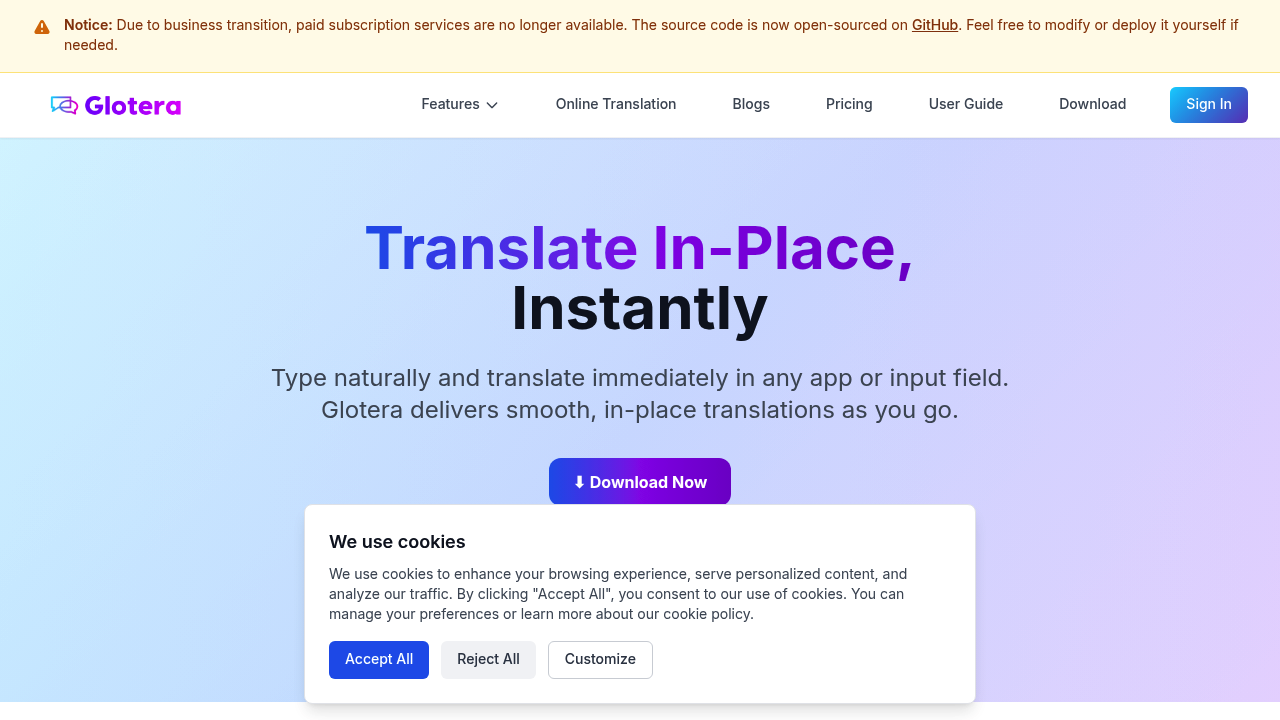
A significant development affects the service's future. Paid subscription services are no longer available due to a business transition. The source code now lives as an open-source project on GitHub, allowing technically capable users to modify or self-deploy the software. This shift creates uncertainty about long-term support and feature development while potentially fragmenting the user experience between those running the original service and those managing their own deployments.
This software requires an internet connection for translation services and currently only supports macOS, though other platforms are reportedly in development. Installation weighs under 5MB. Works silently in the background.
Glotera AI suits macOS users managing multilingual workflows across multiple communication platforms. Content creators working with international audiences, customer support teams handling queries in various languages, and anyone maintaining conversations across language barriers benefit from the system-wide availability. The inline approach particularly helps users who switch languages frequently within single documents or conversations, eliminating the cognitive load of context-switching between translation tools and primary applications.