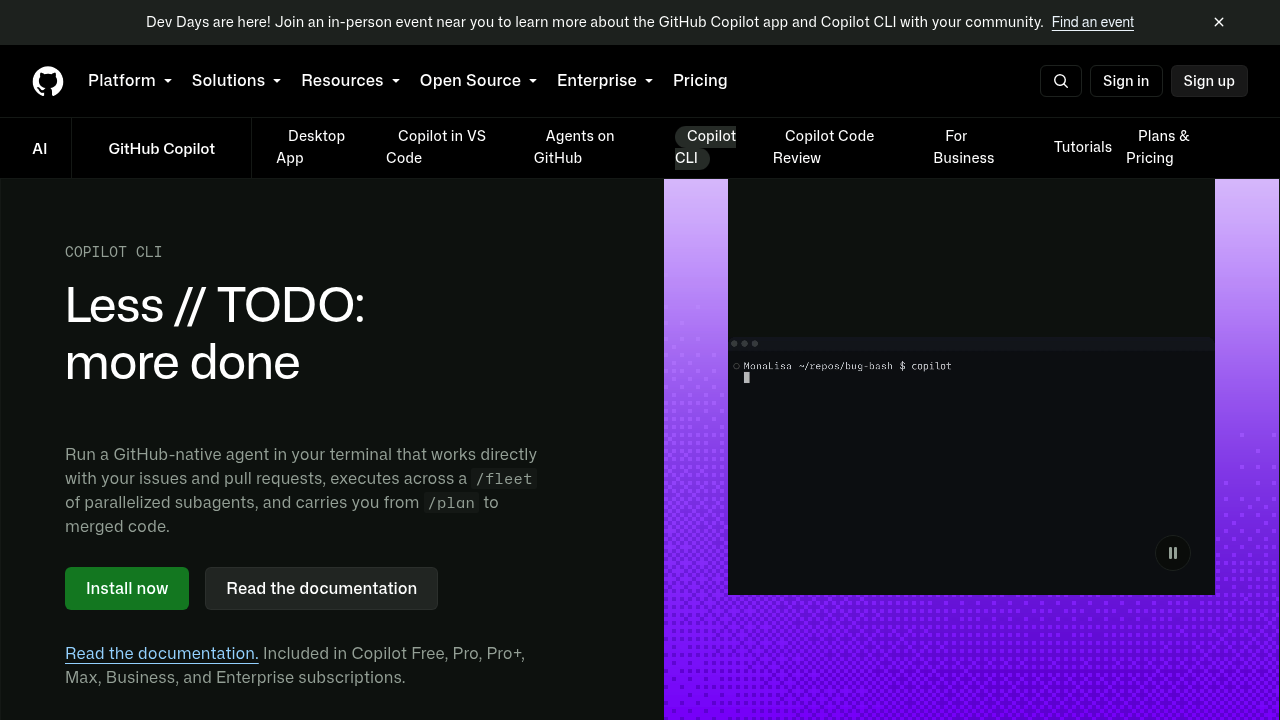
GitHub Copilot CLI is a GitHub-native coding agent that runs in your terminal. It reads, writes and runs code, works directly with your issues and pull requests, and carries a task from planning to merged code. Slash commands switch models, resume earlier sessions and run a fleet of parallel subagents. Plan mode outlines the work before changes, and autopilot mode continues without step-by-step approval. Access comes bundled with a GitHub AI coding subscription, from the free tier through Business and Enterprise, and each interaction draws on the plan's AI Credits allowance.
Developers who live in the shell will find it most natural, particularly engineers who use editors without official extensions, since the CLI operates independently and edits files any editor can display. Open source maintainers and team members can manage backlogs through native GitHub integration, while organizations get governance because it inherits existing policies. Enterprise admins must switch it on for their teams. Setup takes one npm command or an install script, and it runs on macOS, Linux and Windows.
A typical flow starts with a plan for a new feature, compares approaches across models, then executes with parallel subagents and opens the work in VS Code for refinement before shipping a pull request. Through GitHub's MCP support, the agent can search issues, analyze labels and activity, and summarize scope so you can move from backlog to implementation without hunting for context. Teams define AGENTS.md instructions and Agent Skills so behavior stays consistent across models and sessions, and connect community MCP servers from the GitHub MCP Registry for extra tools.