
GitBrain logo

GitBrain

Mac developers who spend too much time crafting commit messages get automatic AI-generated ones with GitBrain

The Git client handles the tedious parts of version control while you stay focused on writing code. You can edit and customize every AI suggestion, so you're not stuck with generic messages. The smart commit splitting…

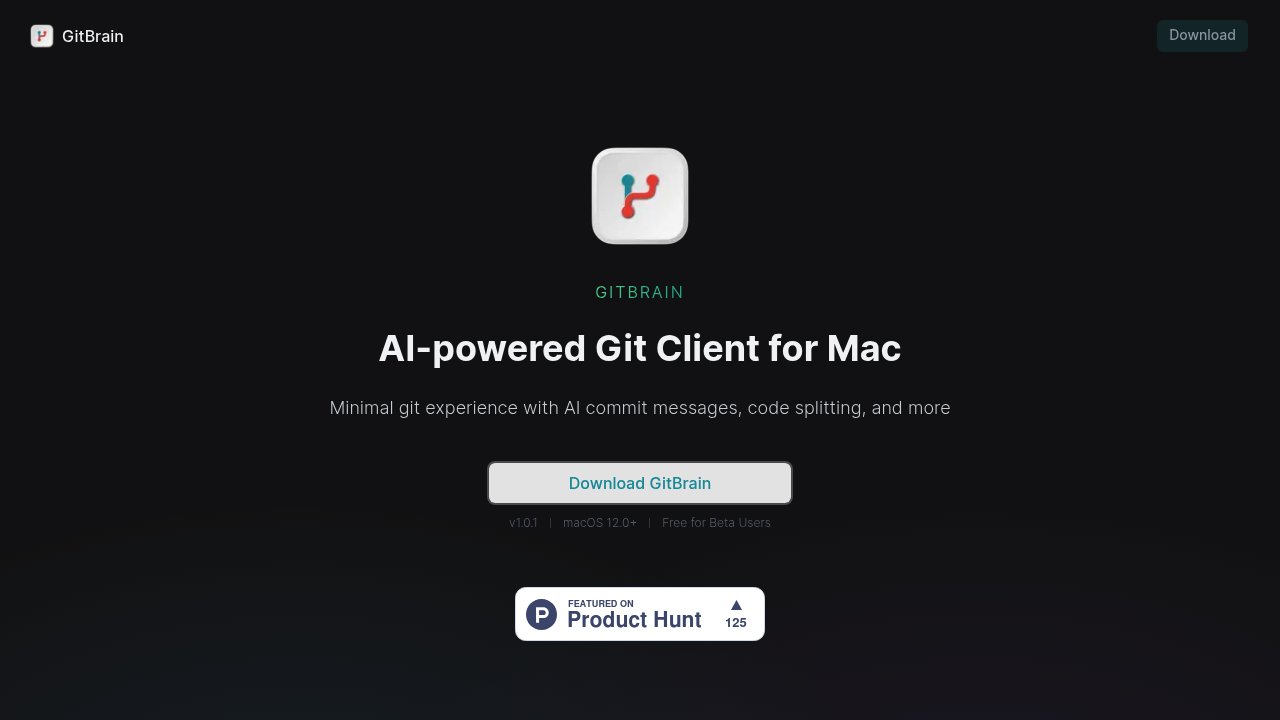
GitBrain screenshot

Mac developers who spend too much time crafting commit messages get automatic AI-generated ones with GitBrain. The Git client handles the tedious parts of version control while you stay focused on writing code. You can edit and customize every AI suggestion, so you're not stuck with generic messages.

The smart commit splitting stands out here. GitBrain takes your messy work-in-progress changes and breaks them into logical, separate commits automatically. You get interactive controls to select, reorder, and merge these AI-generated commits. No more massive "fixed stuff" commits cluttering your history.

Senior iOS developers juggling multiple feature branches will appreciate the automatic project detection. GitBrain connects with your favorite IDEs and knows which project you're working on without manual setup. The floating panel and menu bar integration feels native to macOS, not like another Electron app trying to fit in.

Keyboard shortcuts cover all operations. Light and dark themes match your system preferences.

The automatic code change summaries help with self-review before pushing. You'll catch issues you might have missed when rushing through commits manually. GitBrain requires macOS 12.0 or higher, which cuts out older systems entirely. The beta stays free for now, though pricing for the full release remains unclear.

Version 1.0.1 launched in 2023. Mac-only means Windows and Linux developers can't use it.

GitBrain alternatives

See all →

Frequently asked

7 questions
How does GitBrain's smart commit splitting actually work?
GitBrain looks at your work-in-progress changes and breaks them into separate commits automatically -- based on what code you've modified. You get interactive controls to pick which changes belong together. You can reorder the commits it suggests or merge them if you want. No more messy 'fixed stuff' commits that tell you nothing later.
Can I use GitBrain with any IDE or code editor?
It auto-detects your projects and connects with whatever IDE you're using. No manual setup needed. GitBrain uses a floating panel and menu bar integration that feels native to macOS. Works independently of your editor since it's watching your Git repos directly.
What happens if GitBrain generates a commit message I don't like?
You can edit every AI-generated message before committing. GitBrain doesn't force you to use exactly what it suggests. Speed of automation + full control over your commit history.
Does GitBrain work on Windows or Linux systems?
Nope -- Mac-only and needs macOS 12.0 or higher. Windows and Linux devs can't use it at all. Older Mac systems running below macOS 12.0 won't work either.
How much does GitBrain cost after the beta period?
Beta's free right now, but they haven't announced pricing for the full release yet. Version 1.0.1 launched in 2023, so it's still pretty new. Pricing details remain unclear.
Can GitBrain help me catch code issues before I push commits?
Yes -- it gives you automatic code change summaries for self-review before pushing. These summaries help catch issues you'd miss when rushing through manual commits. Like having a second pair of eyes on your changes.
What keyboard shortcuts does GitBrain support?
GitBrain covers all Git operations with keyboard shortcuts (though they don't list the specific key combos). Built for devs who'd rather stay on the keyboard than click through menus. It also matches your system's light and dark theme preferences automatically.

Traffic

Estimated monthly website visits · last 0 months

Not enough historical data for a chart yet.

Reviews (0)

Write review

No reviews yet. Be the first to share your experience.