Draw Things logo
AI Image Generator FREEMIUM from $9/mo

Draw Things

You'll need to download models from Draw Things' servers first

The free version won't generate anything until those downloads finish. Draw Things runs AI image generation entirely on your iPhone, iPad, or Mac. No internet required once you've installed the models. Privacy stays…

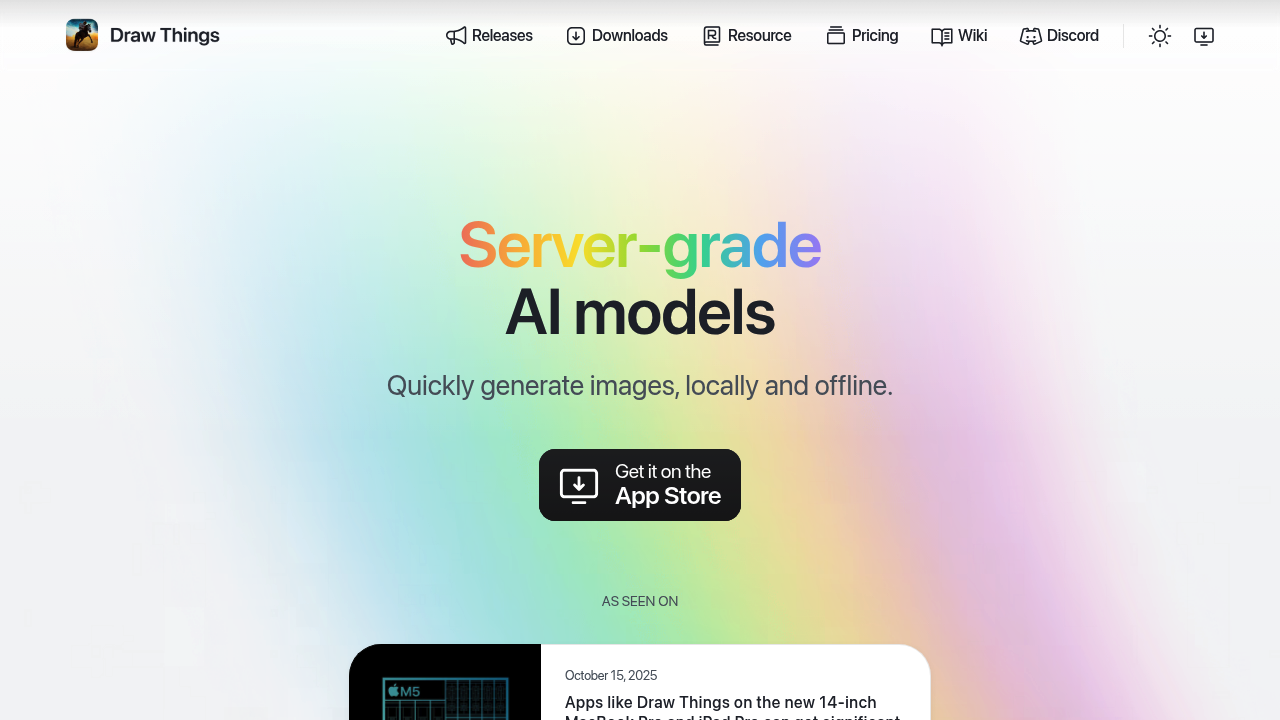
Draw Things screenshot

You'll need to download models from Draw Things' servers first. The free version won't generate anything until those downloads finish.

Draw Things runs AI image generation entirely on your iPhone, iPad, or Mac. No internet required once you've installed the models. Privacy stays intact — everything happens locally on your device. You craft prompts and watch images appear in minutes without sending data anywhere.

The infinite canvas feature lets you expand images endlessly. Start with a portrait. Stretch it into a landscape scene. Fill empty spaces with new elements. Transform existing photos into animation styles or completely different aesthetics.

Picture this: you're a concept artist working on character designs for a game studio. You could use the Try It On feature to prototype different outfits on your characters, then train a custom LoRA model locally to maintain visual consistency across variations. Generate dozens of iterations without worrying about cloud storage limits or internet connectivity during client presentations.

Image-to-video capabilities turn static creations into moving clips. LoRA training happens directly on your device too — something most mobile AI tools can't handle. The free plan covers basic generation and infinite canvas work. Draw Things+ costs $8.99 monthly and adds cloud compute with increased limits, though you'll still want the local processing for sensitive projects. Community accounts offer free cloud hours but you're back to depending on internet connections.

Recent updates boosted performance on newer MacBook Pro and iPad Pro models.

Draw Things alternatives

See all →

Frequently asked

6 questions
How much storage space do Draw Things models take up on my device?
Model downloads can be several gigabytes each -- depends on which AI models you pick. You'll want to check your storage first since these files stick around permanently on your device for offline generation. The app doesn't tell you exact sizes upfront, so grab one model and see how much space it eats up.
Can I train custom LoRA models in Draw Things without an internet connection?
Yep, LoRA training happens right on your device (just like image generation). This is pretty unusual for mobile AI tools since most need cloud processing for model training. You'll need a good amount of training images stored locally and some patience -- training takes time on mobile hardware.
What's the difference between Draw Things free version and the paid Draw Things+ plan?
Free version gives you basic generation and infinite canvas using local processing. Draw Things+ costs $8.99 monthly and adds cloud compute with higher limits. You'll still have the local option for privacy-sensitive work though. Community accounts get some free cloud hours but need internet connectivity.
How long does it take to generate images on an iPhone compared to a Mac?
Generation speed varies a lot between devices. Newer MacBook Pro and iPad Pro models get the best performance after recent updates. iPhones will be slower than desktop-class processors -- older devices might struggle with larger or more complex generations. The app processes everything locally, so your device's chip directly impacts speed.
Can I expand existing photos using the infinite canvas feature?
Yes, you can load existing photos and extend them in any direction using the infinite canvas. The AI fills in new areas based on your prompts and the existing image content. This works for transforming photos into different art styles too -- not just extending the borders.
Does Draw Things work completely offline for image-to-video generation?
Yes, the image-to-video feature works offline once you've downloaded the necessary models. This sets it apart from most AI video tools that need constant internet connections. You can turn static images into moving clips without sending any data to external servers.

Traffic

Estimated monthly website visits · last 0 months

Not enough historical data for a chart yet.

Reviews (0)

Write review

No reviews yet. Be the first to share your experience.