
Docuit logo

Docuit

Screen activity becomes documentation without lifting a finger

Docuit runs in the background during work or study sessions, capturing what happens on your screen and transforming it into 17 different deliverable formats. Choose between two capture modes—Doing Work or Learning—then…

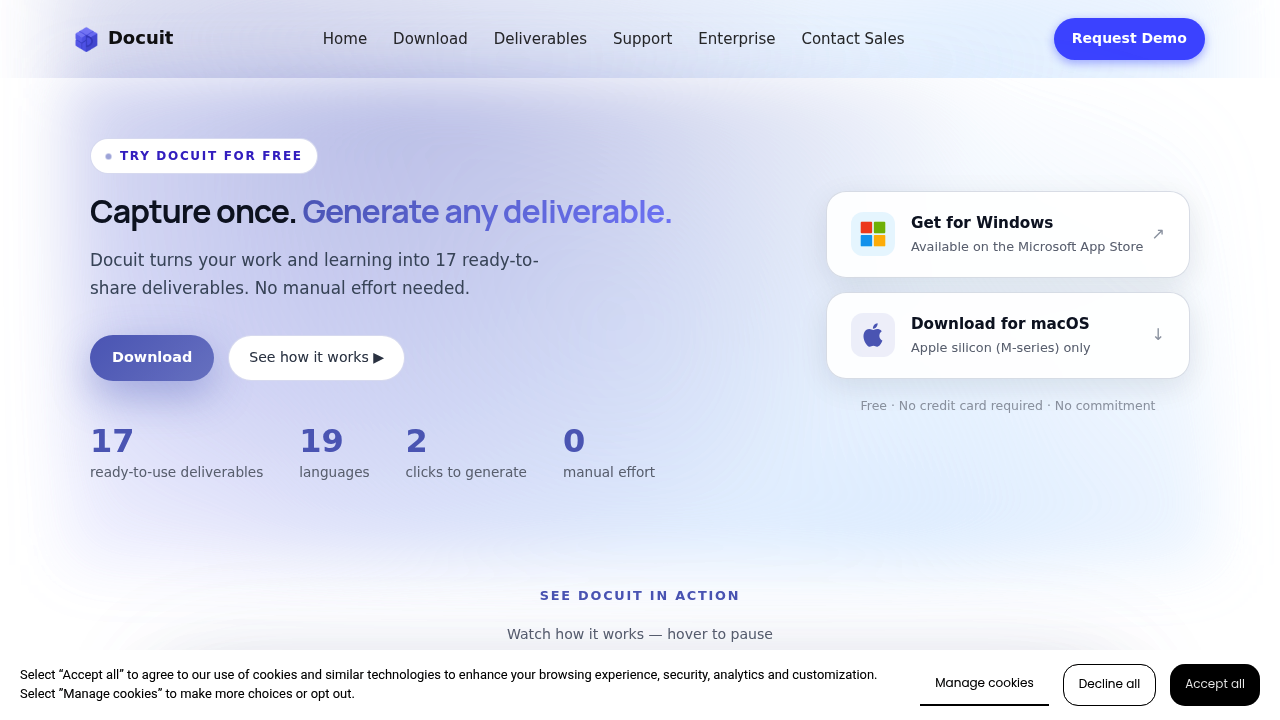
Docuit screenshot

Screen activity becomes documentation without lifting a finger. Docuit runs in the background during work or study sessions, capturing what happens on your screen and transforming it into 17 different deliverable formats. Choose between two capture modes—Doing Work or Learning—then start a session. Docuit records selected windows, not your entire screen, giving you control over what gets documented. When you stop the session, Docuit generates polished outputs in two clicks: study cards, lesson summaries, teaching notes, or any of the other 14 formats. It supports 19 languages and offers a free plan with no credit card required, giving full access to all deliverable types without commitment.

Students working through research materials, educators preparing course content, and professionals managing projects or client work get the most value here. Anyone who spends hours reading documentation, attending virtual meetings, or working through tutorials can skip the note-taking step entirely. This software fits learners who need study aids without manual card creation, teachers who want lesson plans derived from actual teaching sessions, and knowledge workers who document processes or create training materials. It works for individual contributors who need to share what they've learned and for people building reference libraries from their daily work.

Recording a training session turns into a complete set of teaching notes. Researching a new technology stack generates study cards automatically. Walking through a client onboarding process produces documentation you can hand off to the next team member. The session-based approach means you can upload previous recordings and generate new deliverable types from the same captured content. Since it captures specific windows rather than everything on screen, you maintain privacy while working across multiple applications. The automatic PDF generation means deliverables are immediately shareable. Whether you're building a knowledge base from webinars, creating study materials from online courses, or documenting software workflows for team training, the content gets packaged without retyping or reformatting.

Docuit alternatives

See all →

Frequently asked

6 questions
How does Docuit turn screen activity into documents?
Docuit captures your screen activity during work or study sessions and automatically converts it into 17 different deliverable formats including study cards, lesson summaries, and teaching notes. You select which windows to record, start a session in either Doing Work or Learning mode, then stop when finished. The tool generates polished, shareable documents in two clicks without requiring manual note-taking or formatting.
Who should use Docuit?
Docuit serves students working through research materials, educators preparing course content, and professionals managing projects or client work. Anyone who spends time reading documentation, attending virtual meetings, or working through tutorials can skip manual note-taking entirely. Knowledge workers who document processes, create training materials, or build reference libraries from daily work benefit most from automatic capture and conversion.
Can I use Docuit to create study materials from online courses?
Recording an online course session with Docuit automatically generates study cards and lesson summaries from the captured content. The tool converts your screen activity during the course into ready-to-use study aids without manual card creation. You can also upload previous session recordings and generate new deliverable types from the same captured material.
Does Docuit offer a free plan?
Docuit provides a free plan with no credit card required and no commitment. The free tier includes access to all 17 deliverable types and support for 19 languages. Full functionality is available without upgrading to a paid plan.
What platforms does Docuit work on?
Docuit runs on macOS, but only supports Apple silicon chips (M-series processors). The software does not offer a mobile app or browser extension. Windows and Intel-based Mac computers cannot run the current version.
Does Docuit record my entire screen or just specific windows?
Docuit captures only the windows you select, not your entire screen. This selective recording gives you control over what gets documented and maintains privacy while working across multiple applications. Session-based recording includes start and stop controls so you decide exactly when capture happens.

Traffic

Estimated monthly website visits · last 0 months

317 visits/mo
Monthly visits
317

Not enough historical data for a chart yet.

Reviews (0)

Write review

No reviews yet. Be the first to share your experience.