video2docs logo

video2docs

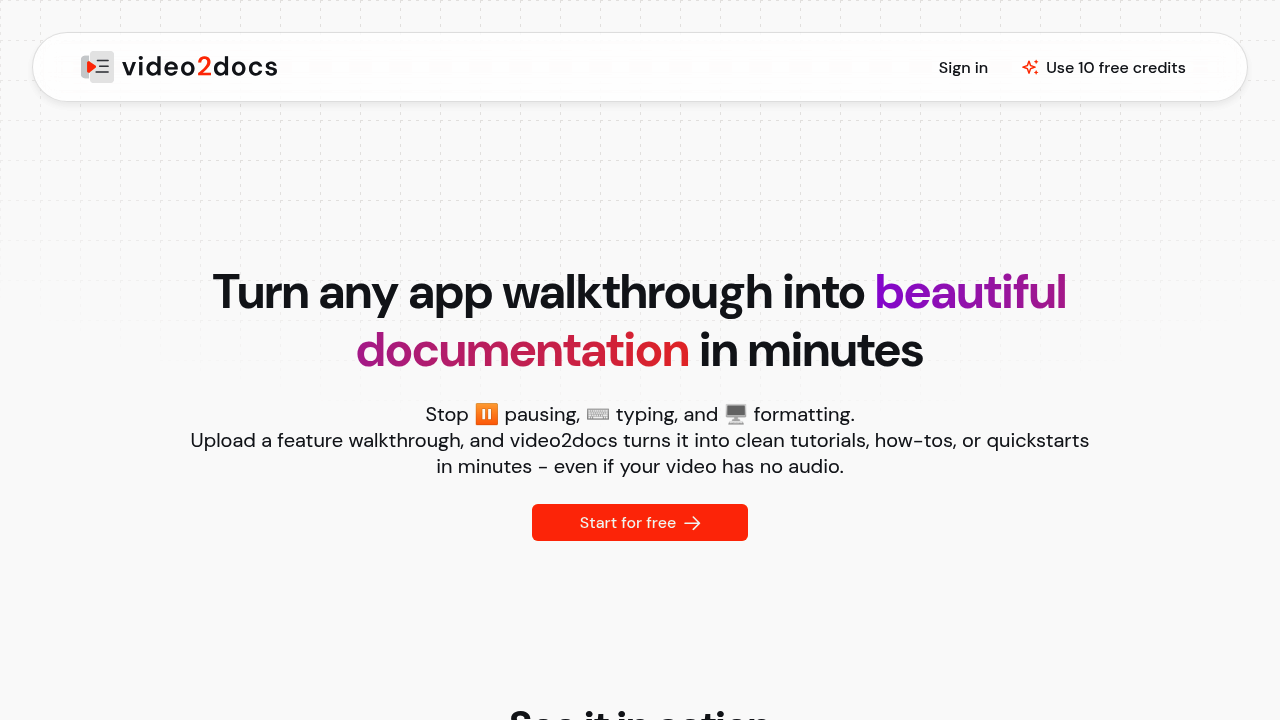
video2docs transforms screen recordings into clear, structured documentation in minutes

67 views
video2docs screenshot

video2docs creates surprisingly clean documentation. No voice narration needed. The AI watches your clicks. Detects navigation patterns. Tracks tooltips to build step-by-step guides.

Product managers recording feature demos find this useful when they need documentation fast. You record a 10-minute walkthrough of your new dashboard feature. Upload it. Get back a formatted tutorial in Markdown, HTML, or PDF. Built-in screen recorder means you won't need another tool.

Five language models give you options.

DeepL handles translation to 13 languages if your team works internationally.

Credits work differently than most subscription tools. You get 10 free credits to start, then pay as you go. Credits run from $5 for 25 up to $125 for 500. Videos can't exceed 10 minutes though — which might frustrate teams with complex workflows.

Solo developers and small teams appreciate not having to pause, type, and format documentation manually. Cloud-based approach means no browser extensions or desktop installs. You upload. Wait about 24 hours for processing. Download your docs. It's built for teams who demo features regularly but hate the tedious work of turning those demos into readable guides.

Frequently asked

7 questions
Why does video2docs take 24 hours to process my video?
The AI's gotta analyze your clicks and detect navigation patterns -- plus track all those tooltips. That's how it builds accurate step-by-step guides. Cloud processing keeps the quality high without you needing browser extensions or desktop software.
Can I record videos longer than 10 minutes with video2docs?
Nope, there's a hard 10-minute limit. Pretty frustrating if you're documenting complex workflows that naturally take longer.
How many language models does video2docs offer and why would I switch between them?
You've got five different models to pick from. Some work better depending on your interface type or documentation style -- gives you flexibility to find what clicks for your content.
What's the cheapest way to get started with video2docs credits after my free ones run out?
After your 10 free credits are gone, the entry package is $5 for 25 credits. Works great for occasional users who don't want monthly subscriptions.
Does video2docs work for international teams that need documentation in multiple languages?
Yep, it's got DeepL translation for 13 different languages. Makes it super practical for global teams who need the same docs available in multiple markets.
What file formats can I export from video2docs?
You can download in Markdown, HTML, or PDF formats. Gives you flexibility to use the docs in different systems -- or share with teams that prefer different file types.
Do I need to install any software to use video2docs?
No installations needed. It's got a built-in screen recorder and runs entirely in the cloud. You won't need separate recording software or browser extensions.

Reviews (0)

No reviews yet. Be the first to share your experience.

Similar tools

See all →