Design logo

Design

You can generate images from text prompts in minutes

Design0 turns written descriptions into visuals—no steep learning curve required. Type what you want. Watch it materialize. Design0 runs on AI models like Nano Banana and Seedream 4.0. You get text-to-image generation.…

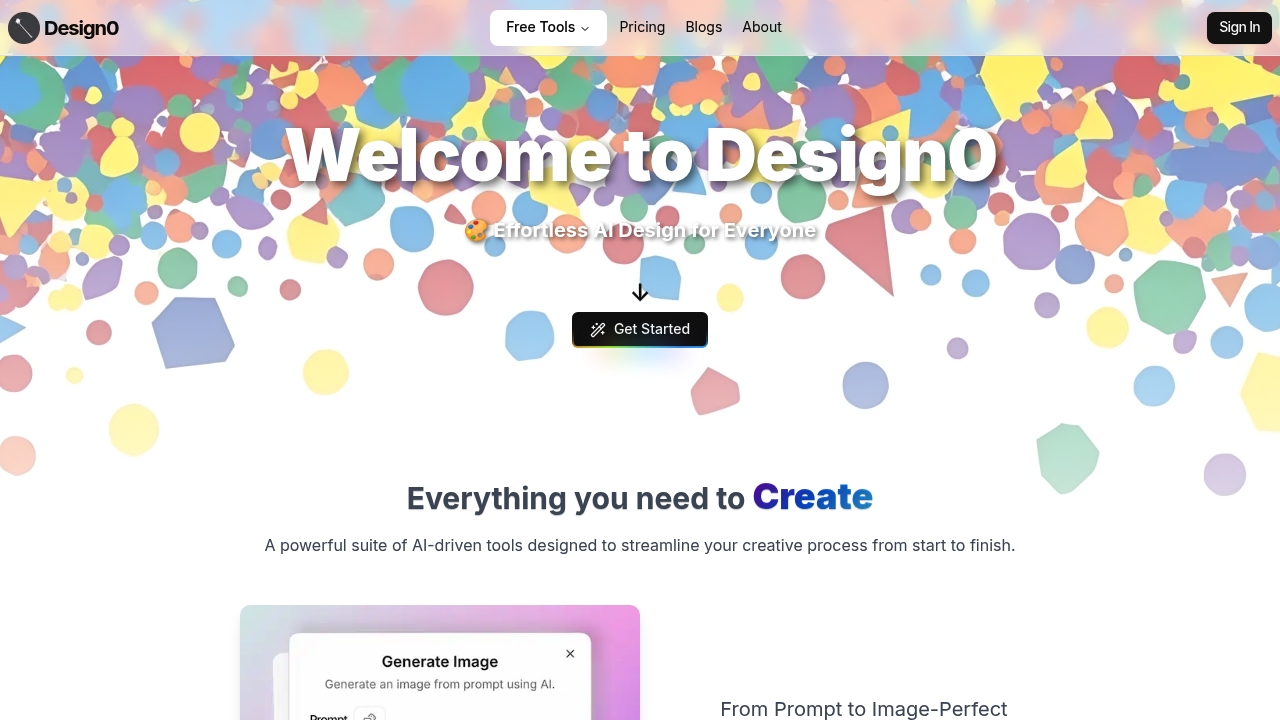
Design screenshot

You can generate images from text prompts in minutes. Design0 turns written descriptions into visuals—no steep learning curve required. Type what you want. Watch it materialize.

Design0 runs on AI models like Nano Banana and Seedream 4.0. You get text-to-image generation. You get editing through plain language commands. Need to remove a background? Done. Want to upscale resolution? Done. Transform a photo into an oil painting or sketch? Also done. Interior designers feed it floor plans and get 3D renderings back. Game developers generate concept art faster than sketching by hand.

Design0 pulls from Unsplash and Freepik libraries when you need stock imagery. Save brand elements (logos, color palettes) so your style applies automatically. Real-time suggestions pop up for layouts and typography choices. Stuck? The one-click brainstorming feature throws ideas at you.

Here's the catch: the credit system. Every action burns through credits based on which AI model you're using. New users get 100 credits free. After that it's pay-as-you-go—100 credits for a dollar. Buy five dollars worth and you get an extra 100 credits thrown in. A freelance graphic designer working on client projects might blow through credits quickly. Depends on revision volume.

Design0 donates half a percent of revenue to climate protection. Small gesture. More than most AI tools bother with.

Design alternatives

See all →

Frequently asked

6 questions
How much does Design0 cost?
It's free to start—you get 100 credits when you sign up. After that, it's pay-as-you-go at 100 credits for $1. If you buy $5 worth, they throw in an extra 100 credits as a bonus.
Can I use Design0 without knowing graphic design?
Absolutely. You just type what you want in plain language and it generates the image. No need to learn complicated design software—it's built for anyone who can describe what they're picturing.
What can I actually create with Design0?
Pretty much any visual you can describe. People use it for everything from social media graphics and brand logos to game concept art, interior design renderings, and app interface mockups. It also handles photo editing like background removal and upscaling.
How fast do credits run out on Design0?
Depends on which AI models you're using and how many revisions you make. More advanced models eat through credits faster. If you're doing heavy client work with lots of iterations, you'll definitely need to buy more credits regularly.
Can I save my brand colors and fonts in Design0?
Yep, there's a feature that lets you save your logos, color palettes, and fonts so they automatically apply to new projects. Saves you from manually entering brand details every single time.
Does Design0 work for professional designers or just beginners?
Both, really. Beginners love it because there's no learning curve, but professionals use it to speed up repetitive tasks and generate quick concept variations. Game artists and interior designers seem to get a lot of mileage out of it.

Traffic

Estimated monthly website visits · last 0 months

232 visits/mo
Monthly visits
232

Not enough historical data for a chart yet.

Reviews (0)

Write review

No reviews yet. Be the first to share your experience.