
Brushless AI logo
AI Ad Generator FREEMIUM from $29/mo

Brushless AI

Plans start from $5

You can try Brushless AI without a credit card. That's refreshing when most tools want payment upfront. The free tier lets you test the waters before committing. Getting decent results doesn't take long. You pick from…

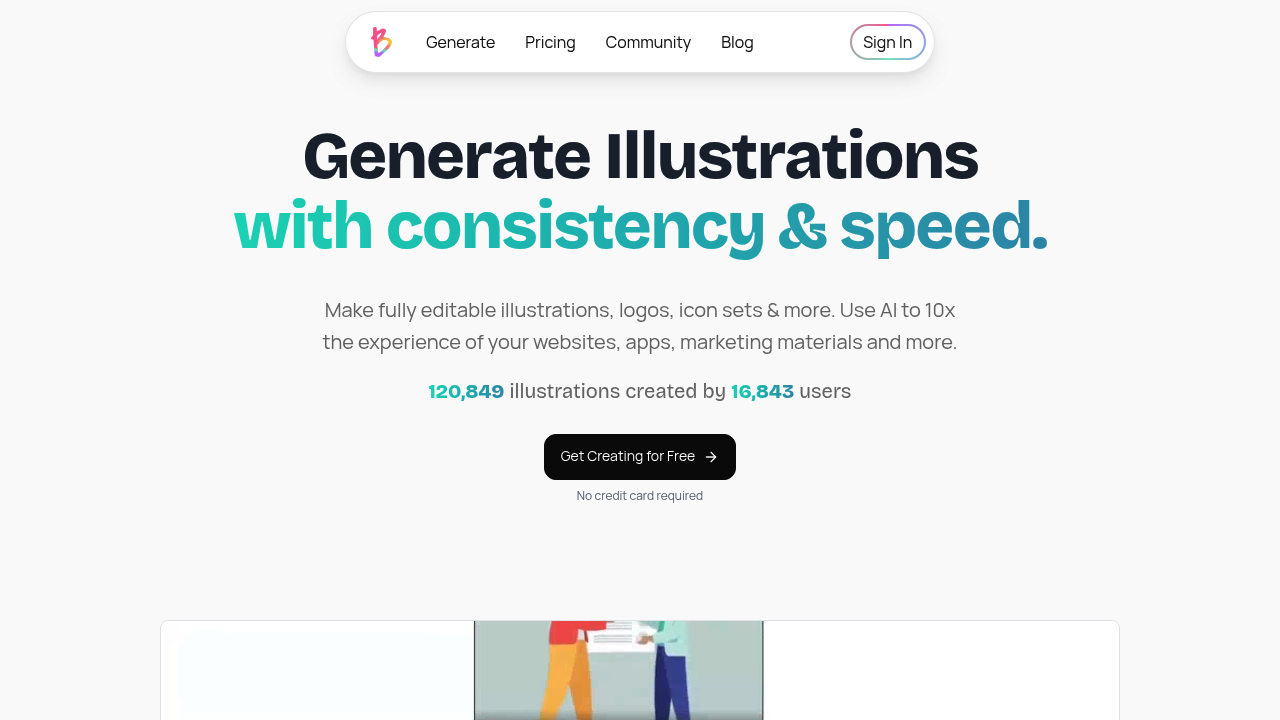
Brushless AI screenshot

Plans start from $5. You can try Brushless AI without a credit card. That's refreshing when most tools want payment upfront. The free tier lets you test the waters before committing.

Getting decent results doesn't take long. You pick from styles like Notion or Flat Icons. Type what you want. Brushless AI spits out vector illustrations in seconds. The learning curve is gentle enough that a startup founder scrambling to create app icons can figure it out without design training.

Each vector comes with editable layers. Change colors. Tweak elements. Export as SVG. Say you're building a SaaS dashboard and need consistent illustrations across your interface — upload a reference image to create your custom style, then generate variations that match your brand. No more hunting through stock libraries for something that almost works.

The credit system counts every prompt attempt though. Run out of ideas or need multiple tries? You'll burn through credits fast.

Brushless AI positions itself as the alternative to hiring designers on Upwork or paying design teams. With 122,209 illustrations created across 16,974 users, it's clearly solving a problem for developers and growing brands who need custom visuals but lack the budget or skills. The output works across websites, apps, and social media without the usual hassle of licensing or attribution requirements.


Brushless AI alternatives

See all →

Frequently asked

7 questions
How many credits does each illustration attempt cost in Brushless AI?
Every prompt eats up one credit -- even if the result's terrible. Want to try different variations or need multiple attempts? You'll burn through credits fast. The system won't refund you for attempts that completely miss what you wanted.
Can I upload my own reference images to create custom styles?
Yeah, you can upload reference images to train Brushless AI on your brand's specific style. Once that's done, you'll generate multiple illustrations that actually match your brand's vibe. Works great for keeping everything visually consistent across apps, websites, or marketing stuff.
What file formats does Brushless AI export to?
It exports as SVG files with editable layers. You can tweak colors and adjust individual elements. Plus they scale without getting pixelated -- perfect for web dev, app interfaces, or anywhere you need crisp graphics at different sizes.
How does the free trial work without requiring a credit card?
You can jump right in without entering payment info. The free tier gives you credits to actually test things out before committing to a paid plan. Most AI tools make you pay upfront, so this lets you genuinely try before you buy.
What's the difference between Notion style and Flat Icons in Brushless AI?
They're preset illustration styles you pick from when generating vectors. Notion style copies that clean, minimal look you see in productivity apps. Flat Icons creates simple, geometric illustrations instead. Same text prompt -- totally different visual results.
How long does it take Brushless AI to generate a vector illustration?
It creates vector illustrations in seconds after you hit submit. The speed's actually useful for rapid prototyping or when you need multiple variations quickly. You won't sit there waiting for minutes like with other AI image generators.
Do I need design skills to get good results from Brushless AI?
Nope -- zero design experience needed. The interface is simple enough that developers, startup founders, and non-designers can create decent illustrations. Just pick a style, describe what you want, and the AI does the visual work.

Traffic

Estimated monthly website visits · last 0 months

1.2K visits/mo
Monthly visits
1.2K
Global rank
#14,714,525

Not enough historical data for a chart yet.

Reviews (0)

Write review

No reviews yet. Be the first to share your experience.