AI Outpainting Image logo
AI Expand Image FREEMIUM from $2/mo

AI Outpainting Image

Your photos get bigger without looking fake

AI Outpainting Image uses generative AI to expand images beyond their original borders. Style stays intact. Quality too. It works in all four directions. Up. Down. Left. Right — you pick where to extend. Context-aware…

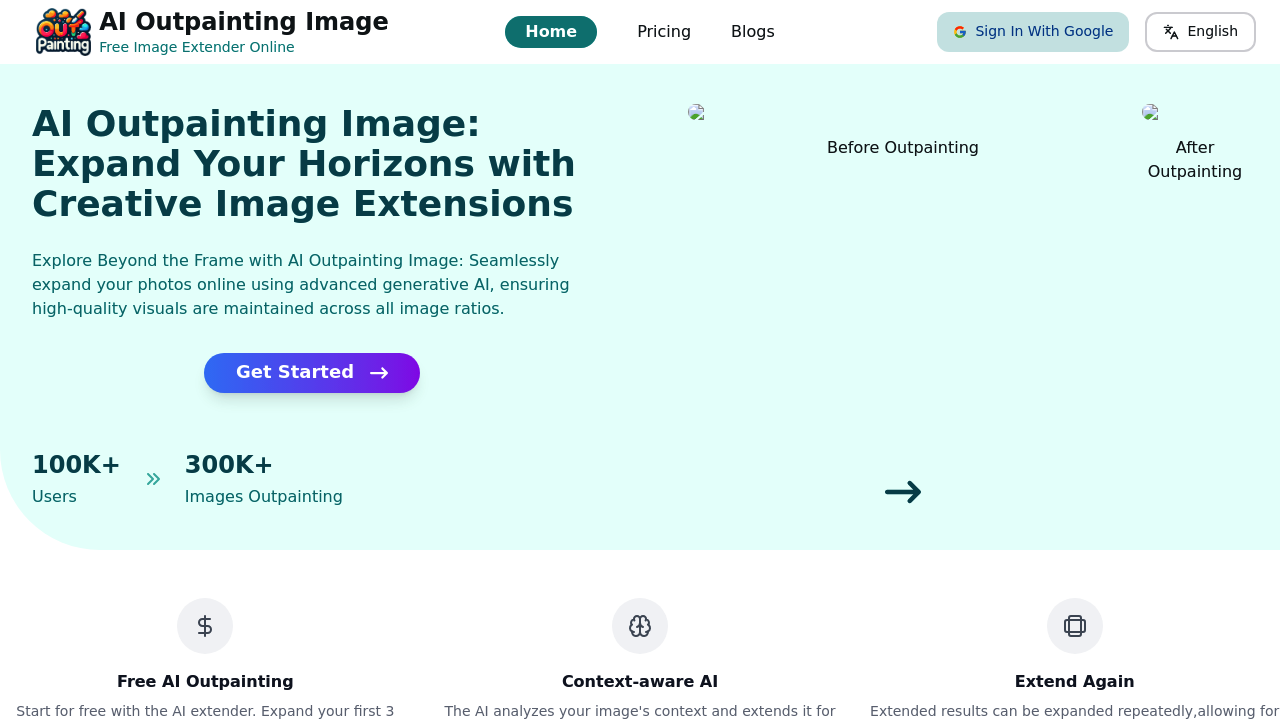
AI Outpainting Image screenshot

Your photos get bigger without looking fake. AI Outpainting Image uses generative AI to expand images beyond their original borders. Style stays intact. Quality too.

It works in all four directions. Up. Down. Left. Right — you pick where to extend. Context-aware AI analyzes what's already there and fills in realistic details that match the original image perfectly.

Say you're a social media manager with a square product photo that needs to work as a banner. Upload the image and expand it horizontally. AI studies the background patterns and lighting, then generates matching content on both sides. You get a wider image that looks like it was shot that way originally.

You can expand the same image multiple times. Each expansion builds on the last one, letting you create dramatically larger canvases from small originals. AI Outpainting handles up to 5 images at once, which speeds up batch work considerably.

First 3 expansions come free, then you'll need to pay. That's enough to test whether AI understands your image style, but serious users will hit the limit quickly.

Login required even for the trial, which adds friction upfront.

Over 100,000 users have expanded more than 300,000 images through AI Outpainting. AI maintains consistent quality across repeated expansions, making it useful for anyone who needs larger versions of existing photos without reshooting.

AI Outpainting Image alternatives

See all →

Frequently asked

6 questions
How many times can I expand the same image with AI Outpainting Image?
You can expand the same image as many times as you want -- each expansion builds on what you did before. This means you can turn tiny originals into massive canvases. The AI won't mess up the quality even after multiple rounds, so your image stays crisp.
Can I process multiple images at once?
Yep! AI Outpainting handles up to 5 images at the same time. Super handy if you've got a bunch of photos that need expanding.
Do I need to create an account to try AI Outpainting Image?
You'll need to log in, even for the free stuff. But hey -- you get 3 free expansions to start with. That's plenty to see if the AI gets your image style right.
What happens if I want to expand an image in multiple directions?
You pick one direction each time -- up, down, left, or right. Since you can expand the same image multiple times, just do it in stages. Expand horizontally first, then take that result and go vertical. The AI looks at whatever's there and matches it perfectly.
How does the AI know what to fill in when expanding my image?
It studies what's already in your image -- background patterns, how the light hits everything, the whole vibe. Then it creates realistic details that match perfectly. Pretty smart system that makes sure the new parts don't look fake or out of place.
Is AI Outpainting Image suitable for professional social media work?
Absolutely! Social media managers love this thing. Take a square product photo and stretch it into a banner that looks like you shot it that way originally. Over 100,000 users have expanded more than 300,000 images already -- so yeah, it works for the pros.

Traffic

Estimated monthly website visits · last 0 months

73 visits/mo
Monthly visits
73
Global rank
#8,173,633

Not enough historical data for a chart yet.

Reviews (0)

Write review

No reviews yet. Be the first to share your experience.