
Adobe Express logo
AI Graphic Design FREEMIUM from $10/mo

Adobe Express

Adobe Express is a browser and mobile design app for making social posts, flyers, images, short videos and other marketing content from templates.

It adds generative AI for creating and editing assets, an AI Assistant in beta that edits layers from a prompt, one-click resizing for different channels, and brand kits that lock fonts and colors. A free plan covers…

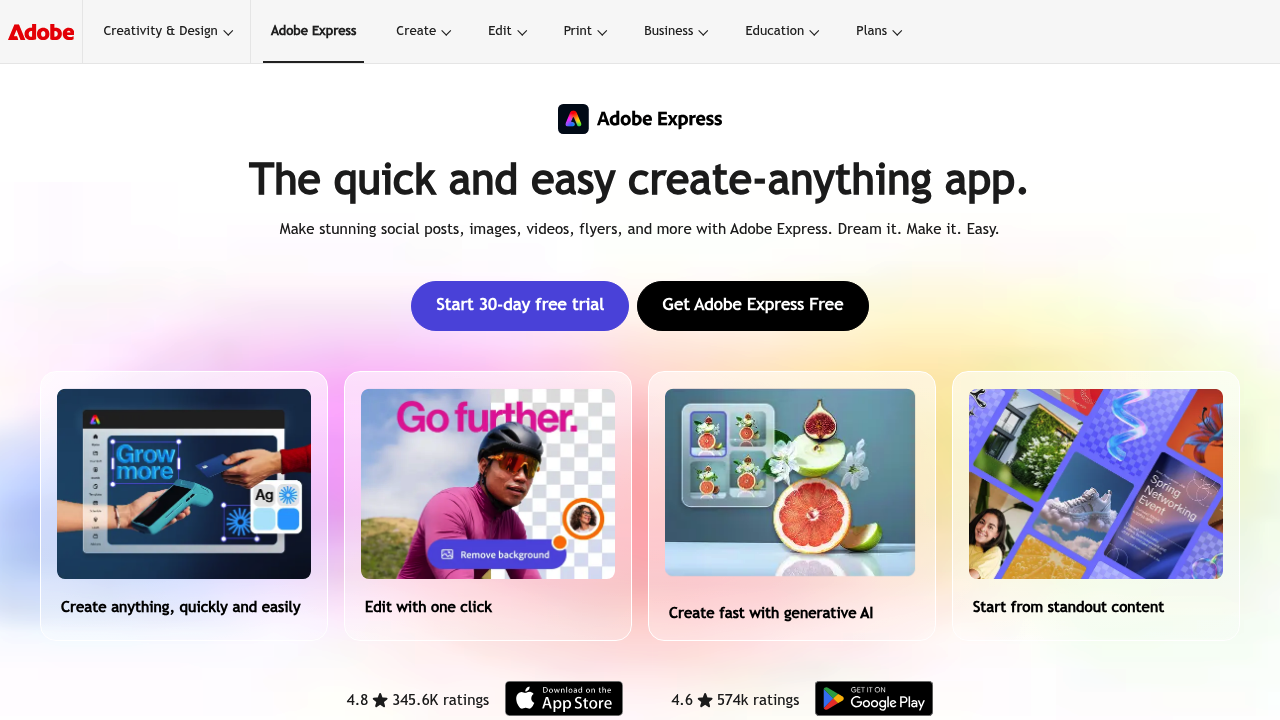
Adobe Express screenshot

Adobe Express is a browser and mobile design app for making social posts, flyers, images, short videos and other marketing content from templates. It adds generative AI for creating and editing assets, an AI Assistant in beta that edits layers from a prompt, one-click resizing for different channels, and brand kits that lock fonts and colors. A free plan covers basic creation with limited AI credits, Premium costs $9.99 per month with a 30-day trial, and Firefly Pro at $19.99 per month adds 4,000 AI credits plus Photoshop on web and mobile.

Small business owners who need flyers and promotional graphics without hiring a designer are a natural fit, as are social media managers who must publish the same campaign in several sizes. Marketing teams rely on the brand kit and shared editing to keep work consistent across contributors, while students and teachers make class projects, posters and presentations from professional templates. Enterprise organizations get admin and security controls, and people who already work in Photoshop or Firefly can sync assets into the app. No design training is required, which suits beginners and busy generalists.

Typical uses include building an Instagram or TikTok post from a template, resizing it for other platforms in one click, then scheduling it for publishing. A shop owner can put together a sale flyer with brand fonts, a recruiter can produce a branded hiring graphic, and a teacher can design a classroom handout. Video editing supports drag-and-drop clips, bulk edits, self-recording and direct publishing to Vimeo. Because files sync between desktop browser and phone, a draft started at a desk can be finished on the go. Teams can also review work together in real time alongside Adobe Creative Cloud files.

Adobe Express alternatives

See all →

Frequently asked

6 questions
How does Adobe Express create content quickly?
It starts from professional templates and adds one-click edits, generative AI for images and effects, and an AI Assistant in beta that changes layers from a typed prompt. You can resize one design for several social channels in a single file.
Who is Adobe Express meant for?
Small business owners, social media managers, marketing teams, students and educators are the main audiences. Teams and enterprise plans add collaboration, security and admin features for larger organizations.
Can I make a video campaign in Adobe Express?
Video editing supports drag-and-drop content, bulk editing, self-recording and direct publishing to Vimeo. You can pair clips with templates and resize the finished asset for different social channels.
Does Adobe Express have a free plan?
A free plan offers basic content creation tools with limited generative AI credits and assets, and needs no credit card. Premium costs $9.99 per month with a 30-day trial, and Firefly Pro costs $19.99 per month.
What are the limits of the free version?
Free users get a restricted number of AI credits and assets, and brand kits are included only with Premium. The AI Assistant is a limited beta available on desktop in English (US).
Where can I use Adobe Express?
Desktop browsers and phones both run it, with files kept in sync between them. Content can be exchanged with Photoshop and Firefly, so assets stay available inside the apps you already use.

Reviews (0)

Write review

No reviews yet. Be the first to share your experience.