ACE Studio logo

ACE Studio

Sing without singing

53 views
ACE Studio screenshot

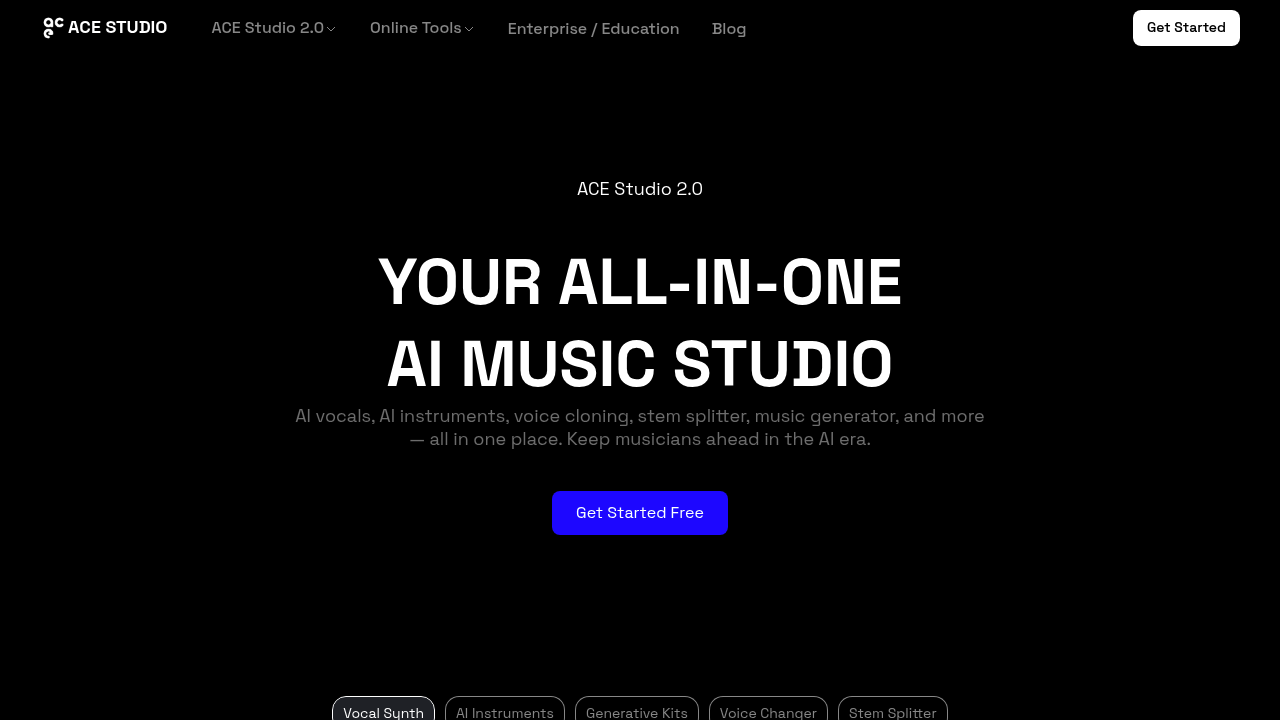
You get actual singing vocals from MIDI files and lyrics. ACE Studio 2.0 turns musical notation into expressive performances. Pop to opera — it covers multiple vocal styles. The vocal synthesis doesn't sound robotic like text-to-speech generators.

Voice cloning lets you create singing versions of your own voice. Or transform it into different characters entirely. Musicians can split existing tracks into individual stems for remixing. The AI instruments generate natural-sounding performances without the mechanical feel of typical MIDI playback.

Picture this: a bedroom producer working on a hip-hop track can clone their voice, generate rap vocals from lyrics, add AI instruments, then split reference tracks to sample specific elements. Everything happens in one workspace.

The generative kits expand creative possibilities beyond basic voice synthesis. You'll find vocal styles ranging from kids choir to cinematic performances. ACE Studio positions itself as an all-in-one solution for musicians navigating the AI era.

The free plan gets you started without commitment. Voice changing opens up character work and creative vocal effects that go beyond standard pitch shifting. ACE Studio packs numerous features into one workspace — some producers might find the breadth overwhelming when they just need quick vocal generation. The stem splitter alone saves time compared to using separate audio editing software for track isolation.

Frequently asked

7 questions
Can ACE Studio generate vocals in languages other than English?
The info I found doesn't mention which languages ACE Studio supports. You'll have to check their platform yourself to see what language options they've got for turning MIDI and lyrics into vocals.
How does voice cloning work in ACE Studio - do I need special equipment to record my voice?
ACE Studio lets you clone your own voice for singing -- pretty cool tech. But the details on recording requirements? Not mentioned in what I've seen. You'll probably need voice samples, though I'd check their docs for mic specs and quality requirements.
What's included in ACE Studio's free plan versus paid options?
They've got a free plan to try without commitment. What's actually included at each level though? That's not spelled out in the info available. Hit up their pricing page to see the breakdown.
Can the stem splitter in ACE Studio handle any audio format, or are there file type restrictions?
ACE Studio's stem splitter breaks existing tracks into separate parts -- great for remixing. Which audio formats it accepts isn't mentioned anywhere I can see. It definitely saves time versus using separate editing software for track isolation.

How realistic do the AI instruments sound compared to actual recorded instruments?
ACE Studio's AI instruments sound natural and avoid that robotic MIDI feel. They work across different styles from pop to opera. But how they stack up against real recordings? The source doesn't get into those specifics.
Does ACE Studio work better for certain music genres, or is it equally effective across all styles?
It covers tons of vocal styles -- pop to opera, kids choir to cinematic stuff. I saw examples of bedroom producers doing hip-hop tracks too. The range suggests it's built for pretty much any genre you throw at it.
Is there a learning curve with ACE Studio, or can beginners jump right in?
ACE Studio packs a lot into one workspace. Some producers might find it overwhelming when they just want quick vocals. There's definitely stuff to learn -- but hey, you can start with the free plan and take your time figuring it all out.

Traffic

Estimated monthly website visits · last 0 months

Not enough historical data for a chart yet.

Data from SimilarWeb · Updated monthly.

Reviews (0)

Write review

No reviews yet. Be the first to share your experience.

Similar tools

See all →