
Werd - Vibe Write with Multi-agent AI logo

Werd - Vibe Write with Multi-agent AI

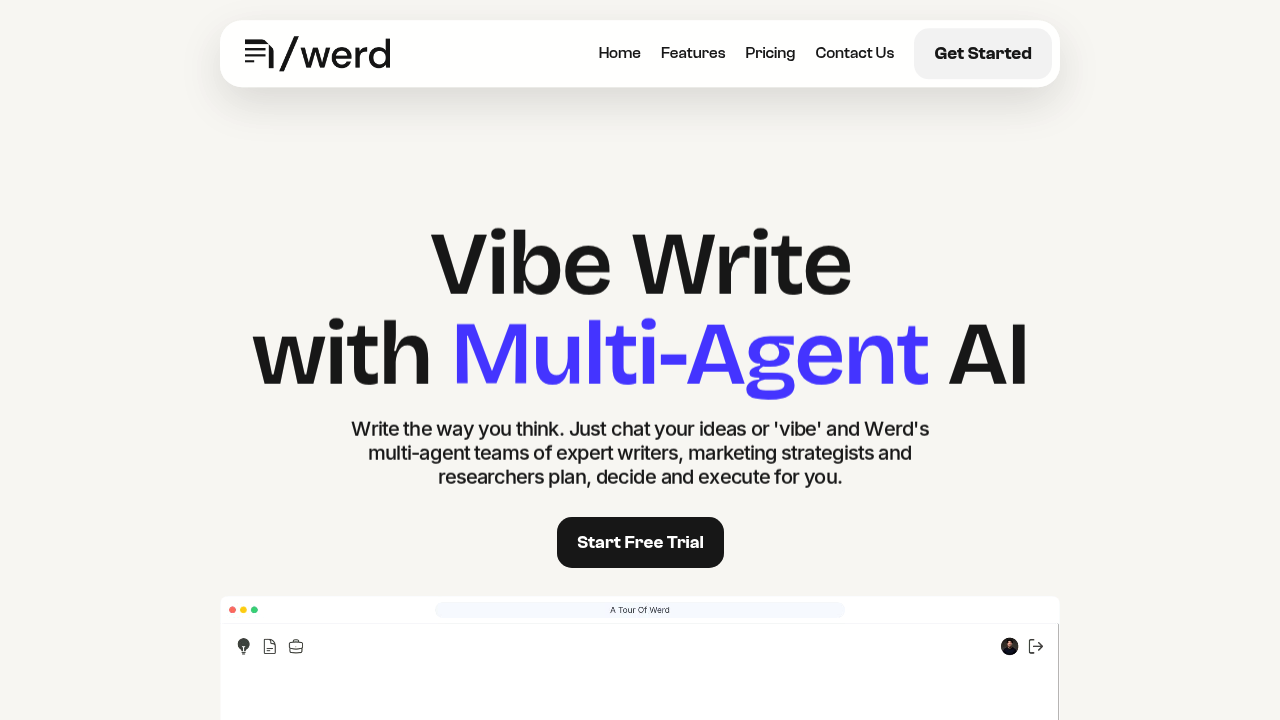
Write the way you think. Just chat your ideas or 'vibe' and Werd's multi-agent teams of expert writers, marketing strategists and researchers plan, decide and execute for you. With one click, Werd bu

51 views
Visit werd.ai
Werd - Vibe Write with Multi-agent AI screenshot

Entrepreneurs building content-heavy businesses need Werd if they can't afford a full marketing team yet. Small business owners who want organic traffic without the usual content creation headaches will find this useful too.

Werd works more like having actual marketing experts on chat than using another writing tool. You talk to specialized AI agents — writers, strategists, researchers — who build content strategies and execute them. LangChain and LangGraph power what feels like a proper content team discussion.

Say you're a SaaS founder launching a productivity app. You'd chat with Werd's agents about your target audience, and they'd create an SEO-informed content strategy document. Then the writing agents execute articles. Real-time SERP trends get pulled in. Keyword intent gets scored automatically.

Smart editor handles sentence completion. Instant rewrites too. Tone adjustments happen fast. You can generate images from text and grab stock photos from Pexels with automatic attribution. Everything works across 13 languages including Chinese and Spanish.

Works fine on mobile for quick edits and agent chats. Desktop gives you better access to the full editor features. Chat-based updates mean you can refine content without starting over, though the multi-agent approach can feel slow when you just want simple edits.

Free trial lets you test the agent conversations before committing to paid plans.

Frequently asked

6 questions
How do the specialized AI agents in Werd actually work together on content projects?
Werd uses LangChain and LangGraph to get different AI agents talking -- writers, strategists, researchers. Each one's got a job to do. The strategist checks out your audience first, then passes what they find to the writer. It's like watching a real marketing team hash things out in chat. Though honestly? All that back-and-forth can make simple stuff take way longer than regular writing tools.
Can Werd - Vibe Write pull real-time SEO data for my content strategy?
Yep, Werd grabs current SERP trends and scores keyword intent automatically when it's building your strategy. The agents can suggest topics based on what's ranking right now -- not some old keyword data. Research agents work this live stuff into whatever strategy docs they're making for you.
What languages does Werd support beyond English?
Werd handles 13 languages (Chinese and Spanish included). You can chat with the AI agents and create content in any of them. The multi-agent thing works the same strategic way no matter which language you pick.
Does Werd - Vibe Write work well on mobile devices?
Mobile's fine for quick edits and agent chats. But you'll want desktop for the full editor features. The chat setup works pretty well on small screens since most stuff happens through conversations. Complex editing and strategy reviews though? Definitely better with a full screen.
How does Werd's image generation compare to standalone AI image tools?
Werd generates images from text and grabs stock photos from Pexels (with automatic attribution built in). Having both options right in your writing workflow is handy. But it's more about convenience than trying to beat dedicated image tools. The focus stays on helping your content creation -- not fancy image editing.
What happens if I just want simple text edits without the full agent discussion?
Werd's got a smart editor with sentence completion, instant rewrites, quick tone adjustments for simpler tasks. The thing is -- the tool's strength is that multi-agent approach. So basic editing can feel way too complex compared to regular writing assistants. You might end up waiting for agent responses when you just wanted to fix one sentence.

Reviews (0)

No reviews yet. Be the first to share your experience.

Similar tools

See all →