
Web Gremlin logo

Web Gremlin

You audit a client's website—everything looks good

41 views
Web Gremlin screenshot

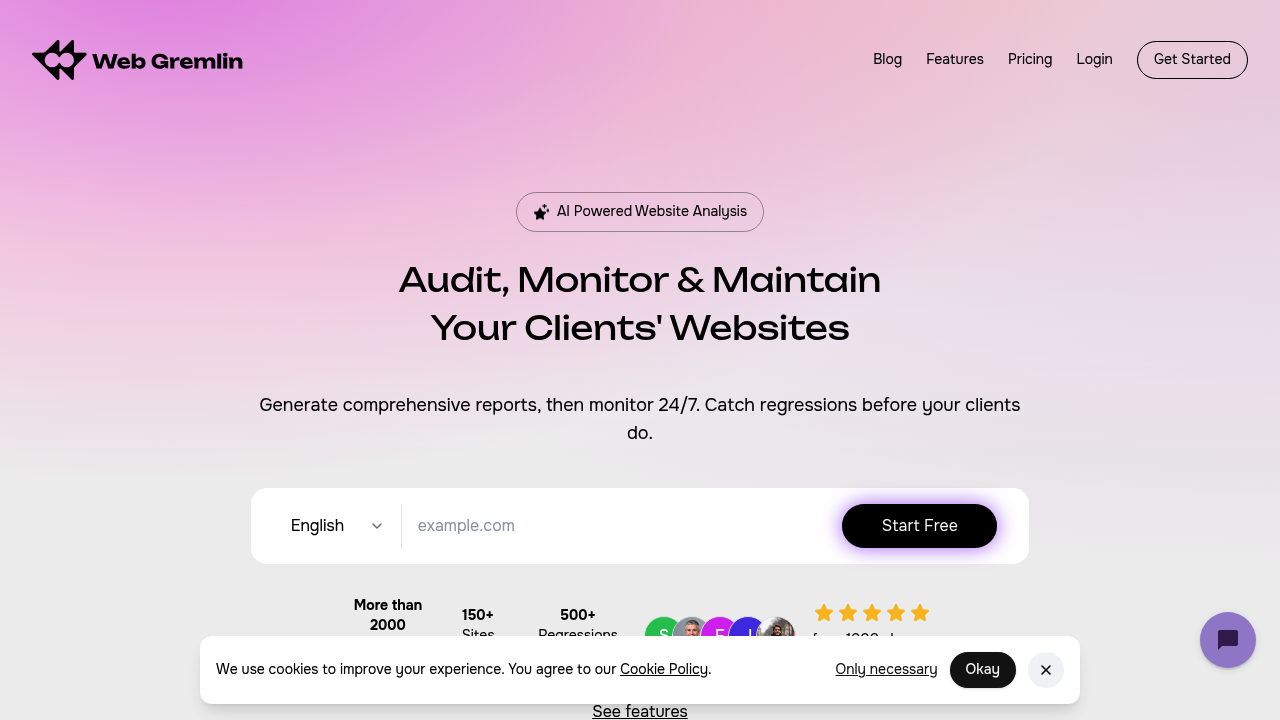
You audit a client's website—everything looks good. Two months pass. Then the client emails about broken images or tanking page speed. Web Gremlin runs constant checks. You catch problems before angry emails arrive.

Web Gremlin scans your sites daily or weekly (you choose the frequency). Something breaks that used to work? You get an alert immediately. It tracks security headers, SSL certificates, Core Web Vitals, meta descriptions, alt text, and accessibility issues. Side-by-side comparisons show what changed—dead simple to spot what went wrong.

For agencies juggling multiple client sites, this prevents slow drift that kills website quality over time. One site might lose HTTPS enforcement. Another's load time creeps up week by week. Web Gremlin has monitored over 150 sites. It claims to have prevented 500+ regressions.

Fix instructions work with AI coding assistants like Cursor and Windsurf. You can often paste issues directly into your development environment for quick resolution. Historical tracking shows whether your fixes actually improved things—or made them worse. Nine languages are supported if you work with international clients.

Automated monitoring isn't available on the basic tier. You'll need to upgrade for hands-off experience. The 2000+ reports generated suggest people actually use it regularly (rather than running one audit and forgetting about it). Freelancers maintaining a handful of sites will find less value than agencies responsible for dozens.

Frequently asked

7 questions
How often does Web Gremlin scan my website?
You can choose between daily or weekly scans depending on how closely you want to monitor your sites. Once something breaks that used to work, you'll get an instant alert so you can fix it before clients notice. This beats the old approach of running one audit and hoping nothing changes.
Does Web Gremlin have a free plan?
Web Gremlin offers a freemium model, though the automated 24/7 monitoring feature is only available on Growth, Agency, and Agency+ plans. You'll need to upgrade from the basic tier if you want the hands-off monitoring experience that catches regressions automatically.
What problems can Web Gremlin detect on my website?
It monitors security issues like SSL certificates and HTTPS enforcement, performance metrics like Core Web Vitals and page load times, SEO elements like meta descriptions and alt text, and accessibility problems. When something that used to pass starts failing, you get an alert with side-by-side comparisons showing exactly what changed.
Can I use Web Gremlin with AI coding tools?
Yes, it generates fix instructions that work directly with AI assistants like Cursor, Claude Code, ChatGPT, and Windsurf. You can often paste the issues straight into your development environment for quick fixes, which is way faster than decoding traditional audit reports.
Is Web Gremlin worth it for freelancers or just agencies?
It's really built for agencies juggling multiple client sites—they've monitored 150+ sites and prevented 500+ regressions. If you're a freelancer managing just a handful of sites, you probably won't get as much value as agencies responsible for dozens of client websites.
How does Web Gremlin show website changes over time?
It keeps historical data and shows visual progress tracking, so you can see whether your fixes actually improved things or made them worse. Side-by-side diff comparisons make it dead simple to spot what changed between scans, instead of comparing PDFs manually like the old days.
Does Web Gremlin support websites in different languages?
It supports nine languages including English, Spanish, French, German, Italian, Portuguese, Dutch, Russian, Chinese, and Japanese. This is handy if you're an agency working with international clients who need reports they can actually read.

Reviews (0)

No reviews yet. Be the first to share your experience.

Similar tools

See all →