
Virvid logo
AI Short Video Generator FREEMIUM from $19/mo

Virvid

Virvid costs $19 per month to start

It cranks out faceless videos for TikTok, YouTube Shorts, and Instagram Reels. No manual work required. The AI writes scripts in trending formats. UGC stories. Rankings. Then it builds matching visuals with consistent…

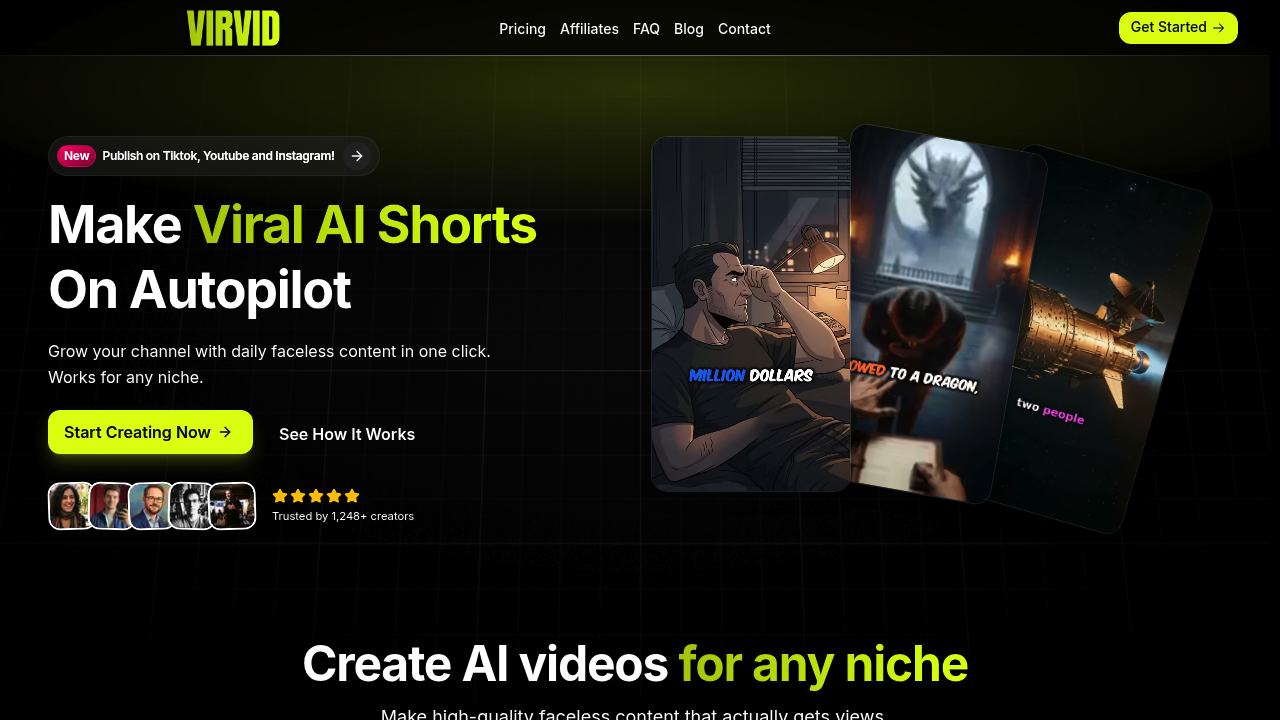
Virvid screenshot

Virvid costs $19 per month to start. It cranks out faceless videos for TikTok, YouTube Shorts, and Instagram Reels. No manual work required.

The AI writes scripts in trending formats. UGC stories. Rankings. Then it builds matching visuals with consistent characters throughout each video.

You get 30+ ultra-realistic voice avatars across 20+ languages. Virvid's built-in editor adds animation effects and transitions while pulling from over 1000 copyright-free tracks sorted by mood. Processing takes just two minutes per video.

Here's what sets Virvid apart — the autopilot feature. Connect your social accounts once and it'll post fresh content daily without you touching anything. A dropshipping entrepreneur promoting products could set up a series about "products that went viral" and wake up to new videos posted automatically across platforms.

Monthly limits on shorts and AI credits vary by plan. The Standard plan at $59 monthly gives you 120 shorts and 800 AI credits with two auto-post series.

Over 1,248 creators use Virvid instead of paying freelancers $500+ monthly for content that might not even perform. Virvid focuses on trending formats rather than random content that gets buried in feeds. You'll spend two minutes daily instead of four hours scripting and editing. Videos export in HD without watermarks across all plans.


Virvid alternatives

See all →

Frequently asked

7 questions
How many videos can I create with Virvid's cheapest plan?
The $19 starter plan has monthly limits -- but they don't specify the exact numbers for this tier. The Standard plan at $59 gives you 120 shorts and 800 AI credits monthly. You'll need to check their current pricing page for the starter plan's exact limits.
Can Virvid maintain the same character across multiple videos in a series?
Yes, Virvid builds consistent characters that appear throughout each video series. If you're creating a series about product reviews or trending topics, the same AI-generated character will host all episodes. The character consistency helps build brand recognition for your content.
What happens if I connect multiple social media accounts to Virvid's autopilot?
Once you connect your TikTok, YouTube, and Instagram accounts, Virvid posts fresh content daily across all platforms simultaneously. You can set up different series topics. The AI creates and posts new videos automatically -- no manual work needed. Each platform gets the same content optimized for their format.
How long does it take for Virvid to process and deliver a finished video?
Processing takes just two minutes per video from script to final export. The AI writes the script, creates matching visuals with consistent characters, adds voice narration, and applies transitions -- all within this timeframe. Videos export in HD quality without watermarks on all plans.
Does Virvid only work for English content or can it create videos in other languages?
Virvid supports 20+ languages with over 30 ultra-realistic voice avatars to choose from. You can create content in different languages using native-sounding AI voices. This makes it useful for reaching international audiences or creating content for specific regional markets.
What types of trending video formats does Virvid specialize in?
Virvid focuses on proven formats like UGC stories, product rankings, and viral product showcases. The AI specifically writes scripts in trending formats that perform well on short-form platforms. This approach targets content types that actually get views instead of experimental formats that might flop.
Can I edit Virvid videos after they're generated or am I stuck with what the AI creates?
Virvid includes a built-in editor where you can add animation effects and transitions to your generated videos. You can also choose from over 1000 copyright-free music tracks sorted by mood to match your content. The editor gives you control over the final look while keeping the process quick.

Traffic

Estimated monthly website visits · last 0 months

Not enough historical data for a chart yet.

Reviews (0)

Write review

No reviews yet. Be the first to share your experience.