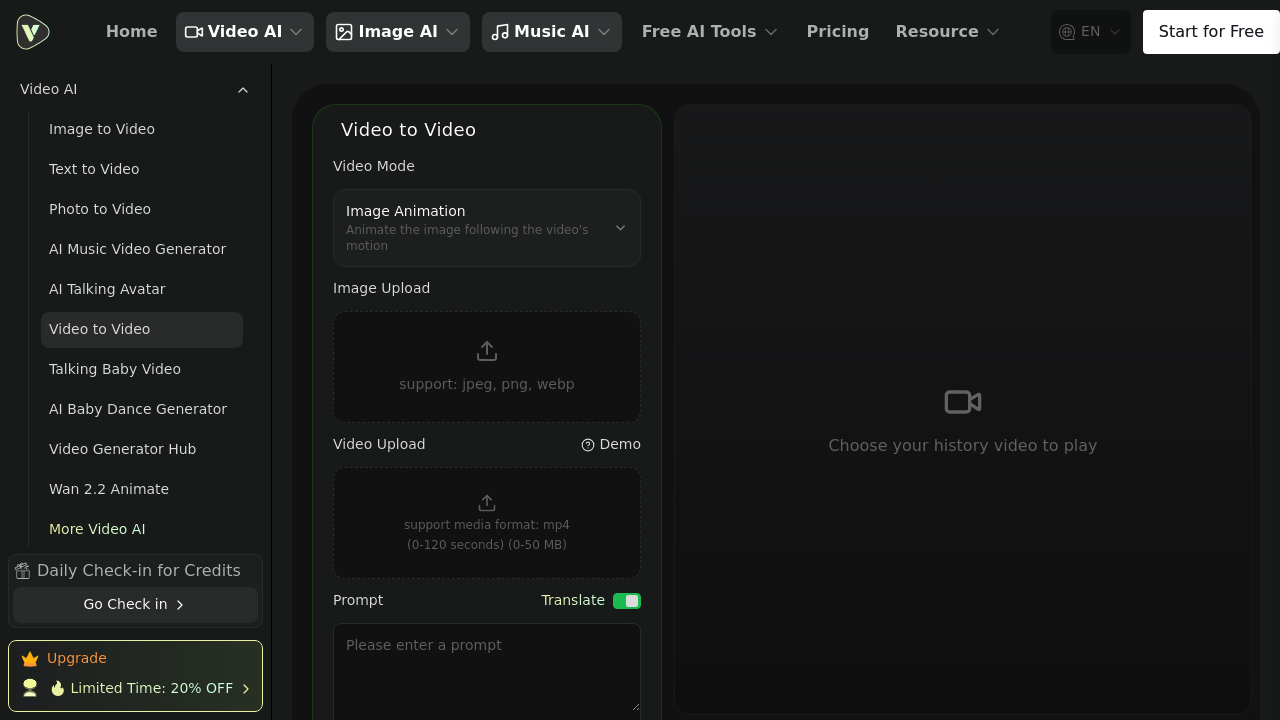
VideoWeb AI runs a free plan—you check in daily and collect credits. Each second of video costs 50 credits to generate. A 20% discount applies if you upgrade to paid tiers.
Upload your real footage. VideoWeb AI converts it into animated styles. You can drop in an MP4 (or static images: jpeg, png, webp). Then pick hand-drawn animation, cartoon rendering, or stop-motion looks. It analyzes every frame. Characters and backgrounds stay consistent—even when camera angles shift. Detail enhancement sharpens lines and textures. Your output won't look muddy.
Two main modes exist here. Video Modify transforms existing clips by changing their style. Image Animation takes a still photo and adds movement (you pull motion from a reference video). A YouTuber making anime-style content could convert real talking-head footage into illustrated characters—no animator needed.
The learning curve stays gentle. Upload your file, type a prompt, pick a resolution. Done. Prompt optimization steps in if you can't describe what you want. You don't need technical knowledge or video editing experience to use this interface.
Limits: 120 seconds and 50 MB per file. That works for social clips—not long-form projects. Resolution caps at 720p. The prompt field stops at 2000 characters. VideoWeb AI also bundles novelty effects (AI Kissing Video, Hulk Transformation). These feel gimmicky but might appeal to casual users chasing viral trends.