
Trickle logo

Trickle

European data sovereignty here isn't marketing fluff

38 views
Visit trickle.ai
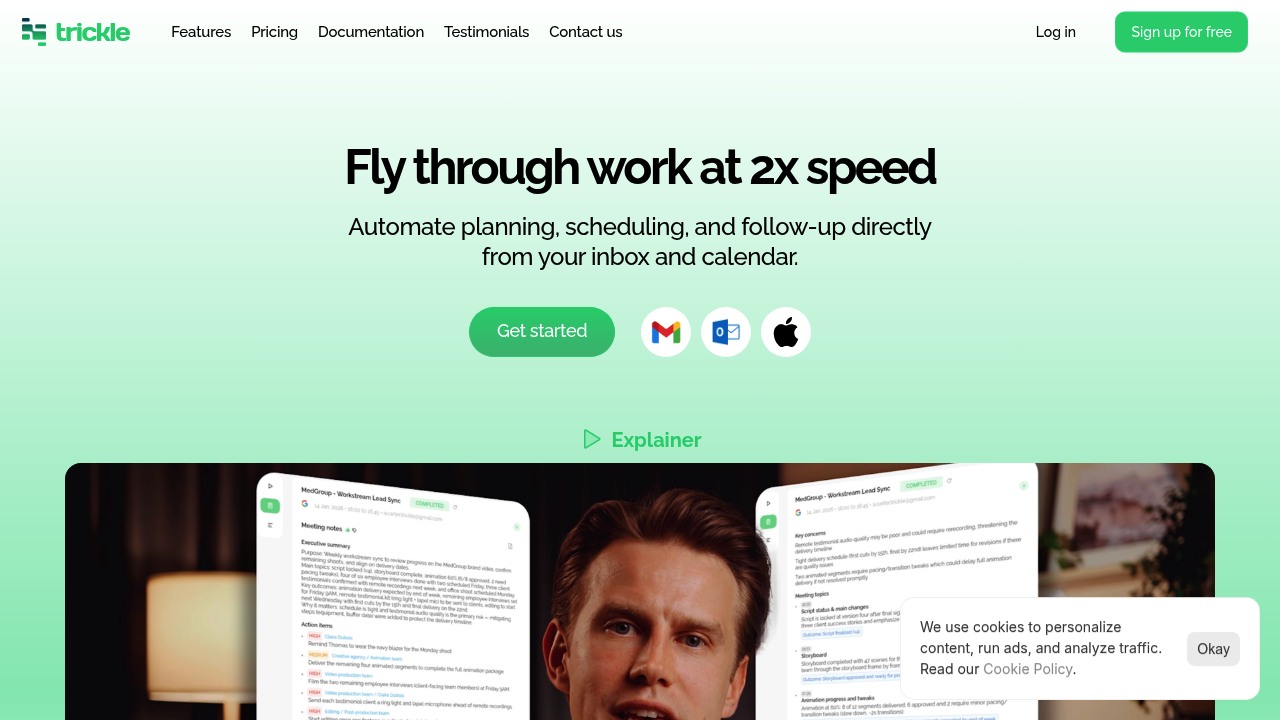
Trickle screenshot

European data sovereignty here isn't marketing fluff. Trickle operates entirely from EU-hosted data centers. An in-house European team handles product development through support. There's no US parent company. GDPR compliance gets built in from the start—not tacked on later.

Meeting overhead? Trickle captures decisions and action items automatically during your calls. Follow-ups get sent without any manual work from you. Your inbox sorts itself into action-required messages, meeting-related threads, and low-signal noise. You won't configure rules or set up filters manually.

Scheduling works through email threads. CC Trickle and it manages the back-and-forth for you. You can share a link displaying only your actual available slots across Google, Outlook, and Apple calendars at once. Events mirror across selected calendars—double-booking becomes nearly impossible. Working hours stay respected. Privacy controls let you choose what others see: full event details, basic info, or nothing.

Chiefs of staff and VPs dealing with constant meeting churn will value the automated follow-up system. Picture yourself as a product manager juggling three team syncs and two stakeholder reviews in one afternoon. Trickle extracts action items from each session and distributes them while you're already in your next call.

The unified calendar view helps professionals managing multiple accounts. Group meetings work alongside one-on-ones. Here's the catch—you're trusting another service with calendar and email access. Some organizations won't permit that, regardless of server location.

Frequently asked

7 questions
Is Trickle GDPR compliant?
Yes, Trickle is built with GDPR compliance from the ground up, not added as an afterthought. It's fully operated in Europe with EU-hosted data centers, an in-house EU team, and no US parent company. Your meeting and email data stays within European jurisdiction the entire time.
How does Trickle organize my inbox?
Trickle automatically sorts your inbox into three categories: messages that need action, meeting-related emails, and low-signal stuff you can ignore. You don't need to set up any rules or filters yourself—it just works in the background from your existing email threads.
Can Trickle schedule meetings across different calendar apps?
Yes, it works with Google Calendar, Outlook, and Apple Calendar all at once. Trickle shows everything in one unified view and can mirror events across your selected calendars automatically. It prevents double-bookings and respects your working hours across all platforms.
Does Trickle take meeting notes for me?
Not exactly traditional notes, but it automatically captures the important stuff—decisions made and action items assigned during your meetings. It then sends follow-ups to participants without you lifting a finger, so you don't need to manually write summaries or reminders.
What access does Trickle need to my email and calendar?
Trickle needs access to your email threads and calendar events to handle scheduling and capture meeting information. This is the main limitation—some organizations won't allow third-party services this level of access, regardless of where the servers are located. You'll want to check your company's policies first.
Who should use Trickle?
It's perfect for anyone drowning in meetings and email coordination—think founders, VPs, chiefs of staff, and product managers. If you're juggling multiple meetings daily and tired of manual follow-ups or scheduling back-and-forth, Trickle handles that busywork automatically so you can focus on actual work.
How much does Trickle cost?
Trickle offers a freemium model, but specific pricing tiers aren't publicly listed. You'll need to check their website for current plan details and what features are included at each level.

Reviews (0)

No reviews yet. Be the first to share your experience.

Similar tools

See all →