
ThreadlyApp.co appears to be discontinued. Its website has been unreachable across our last three checks. See similar tools below for alternatives.
ThreadlyApp.co logo
AI Caption Generator FREE TRIAL from $39/mo

ThreadlyApp.co

When you open ThreadlyApp, it doesn't ask you to stare at a blank text box

You pick your industry or niche first, and it feeds you content ideas that actually match what you're trying to talk about. This feels less like starting from scratch and more like flipping through a stack of prompts…

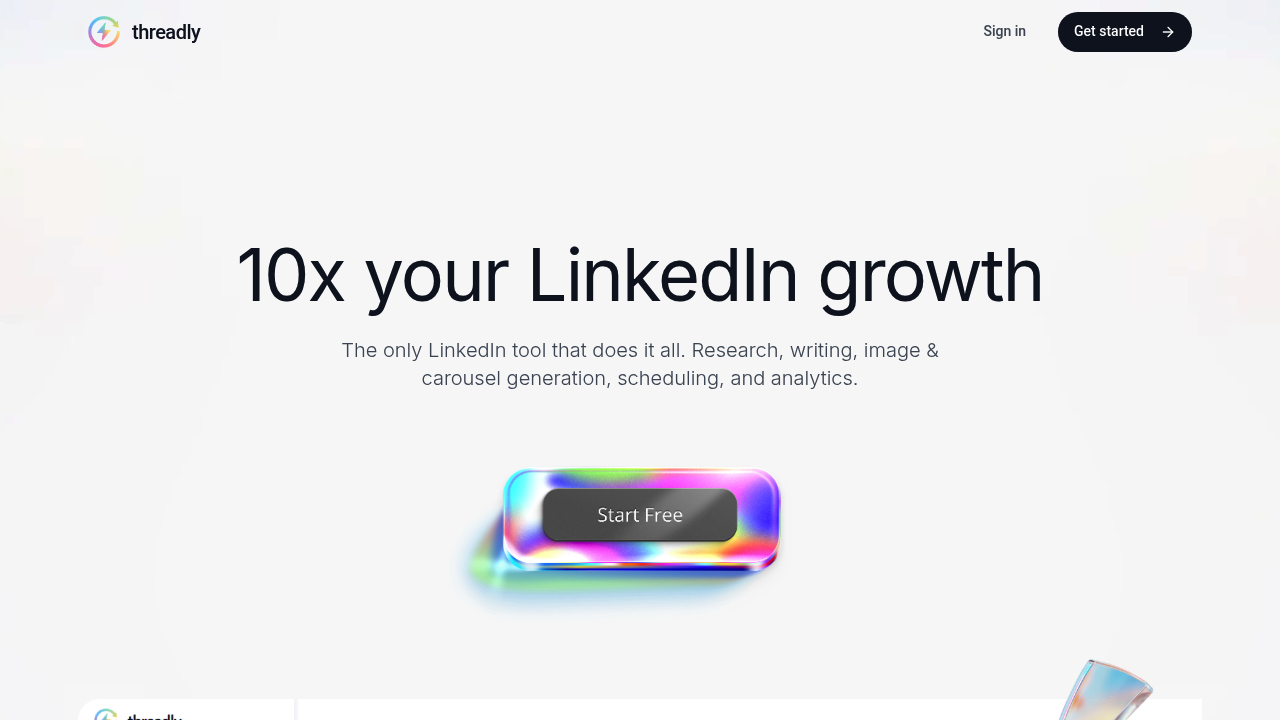
ThreadlyApp.co screenshot

When you open ThreadlyApp, it doesn't ask you to stare at a blank text box. You pick your industry or niche first, and it feeds you content ideas that actually match what you're trying to talk about. This feels less like starting from scratch and more like flipping through a stack of prompts someone already researched for you.

The hooks generator sits right there if you want help opening a post. You type in your general topic and it spits out several first-line options that stop scrollers mid-swipe. Some land. Some feel generic. you will end up tweaking most of them, but it's faster than agonizing over the perfect opener yourself.

Once you've got something written, the image generator builds visuals without making you leave the app. You describe what you need and it creates branded graphics that fit LinkedIn's format. The output quality varies. Sometimes you get something polished enough to post immediately. Other times the styling feels off and you're back to manual edits or ditching it entirely.

The carousel builder tries to solve one of LinkedIn's most tedious formats. You paste long-form content and it chops everything into slides with images already placed. This works surprisingly well for repurposing blog posts or scripts. The formatting doesn't always nail it though. Text sometimes overflows or images don't quite match the slide topic, so you're fixing alignment issues before scheduling.

The algorithm analyzer reads your draft and suggests changes to boost reach. It'll flag things like post length, emoji use, or how you're structuring your call to action. Whether these suggestions actually move the needle is hard to verify in real time. You're trusting its interpretation of what LinkedIn's feed likes this month.

Scheduling happens in the same interface. You can queue posts across days without jumping to LinkedIn's native scheduler. Analytics show up after posts go live, tracking engagement and reach in one dashboard instead of LinkedIn's scattered metrics.

The whole thing was built by Etienne Dupuis, an agency owner who got tired of burning hours on LinkedIn content for clients. That origin story shows in the workflow. It's built for people who need to produce volume without hiring a full-time social team.

A seven-day trial permits you test the features before committing. After that it's $39 monthly for the full package including research, writing, images, carousels, scheduling, and analytics. No tiered plans. You're either in or out.

Frequently asked

6 questions
Does ThreadlyApp have a free trial?
ThreadlyApp offers a seven-day free trial that gives you access to everything—research tools, writing features, image generation, carousel builder, scheduling, and analytics. You can test the full product before paying. After the trial ends, you either subscribe at $39 monthly or lose access. There's no free plan to fall back on.
How much does ThreadlyApp cost?
ThreadlyApp costs $39 per month with no tiered pricing. That single plan includes all features: niche-specific content ideas, hooks generator, AI image creation, carousel builder, algorithm analyzer, scheduling, and analytics. You're not choosing between limited and premium versions. You either pay for full access or don't use it.
Can ThreadlyApp create LinkedIn carousels automatically?
You paste your long-form content into ThreadlyApp and it splits everything into carousel slides with images already placed. This works well for turning blog posts or scripts into LinkedIn carousels without manually designing each slide. The formatting doesn't always land perfectly though—text sometimes overflows or images don't quite match the slide topic, so you'll spend time fixing alignment before scheduling.
Does ThreadlyApp work with Instagram or Twitter?
ThreadlyApp only connects to LinkedIn. You can't schedule posts to Instagram, Twitter, or any other platform through the tool. Everything from content generation to analytics is built specifically for LinkedIn's format and algorithm. If you need multi-platform scheduling, you're using something else alongside this.
What does the ThreadlyApp algorithm analyzer actually do?
The algorithm analyzer reads your draft post and suggests changes it thinks will boost reach on LinkedIn. It flags things like post length, emoji placement, and how you're structuring calls to action. Whether these suggestions actually improve performance is hard to verify since LinkedIn's algorithm shifts constantly. You're trusting ThreadlyApp's interpretation of what works this month, but you won't know if it helped until after the post goes live.
Can ThreadlyApp generate images for LinkedIn posts?
ThreadlyApp has built-in image generation so you describe what you need and it creates branded visuals without leaving the app. The output quality bounces around—sometimes you get polished graphics ready to post immediately, other times the styling feels off and you're making manual edits or scrapping it. You're not opening Canva or hunting stock photos, but you're also not guaranteed usable results every time.

Traffic

Estimated monthly website visits · last 0 months

113 visits/mo
Monthly visits
113

Not enough historical data for a chart yet.

Reviews (0)

Write review

No reviews yet. Be the first to share your experience.