
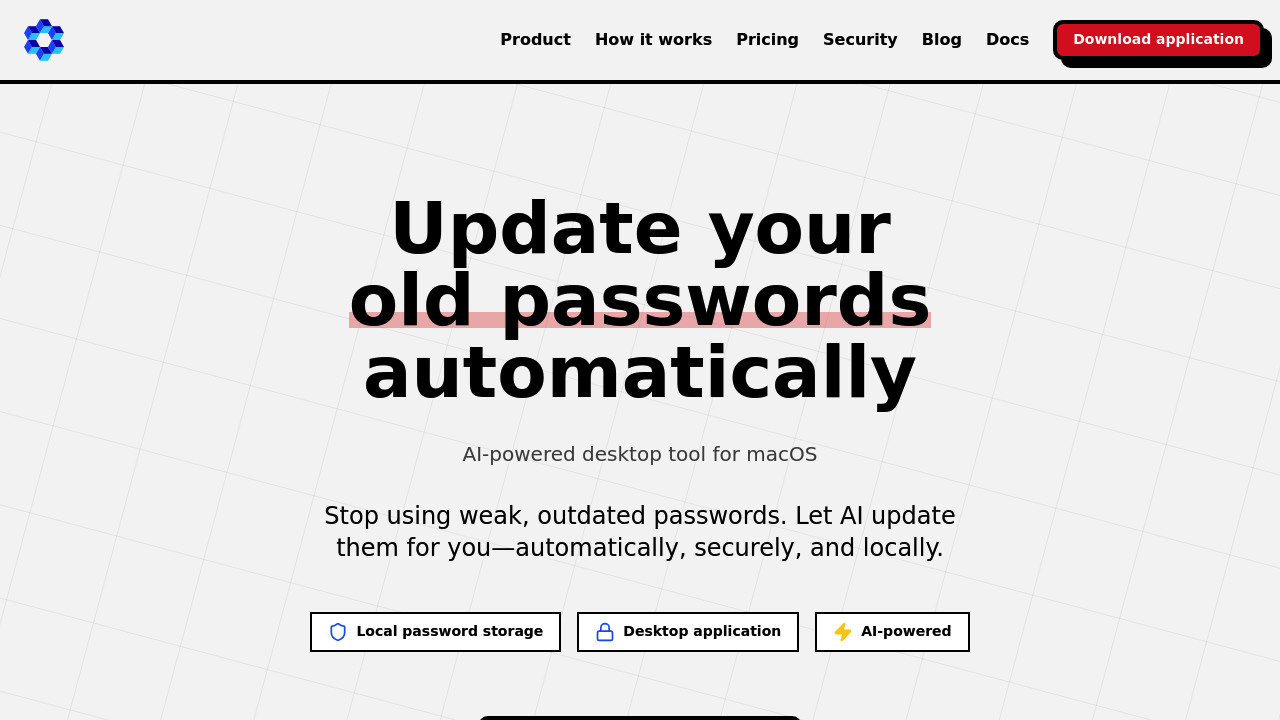
Managing passwords takes up 31 hours annually for the average person, according to Forrester Research. The Password App tackles this time drain through AI automation that updates old credentials while keeping everything stored locally on your Mac.
The application works as a desktop program for macOS that connects to your existing password manager through CSV import. It supports twelve major password managers including 1Password, LastPass, Bitwarden, Dashlane, Keeper, NordPass, RoboForm, Enpass, KeePass, Zoho Vault, Sticky Password, and Password Boss. Once you've imported your passwords, the AI takes over the update process automatically through a browser extension that handles moving through websites and form filling.
The security architecture separates password storage from AI processing in a specific way. Your actual credentials never leave your device. The system uses what it calls a Guardian validation system combined with a sanitization layer. When the AI needs to move through a website to change a password, only DOM structure and screenshots get sent to cloud AI services. The application uses two different AI models for different tasks: one handles moving through website interfaces while another generates summaries of actions taken. All password storage and actual credential changes happen entirely on your local machine with no cloud sync or server storage involved.
The browser extension enables the automation component. It interacts with websites to complete password change flows while the Guardian system validates every action before execution. For paid subscribers, the extension also handles autofill functionality for credentials. The onboarding wizard gets you running in approximately two minutes with a guided setup process.
Free tier users get five password updates monthly on a single device with full AI automation and local storage. The monthly paid plan costs $2.99 and removes the password limit while adding autofill capabilities and priority email support. Annual subscribers pay $27.99 yearly, which represents a 22% savings compared to paying monthly. Both paid tiers include unlimited password changes across unlimited devices.
The macOS-only requirement creates the most significant limitation. The app requires macOS 12 or later and won't run on Windows or Linux systems. There's no mobile version for iOS or iPadOS despite the Mac focus. Users need to export passwords from their current password manager as a CSV file since there's no direct integration that pulls data automatically. The free plan's five-password monthly limit and single-device restriction mean users with larger password collections need to subscribe for practical use.
Research from IBM Security shows 80% of hacking-related breaches stem from weak or stolen passwords, with the average password-related breach costing $4.88 million. Yet Bitwarden's 2024 study found 60% of people never update passwords unless forced and reuse the same credentials across multiple accounts. The Password App addresses this behavior pattern by removing the manual effort barrier from password maintenance.
This application makes sense for Mac users already committed to password managers who want to automate password hygiene without migrating to a different password management system. The local-first architecture appeals to users concerned about cloud storage of sensitive credentials. However, the desktop-only nature means mobile-first users or those working across multiple operating systems won't find it practical. Teams looking for shared password management need different solutions since The Password App focuses entirely on individual use cases.