
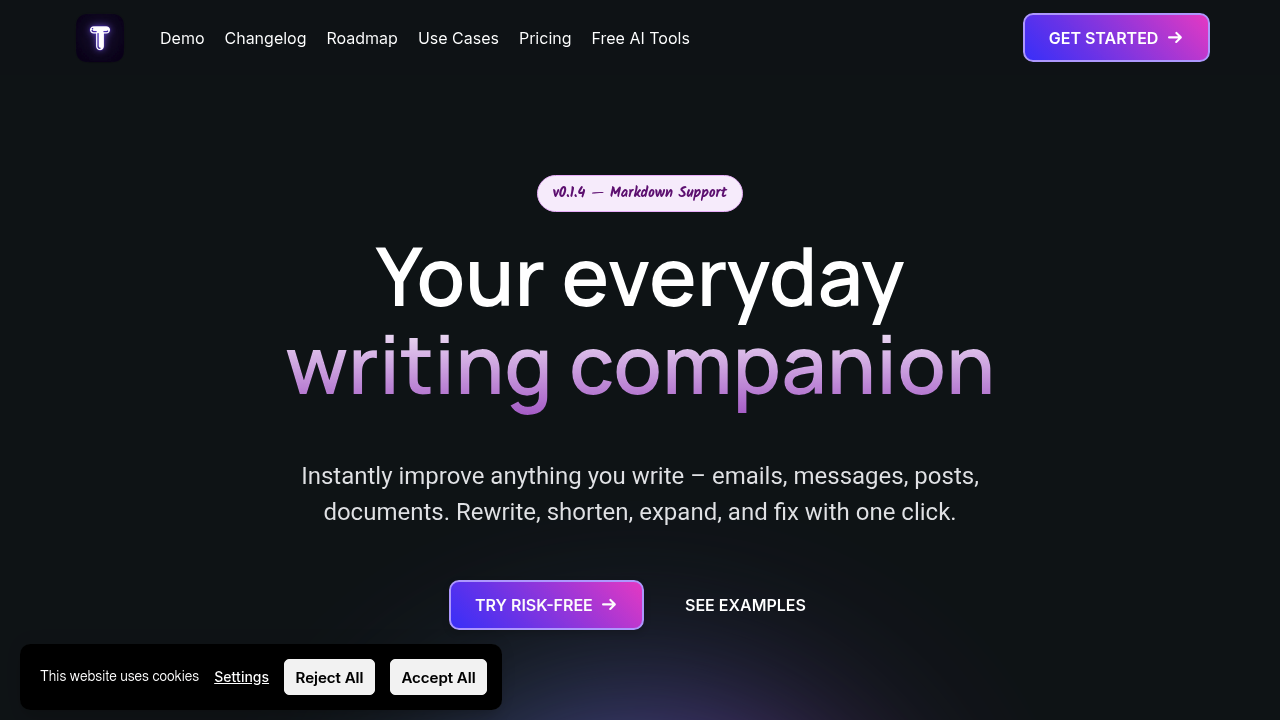
You're a Mac user drafting emails all day. Writing blog posts. Messaging clients in Slack—needing to sound professional without overthinking every sentence. TextWisely sits in your macOS status bar. Fixes writing problems wherever you're typing.
It handles the usual stuff. Grammar corrections. Rewrites that actually sound human. Translation across 39 languages if you need that. Summon it with keyboard shortcuts—it'll polish an email reply or condense a long document into bullet points. Tone switching matters more than you'd think. Flipping between formal and friendly saves time when you're context-switching between a legal email and a note to your team.
What makes TextWisely different? The one-time purchase option. Most AI writing tools lock you into subscriptions forever. Here you pay $29 once and use your own API key. You send requests directly to OpenAI (or whatever provider you prefer). Complete control over your data and costs. The subscription route exists too—$5 monthly or $48 yearly—if you'd rather not manage API keys yourself.
Custom actions let you build your own commands. Need to convert meeting notes into action items every single day? Program it once. Offline mode works with local AI models if you're privacy-focused or traveling without reliable internet.
The catch: you need macOS 15.0 or newer. The one-time license only covers updates for a year. Still—if you're tired of monthly AI subscriptions and want something that lives natively in macOS instead of forcing you into a web app—this delivers.