
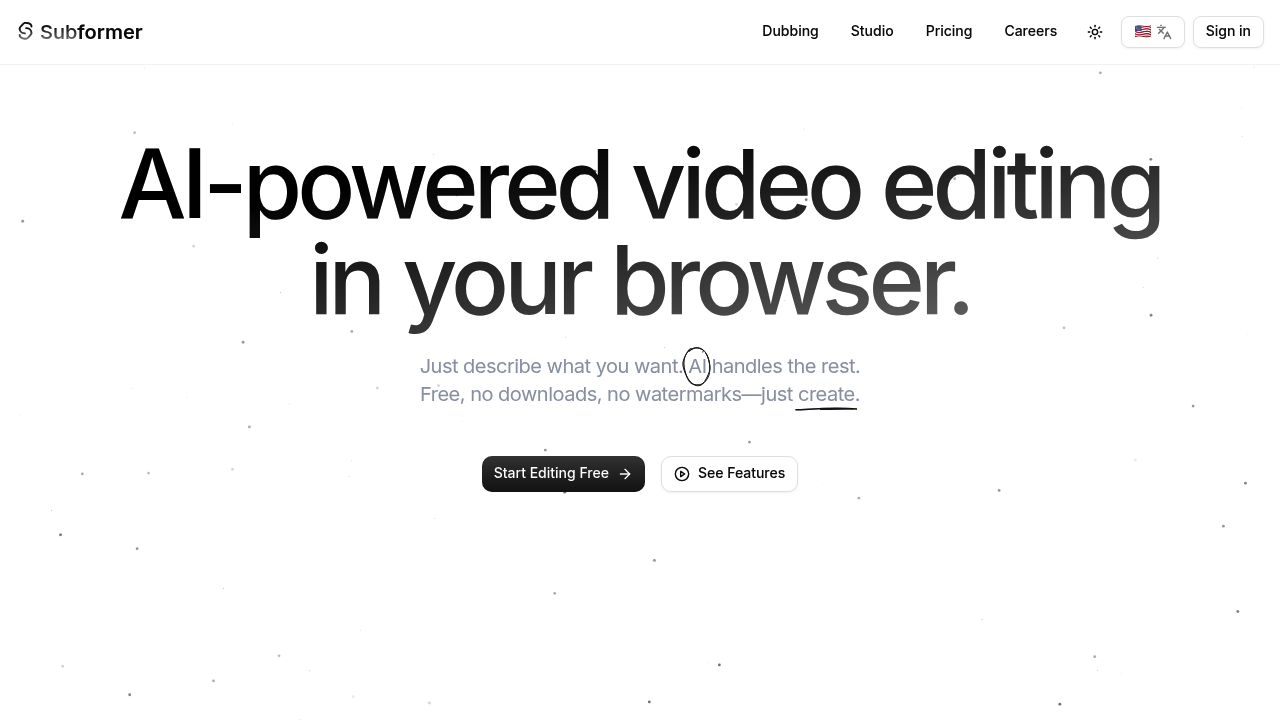
Subformer appears to be discontinued. Its website has been unreachable across our last three checks. See similar tools below for alternatives.
Subformer logo
AI Dubbing FREE from $5/mo

Subformer

Subformer is an AI-powered tool designed to assist with video dubbing in over 120 languages. The tool's core functionality lies in its capacity to transform video content for global audiences through

Subformer starts free. The company doesn't specify paid tier costs or what they include. This AI dubbing tool translates videos into 128+ languages while keeping your original voice intact. Subformer clones voices with…

Subformer screenshot

Subformer starts free. The company doesn't specify paid tier costs or what they include.

This AI dubbing tool translates videos into 128+ languages while keeping your original voice intact. Subformer clones voices with natural tone preserved. Emotion stays put too. It automatically detects your upload language and syncs subtitles perfectly across all supported languages.

Say you're a YouTube creator who just filmed a product review in English. Upload it to Subformer. You'll get versions in Spanish. French. German. Any of the other 130+ languages without losing your voice's character. Your speaking style stays the same — emotional delivery and all.

Content creators targeting global audiences will find this useful.

Businesses expanding internationally can localize video content quickly. The voice cloning doesn't just translate words. It preserves how you actually sound. Your dubbed videos maintain the same vocal quality and emotional nuances as the original. Languages switch instantly without awkward pauses or robotic transitions.

Subformer handles technical heavy lifting automatically. Upload your video and it detects source language without manual input. Synchronized subtitles appear in whatever target language you choose. It supports over 110 additional languages beyond common ones — covering niche markets that other dubbing services often skip. Privacy details aren't prominently featured on their site, which might concern users handling sensitive content.

Frequently asked

6 questions
How accurate is Subformer's voice cloning compared to my original voice?
Subformer keeps your natural tone and emotional delivery pretty well. But here's the thing -- accuracy really depends on your source audio quality and how you speak. The AI maintains your vocal character across all 128+ languages, though some subtle stuff might shift a bit during translation. Users generally get good results if they've got clear, well-recorded videos with consistent speaking patterns.
Can I upload videos in any language or does Subformer only work with English sources?
You can upload videos in any language -- Subformer automatically detects what you're speaking without you having to tell it. Pretty convenient, right? It handles the detection and then translates to any of the 128+ supported languages from there.
What video file formats and sizes can I upload to Subformer?
The website doesn't specify supported file formats, max upload sizes, or video length limits. You'll need to test your specific format or contact their support for technical requirements. This lack of clarity on file specs could be frustrating -- especially if you're working with unusual formats or really large files.
How long does it take Subformer to process and dub a typical video?
Processing times aren't mentioned on their site, which is honestly a significant oversight for users planning content schedules. The duration probably depends on video length, number of target languages, and current server load. You'll have to test with your own content to figure out typical turnaround times.
Does Subformer keep my video content private or could it be used for training?
Their privacy policy isn't prominently featured -- which is concerning for sensitive business content or personal videos. The site doesn't clearly explain data retention, sharing practices, or whether uploaded content gets used for AI model training. This transparency gap might be a dealbreaker for companies with strict data policies.
Can I edit the generated subtitles or do I have to accept what Subformer creates automatically?
The tool automatically generates synchronized subtitles in all target languages. But editing capabilities? Not mentioned. Most professional dubbing workflows require subtitle adjustments for timing and accuracy. Without manual editing options, you might be stuck with imperfect translations or timing issues.

Traffic

Estimated monthly website visits · last 6 months

4.3K visits/mo
Monthly visits
4.3K
Global rank
#2,895,449
MX #65,643
Category rank
#13
AI Dubbing
4.3K 3.2K 2.1K 1.1K 0 Nov 2025: 0 visits Nov 2025 Dec 2025: 0 visits Dec 2025 Jan 2026: 0 visits Jan 2026 Feb 2026: 0 visits Feb 2026 Mar 2026: 0 visits Mar 2026 Apr 2026: 4.3K visits Apr 2026

Reviews (0)

Write review

No reviews yet. Be the first to share your experience.