
StreamLadder logo
Long Video To Short Video AI FREEMIUM from €15/mo

StreamLadder

StreamLadder is an AI clipping and editing suite for streamers.

Paste a stream or VOD link from Twitch, YouTube or Kick, and ClipGPT finds the best moments so you do not have to scrub through a six-hour recording. The Clip Editor then reframes horizontal footage into vertical video…

StreamLadder screenshot

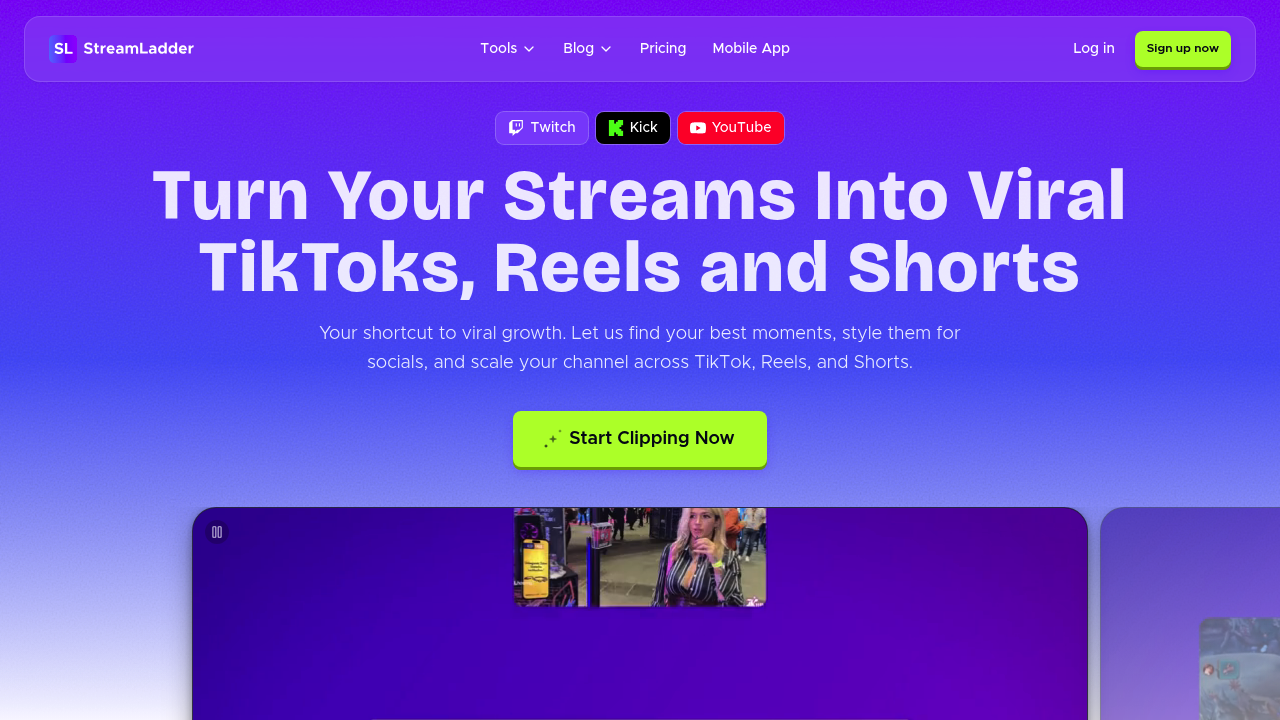
StreamLadder is an AI clipping and editing suite for streamers. Paste a stream or VOD link from Twitch, YouTube or Kick, and ClipGPT finds the best moments so you do not have to scrub through a six-hour recording. The Clip Editor then reframes horizontal footage into vertical video with captions, ready for TikTok, Reels and Shorts without black bars or awkward cropping. A Content Publisher posts the finished clips to several platforms from one place, and analytics show which clips actually grow your channel.

Streamers and gaming content creators are the main audience, from solo creators who edit their own highlights to those who want to post while a stream is still trending. No video editing experience is required, which suits people who would otherwise hire an editor. The company says 1 million streamers have made 12 million clips with it, and creators have collected over a hundred million views on those clips.

Typical workflows start with importing a long VOD and letting ClipGPT mark the highlights, then editing each clip into a vertical format with captions in the browser. From there, creators schedule posts for peak hours across TikTok, YouTube and Instagram, and check analytics to see which clips bring followers. Other tools extend the workflow: a Montage Maker stitches highlights into one reel, an Emote Maker designs custom emotes from clips for Twitch, 7TV and BTTV, a Schedule Maker builds a branded stream schedule, and a Clip Downloader saves clips in HD. A mobile app carries the full toolkit.


StreamLadder alternatives

See all →

Frequently asked

6 questions
How does ClipGPT pick clips from a stream?
ClipGPT scans a Twitch, YouTube or Kick VOD and finds the moments most worth clipping. This replaces scrubbing through a six-hour recording manually. You can post clips while the stream is still trending.
Who is StreamLadder for?
Streamers and content creators who want to grow on short-form platforms. No video editing experience is needed. Over a million streamers are said to have used it.
How do I turn a stream into a TikTok?
Import the VOD, let ClipGPT surface highlights, then open a clip in the Clip Editor. It reframes horizontal footage into vertical video and adds captions. Publish it to TikTok, Reels and Shorts from the Content Publisher.
Can StreamLadder schedule posts?
Scheduling lives in the Content Publisher, which publishes clips to TikTok, YouTube and Instagram. It can also help find your best posting times automatically. One upload covers every platform.
Is StreamLadder only for live streams?
Mostly stream content: it centers on Twitch, YouTube and Kick, including long VODs. Montage Maker and Emote Maker also work from existing clips. Creators who do not stream or record long videos get less out of it.
What other tools come with StreamLadder?
Extras include a Montage Maker, Emote Maker, Schedule Maker, Clip Downloader and a mobile app. Together they cover editing, publishing, analytics and channel branding. The Clip Downloader saves Twitch, YouTube and Kick clips in HD.

Reviews (0)

Write review

No reviews yet. Be the first to share your experience.