
Storydoc logo

Storydoc

Your phone buzzes during lunch

48 views
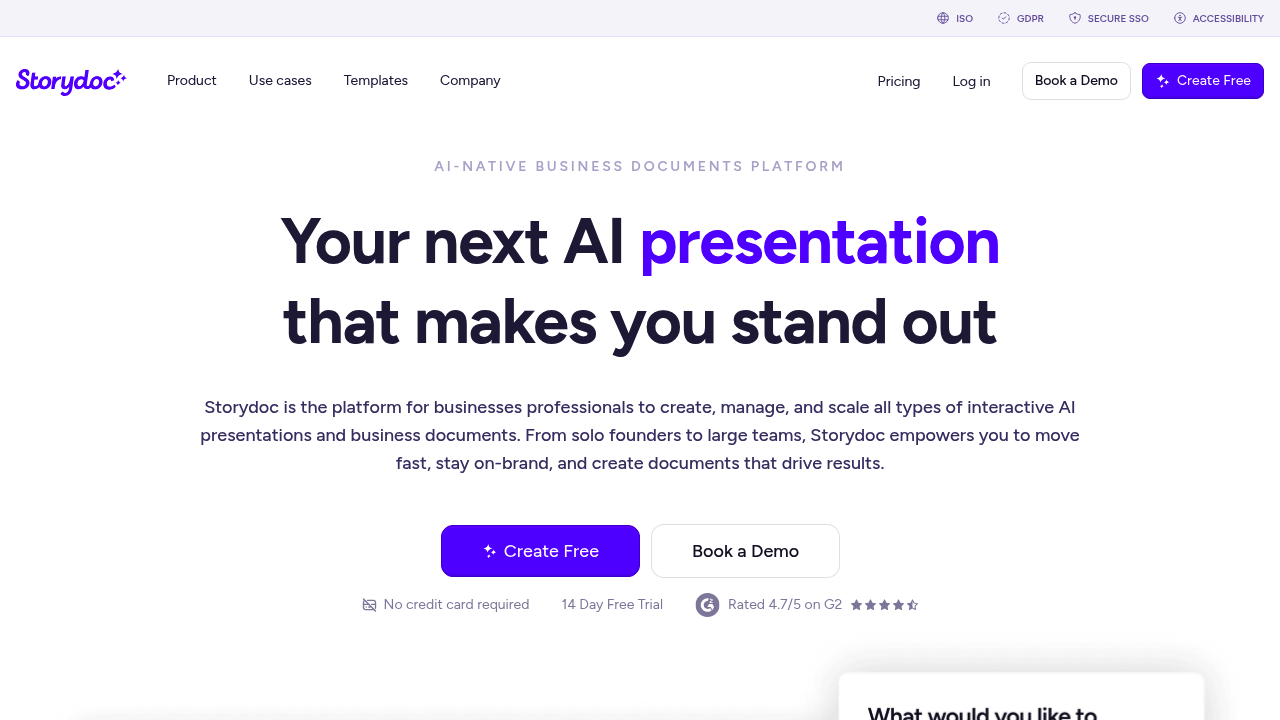
Storydoc screenshot

Your phone buzzes during lunch. A prospect just opened your pitch deck and spent three minutes on slide seven. That's the power of knowing exactly how your documents perform in real time.

ChatGPT spits out text you'll copy-paste into slides. Storydoc builds complete interactive presentations from scratch. The AI generates structured business documents in seconds. No design skills required. But here's where it gets interesting — you can embed Calendly booking links directly inside. YouTube videos too. Dynamic CTAs that actually work. Your prospects don't just read. They engage.

Sales directors closing enterprise deals will love the personalization features. Connect your CRM data and Storydoc automatically pulls prospect names into each document. Company details follow. Custom messaging adapts. One template becomes dozens of personalized pitches.

Every scroll gets tracked. Every click recorded. You know which sections grab attention and which fall flat.

Traditional PowerPoint feels ancient next to this. Static PDFs get ignored.

Storydoc claims users book 2x more meetings and close deals 30% faster. With 400,000 users and a 4.7/5 G2 rating, something's working. The 14-day free trial doesn't require a credit card. Collaboration tools let teams sync feedback without endless email chains, though the interactive elements might overwhelm prospects who prefer simple documents. Still, if you're tired of sending presentations into the void and wondering what happened next, Storydoc solves that problem completely.


Frequently asked

7 questions
Can I track who's viewing my Storydoc presentations in real time?
Yep, you'll get live pings when people open your docs. Shows exactly how long they're spending on each slide -- plus which parts grab their attention most. All the scroll and click data's right there, so you know what's hitting before your next call.
How does Storydoc's AI personalization work with CRM data?
Hook up your CRM and it pulls names, company info, all that stuff automatically. One template cranks out tons of personalized versions (no manual work). The AI tweaks the messaging based on whatever prospect data it grabs from your system.
What interactive elements can I embed in Storydoc presentations?
Calendly links, YouTube videos, dynamic CTAs -- you can drop 'em right in. People book meetings or watch demos without bouncing to another page. Way more engaging than static slides that just sit there.
Is there a learning curve for teams switching from PowerPoint to Storydoc?
The AI builds everything from scratch, so no design chops needed. But yeah -- the interactive stuff's pretty different from regular presentations. Some prospects might get thrown off if they're expecting a basic PDF or slide deck.
How much does Storydoc cost and is there a free trial?
14-day free trial, no credit card required. They don't list pricing publicly. With 400,000 users though, probably multiple tiers available -- you'll need to try it or contact them for current rates.
Can multiple team members collaborate on Storydoc presentations?
Yeah, built-in collaboration tools let teams sync feedback without email hell. Multiple people can work on the same doc and drop comments. No more version control nightmares like you get with PowerPoint.
What's the difference between Storydoc and AI tools like ChatGPT for presentations?
ChatGPT spits out text that you copy-paste yourself. Storydoc builds the whole thing -- design, layout, interactive bits, everything. It's made specifically for sales presentations, not just general text generation.

Reviews (0)

No reviews yet. Be the first to share your experience.

Similar tools

See all →