SmartlyQ logo
AI Marketing FREEMIUM from €97/mo

SmartlyQ

Viral videos, social posts, lead conversion — all without juggling eight different tools

SmartlyQ bundles everything into one dashboard. Copywriting. Design. Video editing. Social media management. Chatbots. Publishing automation. No more switching between Jasper for copy, Canva for graphics, and Buffer for…

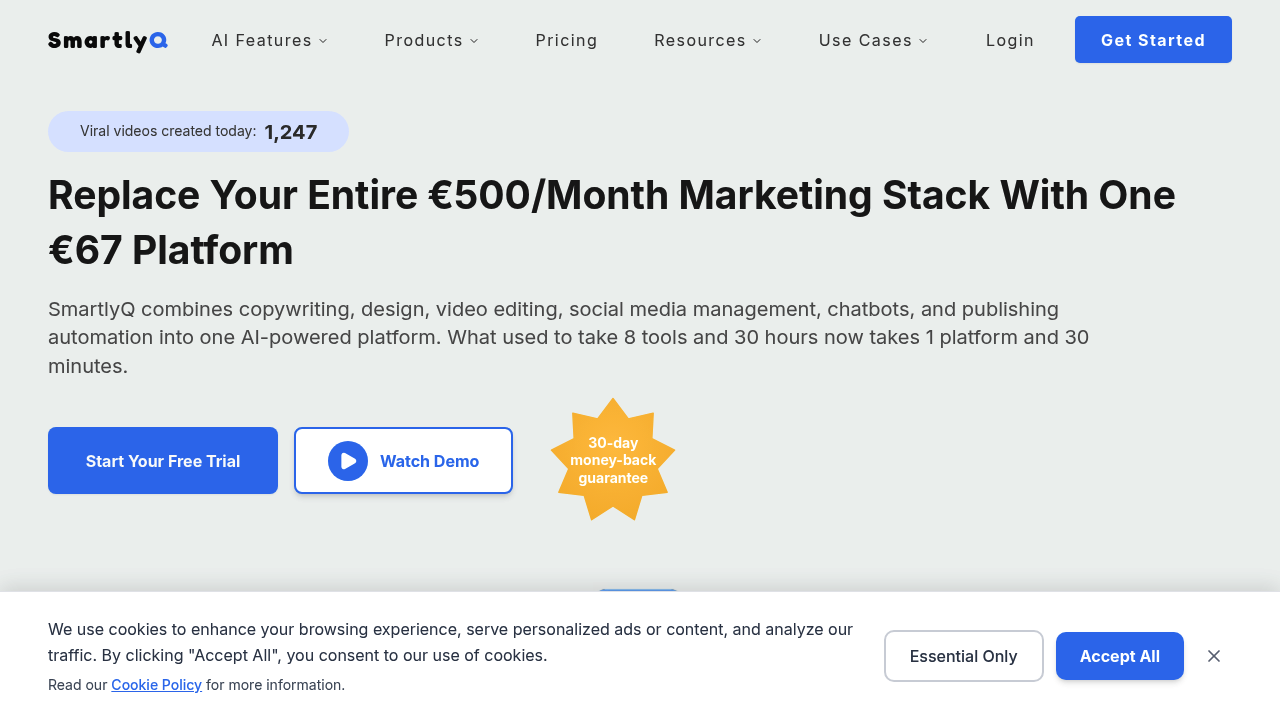
SmartlyQ screenshot

Viral videos, social posts, lead conversion — all without juggling eight different tools. SmartlyQ bundles everything into one dashboard. Copywriting. Design. Video editing. Social media management. Chatbots. Publishing automation. No more switching between Jasper for copy, Canva for graphics, and Buffer for scheduling.

SmartlyQ trains custom AI assistants on your business knowledge. They keep your brand voice consistent across every piece of content. Direct publishing works with WordPress, Shopify, and major social platforms.

Picture this: a digital marketing agency owner managing five client accounts. TikTok videos, Instagram posts, lead-generating chatbots — all from the same interface. One user hit 3.2 million views in their first week. The chatbot feature converts over 200 leads daily for active users.

Two hours weekly on content creation instead of fifteen. That's the reality. SmartlyQ costs €67 monthly compared to €843 for equivalent separate tools. The math works if you're currently paying for multiple marketing subscriptions.

The 15-minute learning curve isn't terrible. Training AI assistants takes some upfront work though. Social media managers at small agencies will find the most value here. Freelancers handling just one or two clients might not need this much firepower.

The unified analytics alone saves hours of data compilation across platforms.

SmartlyQ alternatives

See all →

Frequently asked

7 questions
How do I train SmartlyQ's AI assistants to match my brand voice?
You'll upload your content samples, brand guidelines, and tone examples during setup. The AI learns from this stuff to copy your writing style and terminology. Takes some work upfront -- but once it's configured, the assistants keep everything consistent automatically.
Which social platforms can SmartlyQ publish to directly?
SmartlyQ connects to major social platforms for automated publishing. Plus WordPress and Shopify for website content. No more copy-pasting between platforms -- the unified publishing beats using separate tools like Buffer.
What's the real cost comparison between SmartlyQ and using separate tools?
SmartlyQ costs €67 monthly versus around €843 for separate subscriptions (Jasper, Canva, Buffer combined). The savings only work if you're actually using multiple marketing tools. Freelancers with one or two clients might not justify it.
How long does it actually take to learn SmartlyQ's interface?
Basic interface? About 15 minutes according to users. Setting up custom AI assistants takes more time though. You'll spend extra hours configuring your brand voice and content preferences initially.
Can SmartlyQ's chatbots really generate 200+ leads daily?
Active users report 200+ daily leads through chatbots -- but results depend on your traffic and setup. Chatbots work best when trained on your business knowledge and placed on high-traffic pages. Your results will vary based on audience size.
Who gets the most value from SmartlyQ's all-in-one approach?
Social media managers at small agencies handling multiple clients see the biggest benefit. The unified dashboard makes sense when you're juggling TikTok videos, Instagram posts, and lead generation across brands. Solo freelancers might not need this much firepower.
How does SmartlyQ's analytics compare to using separate platform insights?
The unified dashboard compiles data from all platforms in one view -- eliminates hours of manual gathering. Instead of checking Instagram insights, TikTok analytics, and website metrics separately, you get everything consolidated. Huge time-saver for agencies managing multiple clients.

Traffic

Estimated monthly website visits · last 0 months

Not enough historical data for a chart yet.

Reviews (0)

Write review

No reviews yet. Be the first to share your experience.