
Slidecast logo
AI Sales FREEMIUM from $15/mo

Slidecast

When your sales team closes another million-dollar deal, you'll want to know exactly which slide sealed it

Slidecast tracks every second prospects spend viewing your pitch decks. It pinpoints the moments that matter most. Slidecast combines presentation building with engagement monitoring through a single dashboard. You get…

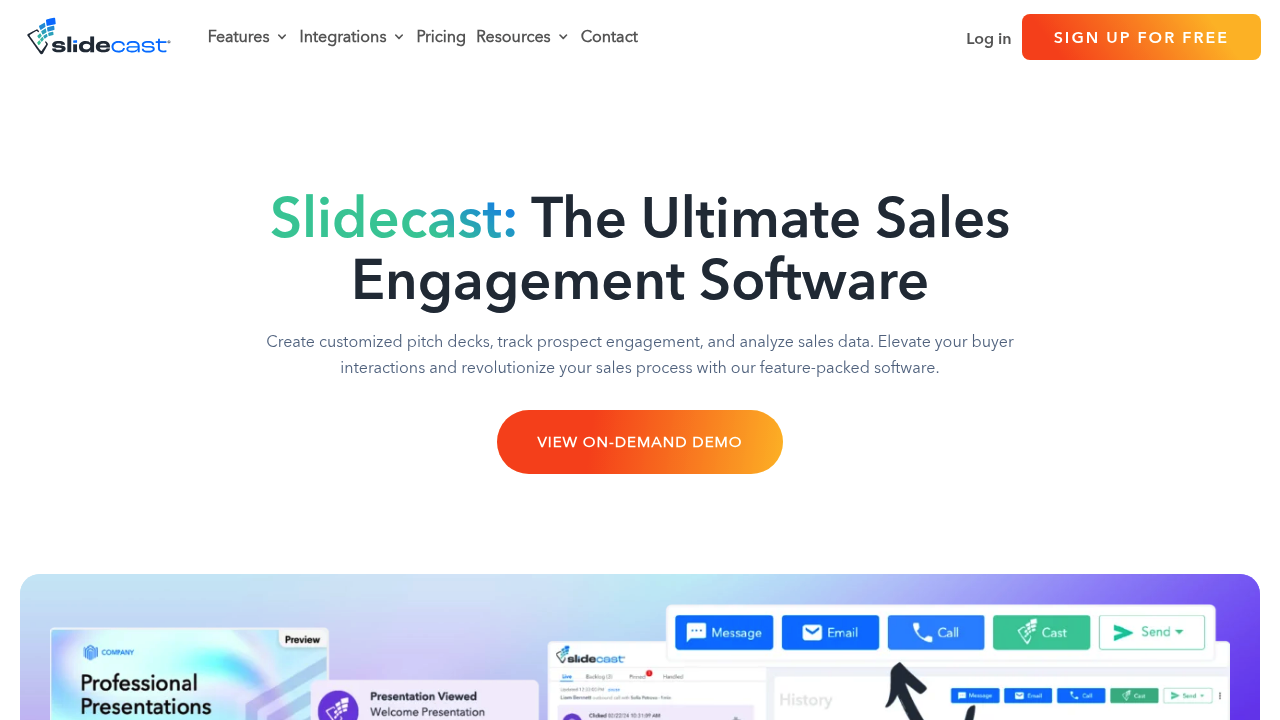
Slidecast screenshot

When your sales team closes another million-dollar deal, you'll want to know exactly which slide sealed it. Slidecast tracks every second prospects spend viewing your pitch decks. It pinpoints the moments that matter most.

Slidecast combines presentation building with engagement monitoring through a single dashboard. You get 110,000+ templates. Over a million stock photos to build decks quickly. Import existing PowerPoint files or start fresh with the drag-and-drop builder. Share presentations through personalized URLs. QR codes work too. Phone numbers — without forcing prospects to download anything.

Real-time analytics show viewing duration per slide. Location data reveals where prospects are when they engage.

Consider a VP of Sales at a SaaS startup pitching to enterprise clients across time zones. They create personalized decks for each prospect, then monitor engagement as presentations get viewed. When a prospect spends five minutes on the pricing slide, Slidecast triggers an automated follow-up text. The dashboard shows incoming calls and messages from multiple prospects simultaneously.

Workflow automation handles repetitive communications while you focus on high-value interactions. Voice calls work. Recorded videos too. AI narration options give presentations a personal touch. Contact management syncs with existing CRM systems and Google Contacts. Though the feature set is extensive, navigating between presentation building and engagement tracking can feel cluttered when you're managing dozens of active prospects.

Canva integration speeds up design work for teams already using that platform.

Slidecast alternatives

See all →

Frequently asked

7 questions
Can I import my existing PowerPoint presentations into Slidecast?
Yeah, you can drop your PowerPoint files right into Slidecast. No need to rebuild everything from scratch -- just upload what you've got and you're good to go. Then you'll get all the tracking features on your existing decks, same as the new ones you build.
How does Slidecast's automated follow-up system work?
It's pretty smart -- when someone spends a ton of time on your pricing slide (or whatever trigger you set), Slidecast fires off a text or email automatically. You decide what actions kick off which messages. Basically handles the boring follow-up stuff so you can focus on the hot prospects.
What's included in Slidecast's template library?
You get over 110,000 templates plus a million+ stock photos. That's... a lot. Covers different industries and presentation types, so there's usually something that fits what you need. Plus it connects with Canva if your team's already using that.
Can prospects view my Slidecast presentations without downloading anything?
Yep -- they just click a link, scan a QR code, or even dial a phone number. No app downloads or software installs required. Makes it super easy for prospects since there's zero friction to start viewing.
Does Slidecast show me where my prospects are located when they view presentations?
Yeah, you'll see geographic data showing where people are when they're viewing your stuff. Helpful for timing your outreach or understanding your reach. This location info sits right alongside the other engagement metrics -- viewing time, which slides they spent time on, all that.
How cluttered does Slidecast get when managing multiple prospects?
Honestly? It can get pretty messy when you're tracking dozens of prospects. You're bouncing between building presentations and checking engagement data -- there's just a lot happening in the dashboard. Works better when you organize by deal stages or prospect segments instead of trying to manage everything at once.
Can I add voice narration to my Slidecast presentations?
Sure can. You've got voice calls, recorded videos, plus AI narration options. Makes your presentations way more personal than just static slides. The voice stuff layers on top of your visuals -- creates a much richer experience for whoever's viewing.

Traffic

Estimated monthly website visits · last 9 months

2.2K visits/mo
Monthly visits
2.2K
↓ 49.5% MoM
Global rank
#6,907,637
US #2,872,462
Category rank
#31
AI Sales
7.7K 6.3K 4.9K 3.5K 2.2K Nov 2025: 4.2K visits Nov 2025 Dec 2025: 5.6K visits Dec 2025 Jan 2026: 6.2K visits Jan 2026 Feb 2026: 4.2K visits Feb 2026 Mar 2026: 7.7K visits Mar 2026 Apr 2026: 3.8K visits Apr 2026 May 2026: 4.5K visits May 2026 Jun 2026: 4.3K visits Jun 2026 Jul 2026: 2.2K visits Jul 2026

Reviews (0)

Write review

No reviews yet. Be the first to share your experience.